App launches & social content
Pair a clear view of your interface with camera movement and a fold reveal that introduces the larger screen.
 SynthMockOpen editor
 A new angle on your app
Two screens. Every angle. Make your app the focus with realistic 3D mockups, expressive motion and scenes you can make your own.
Free to preview. A paid plan is required to use templates and export.
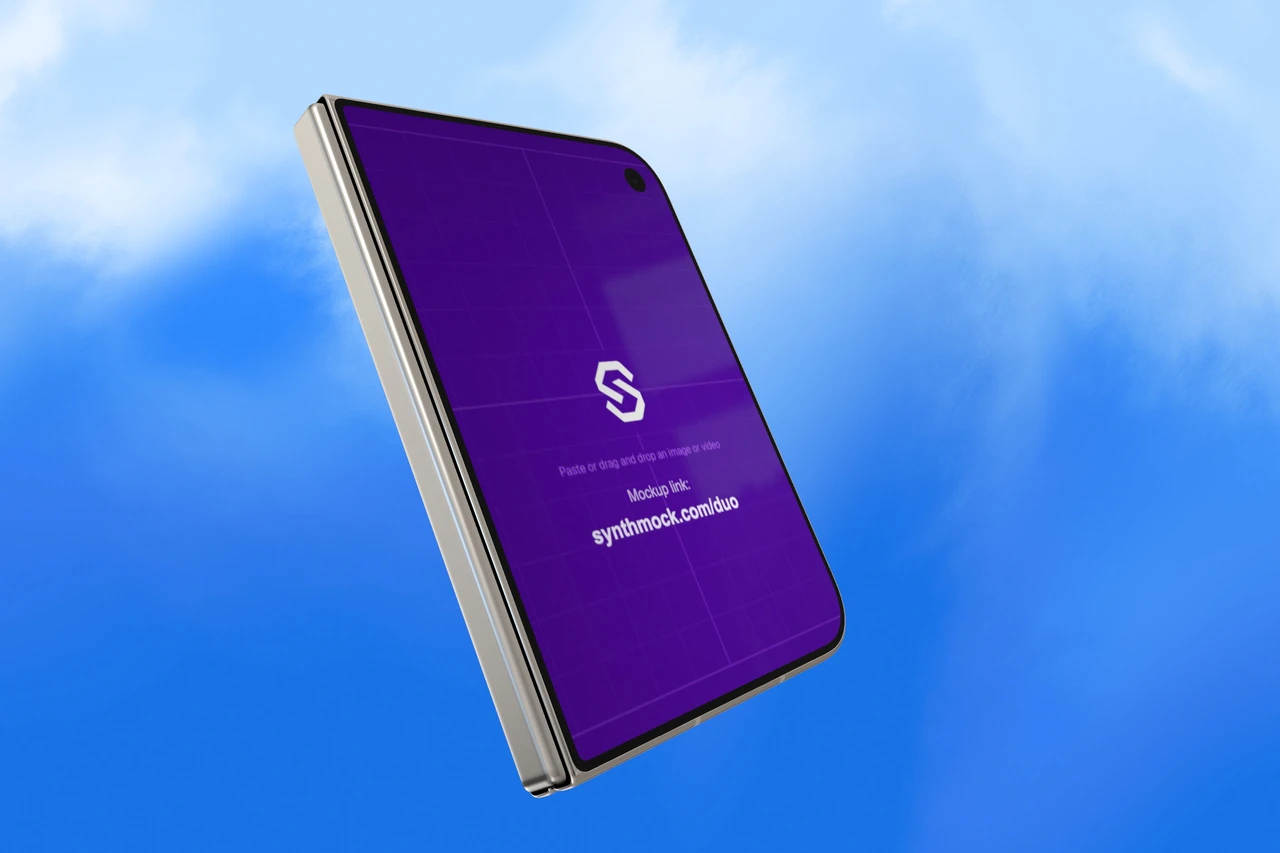
Skip the setup
Ready-to-use iPhone Duo templates from our shared collection. Keep the scene, add your screens and make it yours.
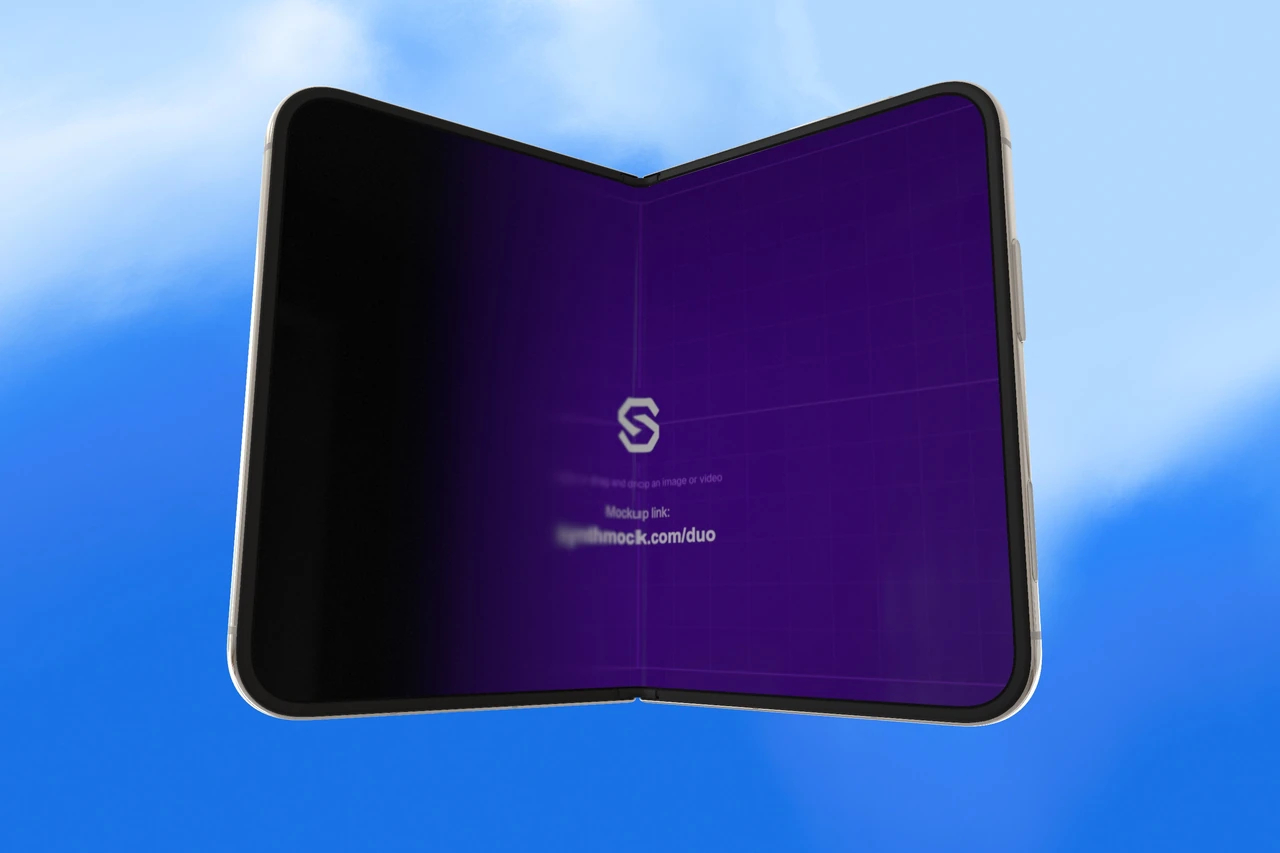
Small screen. Bigger possibilities.
Give each display its own design. Show a focused mobile view on the cover, then open the device to reveal a more expansive layout inside. Your artwork stays at the center of the presentation.
Recommended artwork dimensions in SynthMock, width × height. Use separate images for the best fit on both screens.
Build your two-screen mockupFrom screenshot to showcase
Create an iPhone Duo mockup in your browser. No Photoshop files, plugins or 3D modeling experience needed.
Pick a Duo template for an existing composition and motion setup. Or open the iPhone Duo model to build a scene from scratch.
Upload your cover and inner-screen artwork. Choose Star White or Night Sky, adjust the fold and camera angle, then set the lighting and background.
Compose a still for your website or portfolio, or build an animated sequence for a launch. Use a paid plan to export your finished images and videos.
Built for the work you share
Use the same visual language across your launch, from a single hero image to a sequence that shows how your app works.
Pair a clear view of your interface with camera movement and a fold reveal that introduces the larger screen.
Show how your design adapts across both displays. Keep the camera, finish and background consistent with your brand.
Frame a screen-led hero image, an angled detail or an open-device view. Export a still that fits your page layout.
A few useful answers
An iPhone Duo mockup places your app artwork on a 3D foldable phone model. In SynthMock, you can show the compact cover screen, open the device to reveal the larger inner screen, and compose the result with your own camera angle, lighting and background.
Yes. Add separate artwork for the small cover screen and the larger inner screen. For the best fit in SynthMock, prepare the cover artwork at 1291 × 1878 px and the inner artwork at 2670 × 1878 px, width × height. These are recommended artwork sizes for the mockup, rather than device hardware specifications.
Yes. Adjust the fold angle to frame a closed, partially open or fully open view. Choose Star White or Night Sky, then refine the device rotation, camera and lighting to suit your design.
Yes. Use the SynthMock web editor to build camera moves, fold animation and multiple shots. Start with an existing Duo template, replace the screen artwork and refine the motion for an app launch, social post or product presentation. Video export requires a paid plan.
You can browse the collection and preview the templates for free. A signed-in account with a paid plan is required to use a template, edit it as your own project, or export images and videos.
No. SynthMock runs in your browser. Choose a ready-to-use template or start with the iPhone Duo model, add your artwork and adjust the scene visually. With Pro, export still images as PNG, JPEG or WebP, or export an animated video.
Your screens deserve a great scene
Start with a ready-to-use iPhone Duo template. Make every angle your own.