 SynthMock
The SynthMock device collection
3D device mockups.
Made for your work.
3D device mockups for the work you want to show. Find your iPhone, MacBook, iPad or watch, add your screens and make every angle your own.
15 models. One creative workspace. Paid plan required for exports.
 Made in SynthMockYour screens. Every angle.
iPhone mockups
A closer look at your app.
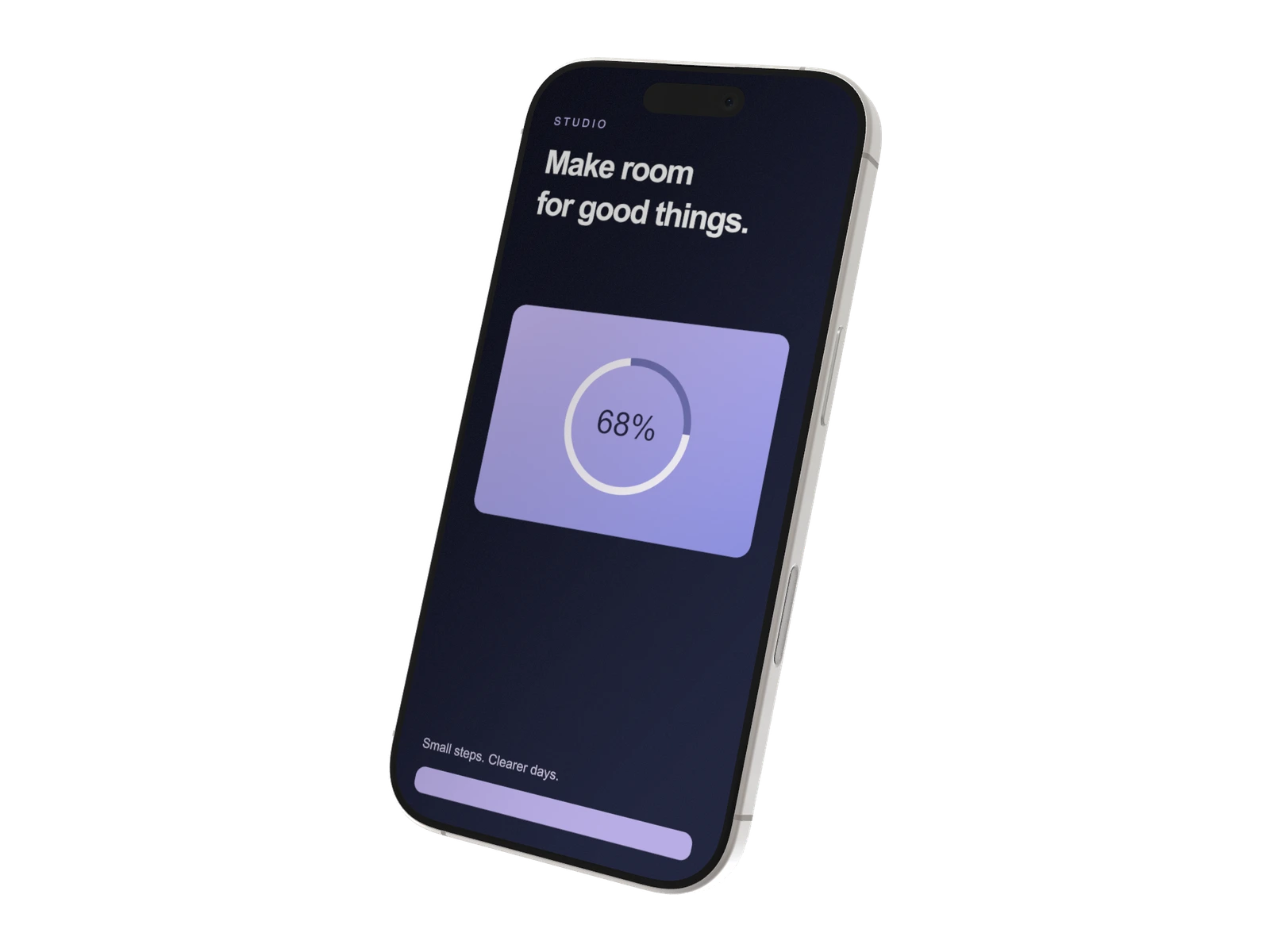
Portrait screens for mobile interfaces, plus a foldable canvas for designs that open up.
 Ready-to-use templates
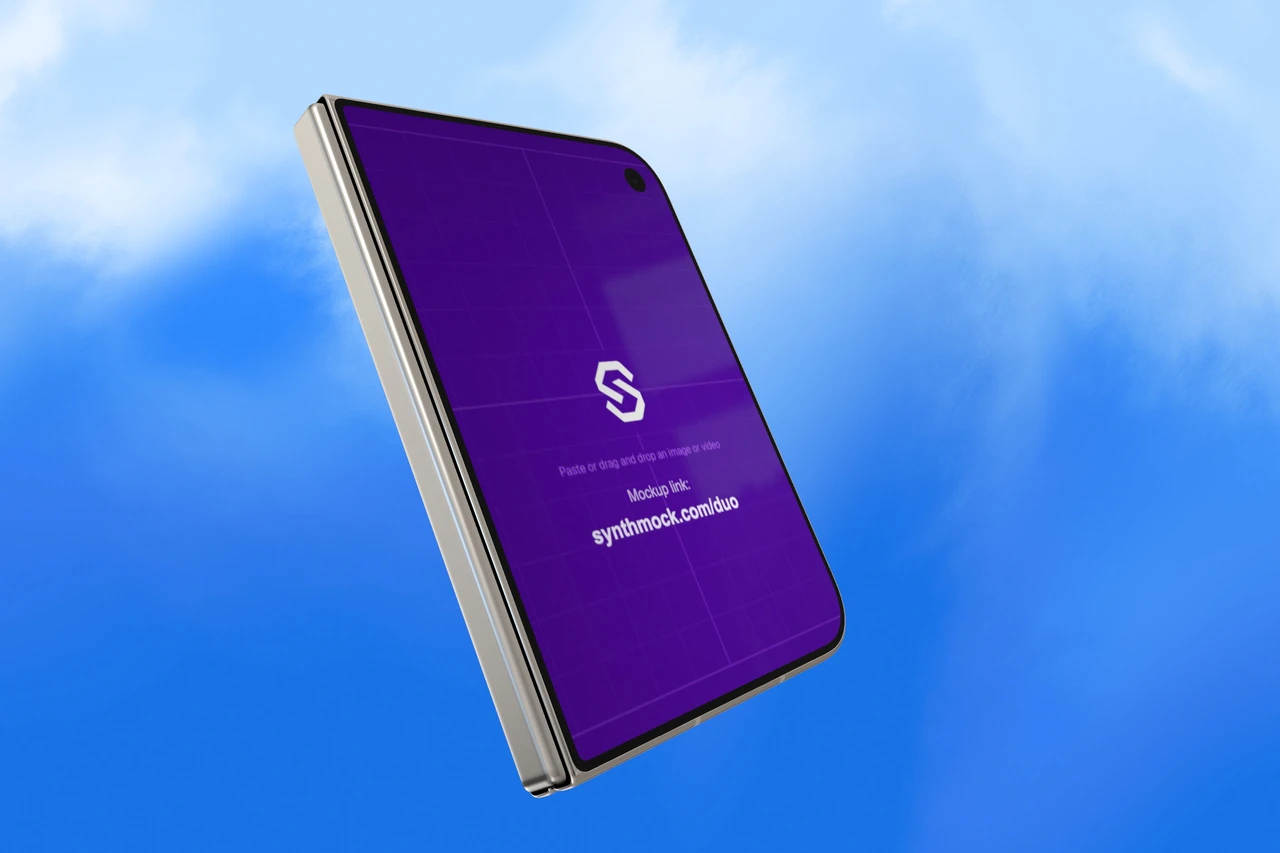
iPhone Duo
2 screens · Adjustable fold
iPhone 17
5 finishes · 1206 × 2622 px
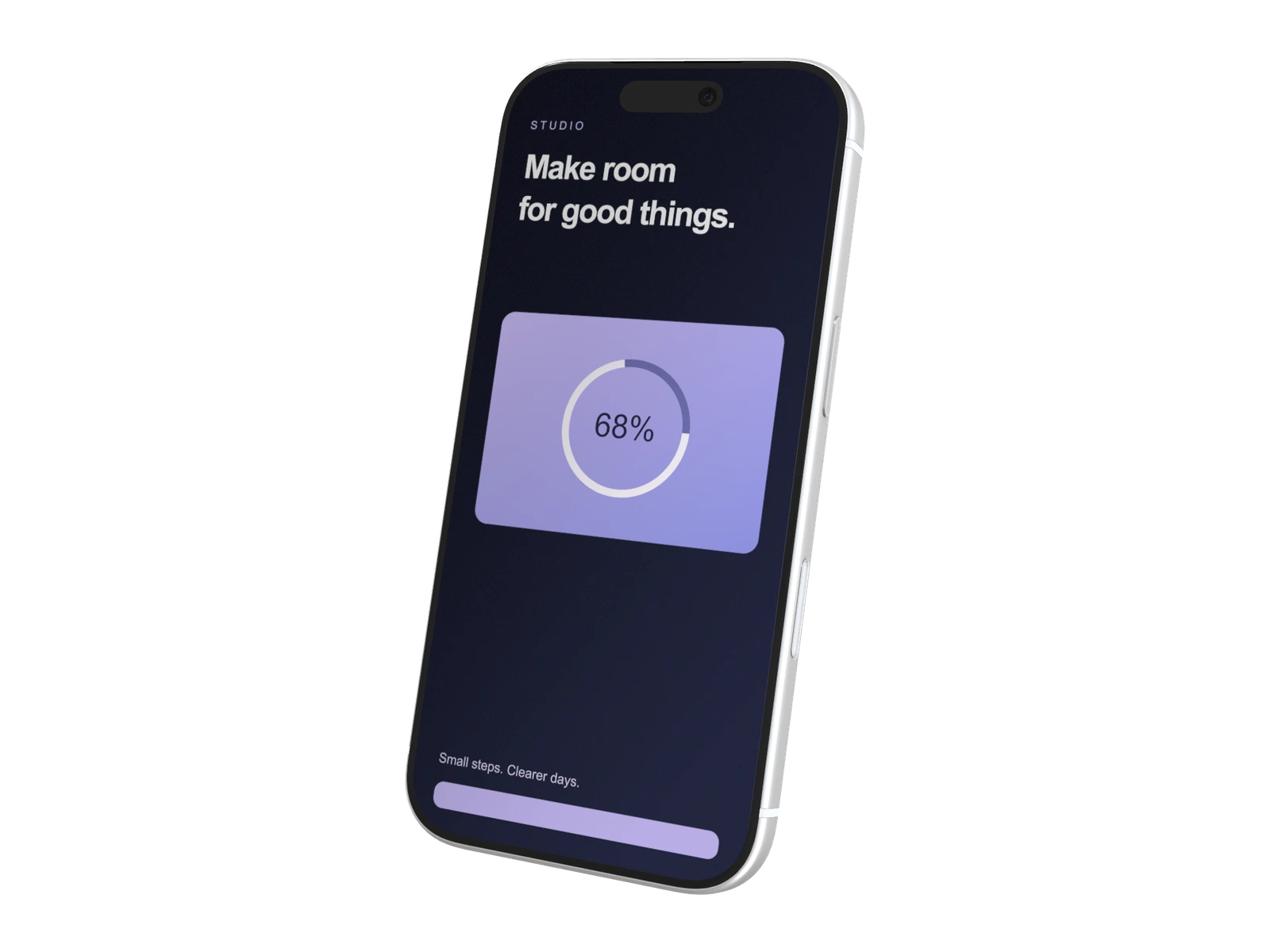
iPhone 17 Pro
4 finishes · 1206 × 2622 px
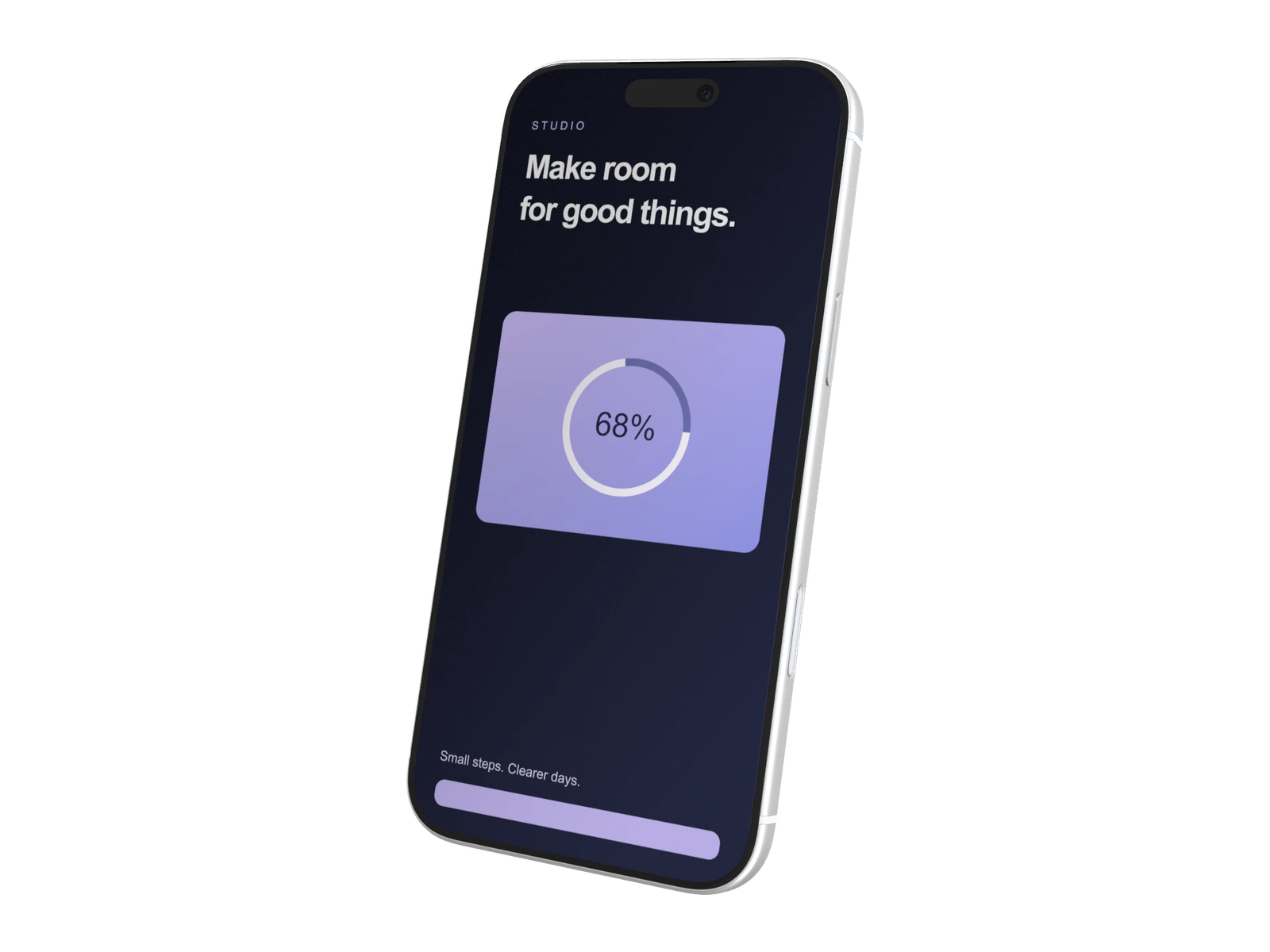
iPhone 17 Pro Max
4 finishes · 1320 × 2868 px
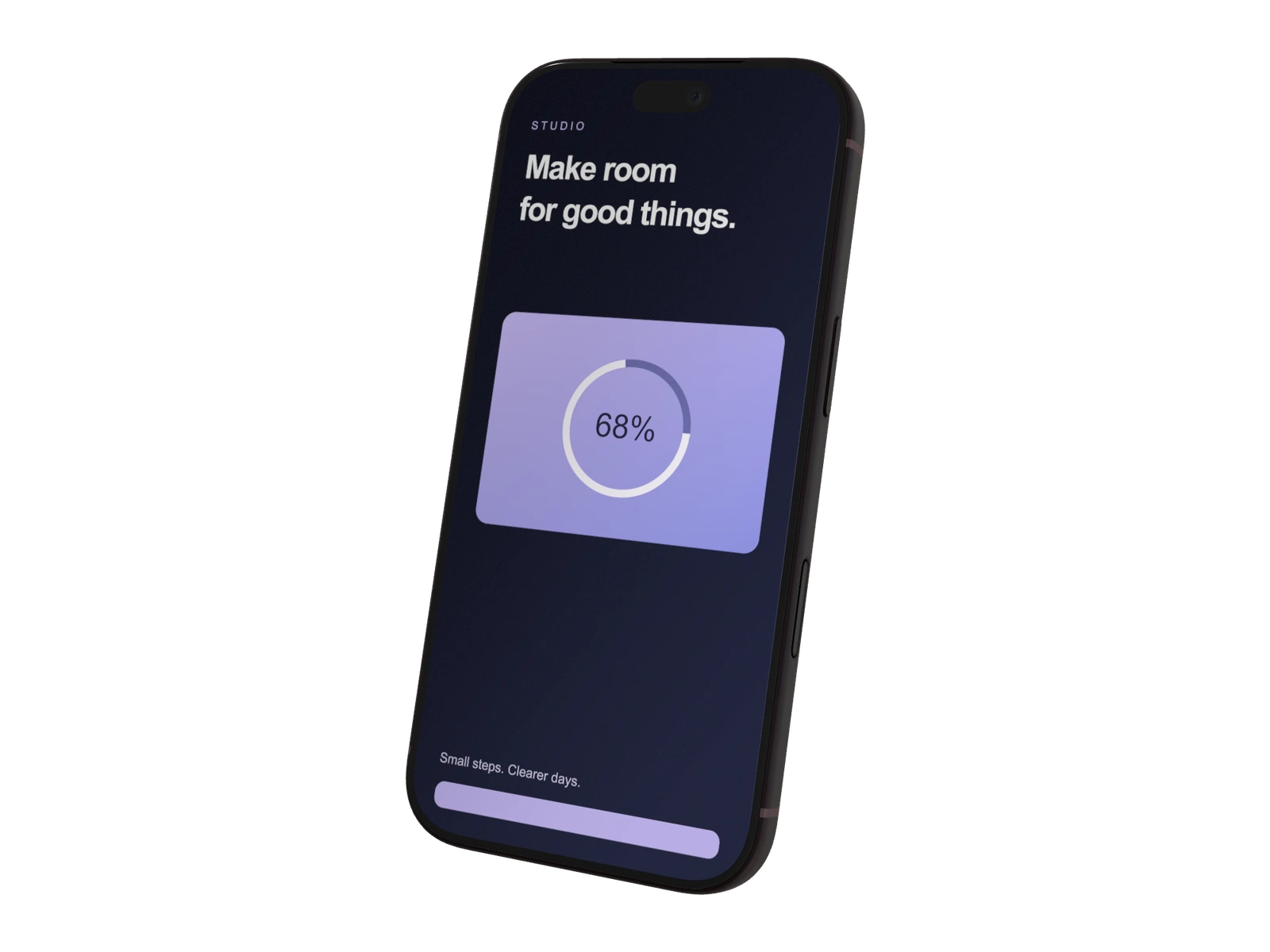
iPhone 18 Pro
4 finishes · 1206 × 2622 px
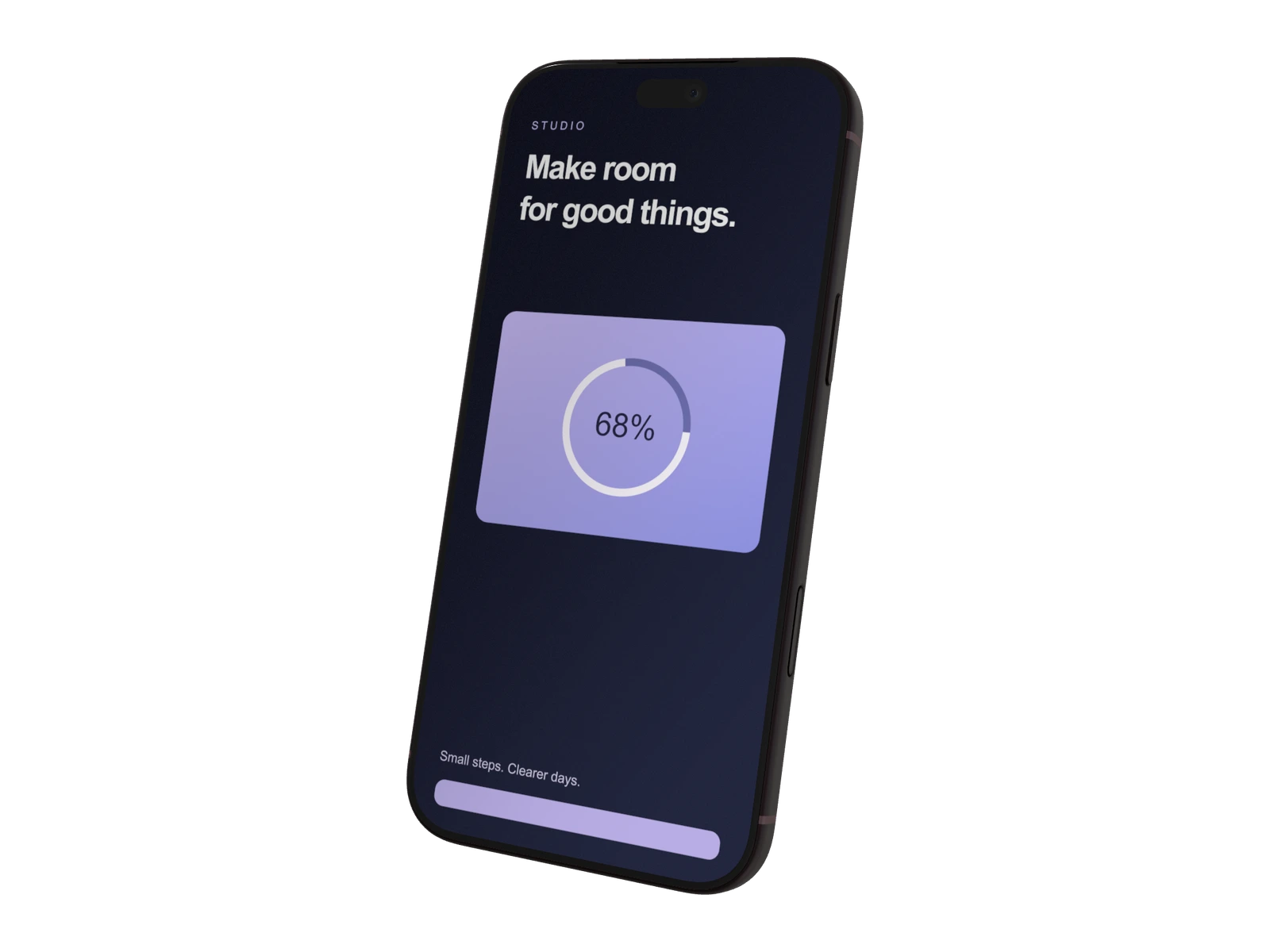
iPhone 18 Pro Max
4 finishes · 1320 × 2868 px
Choose a standard or Pro iPhone for a focused mobile layout. Pro Max models use a larger artwork canvas. Choose Duo when your story needs a cover screen and a separate, wider inner view.
MacBook mockups
Give your next big idea a desk.
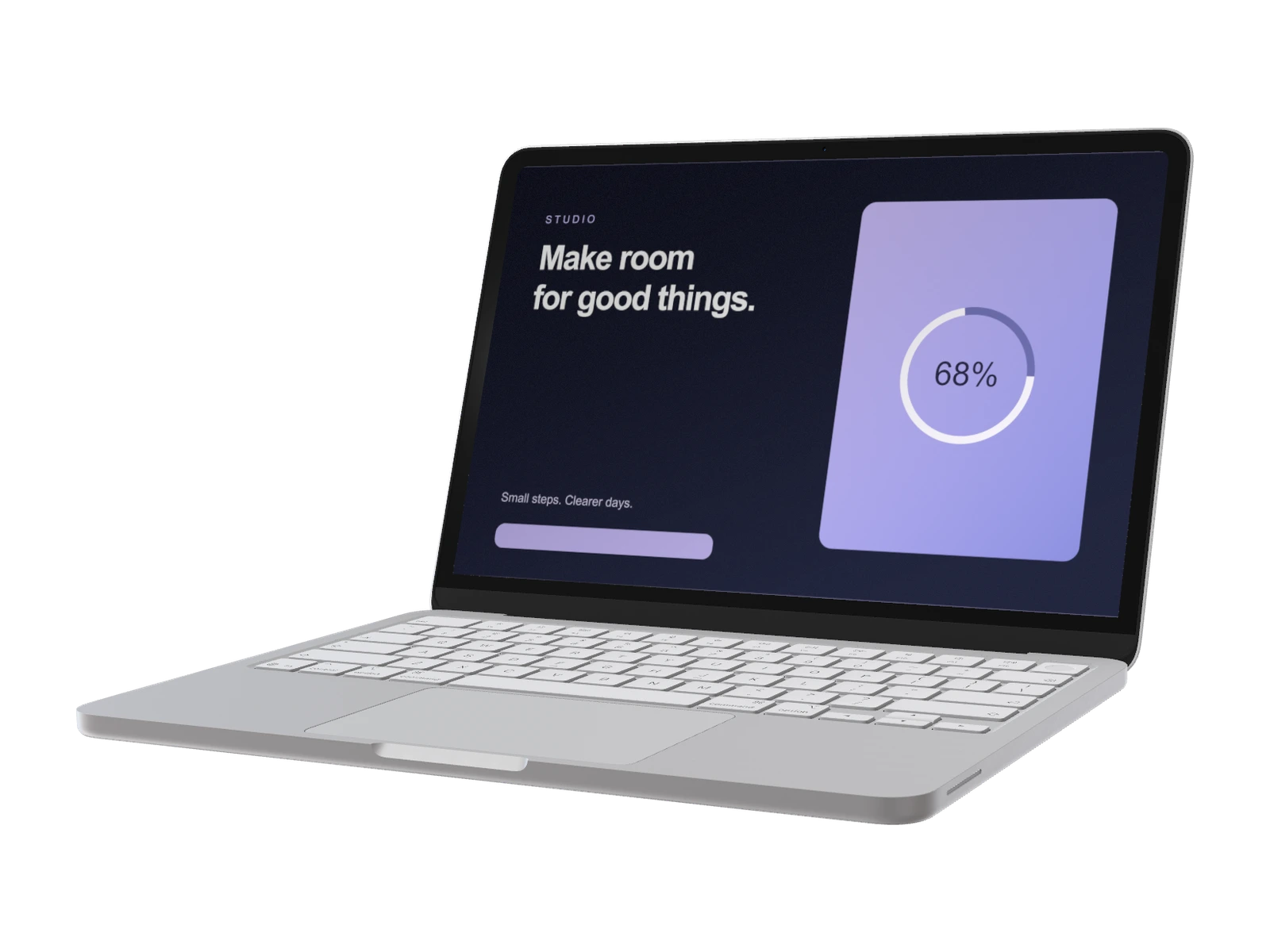
Laptop mockups for websites, dashboards and the products you build around them.
MacBook Neo
4 finishes · 2408 × 1506 px
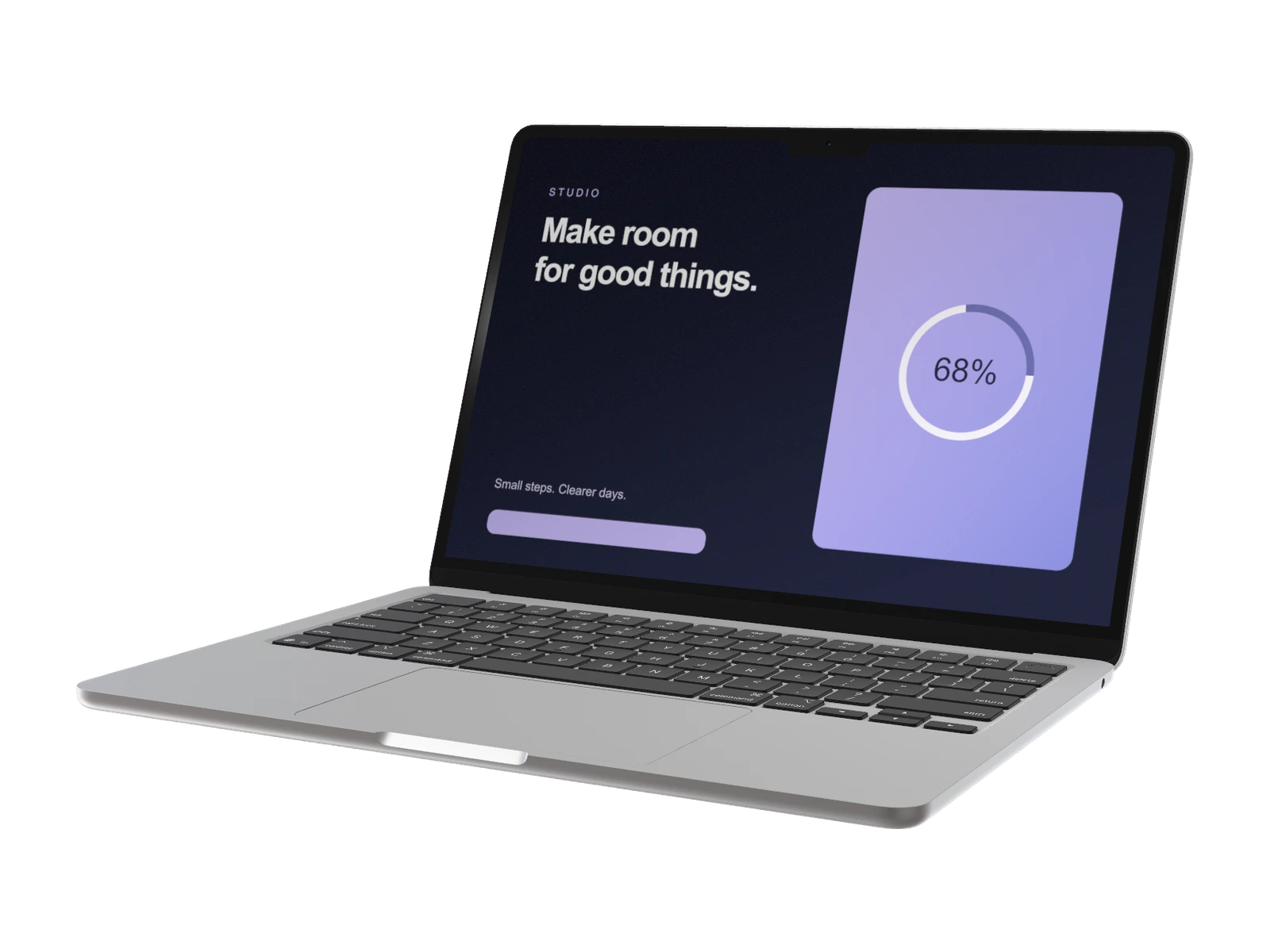
MacBook Air 13-inch
3 finishes · 2560 × 1664 px
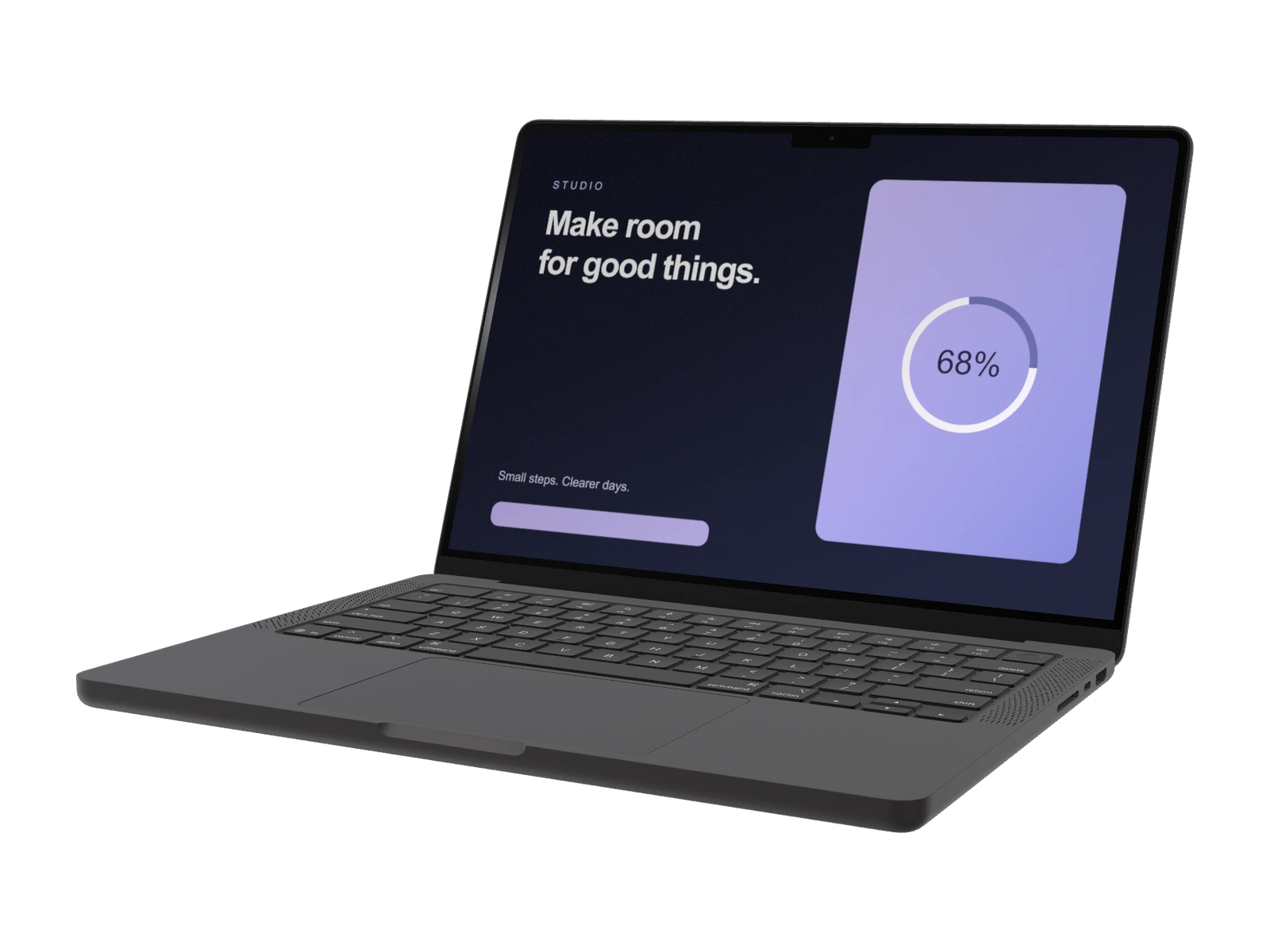
MacBook Pro 14-inch
2 finishes · 3024 × 1964 px
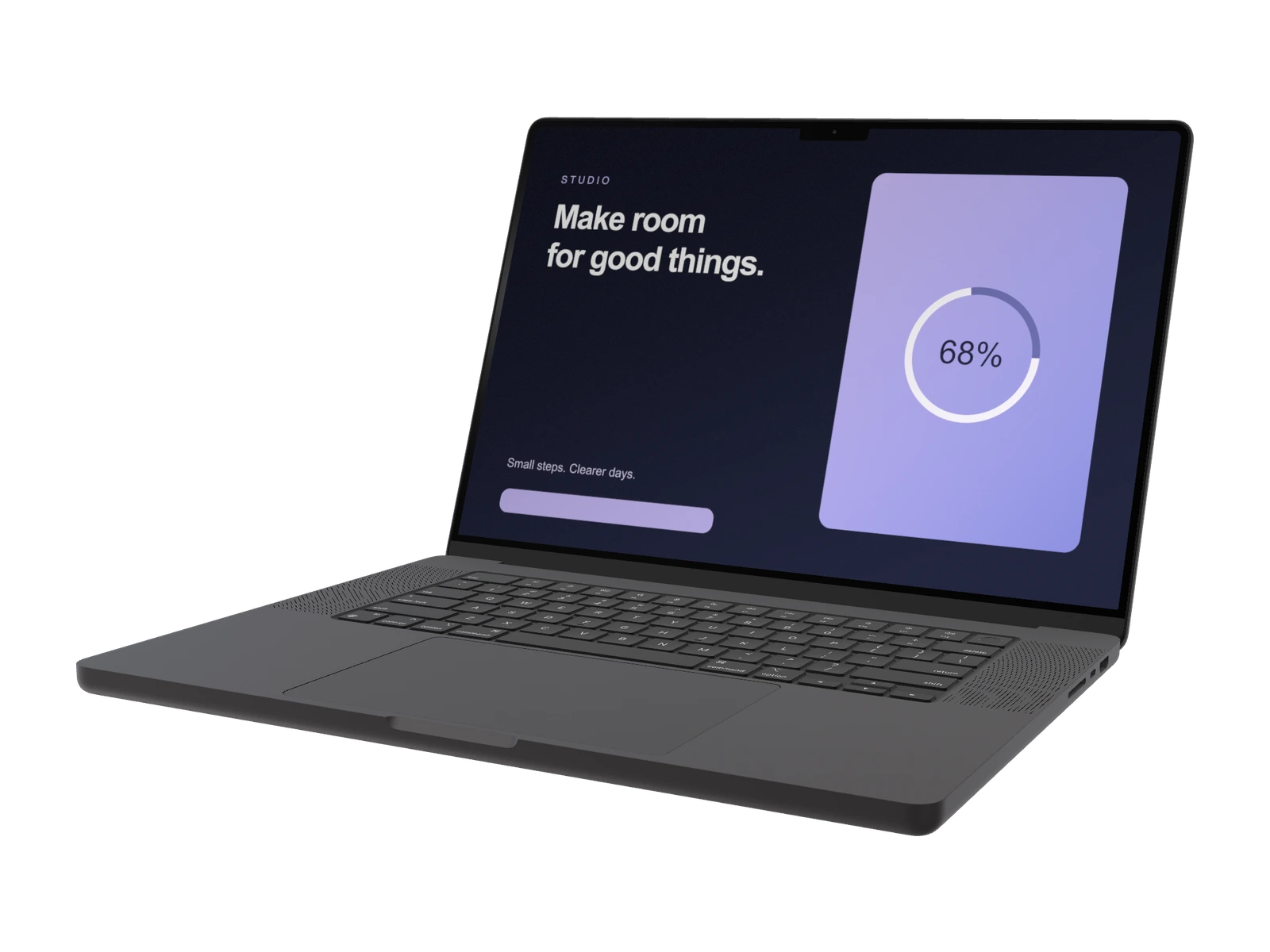
MacBook Pro 16-inch
2 finishes · 3456 × 2234 px
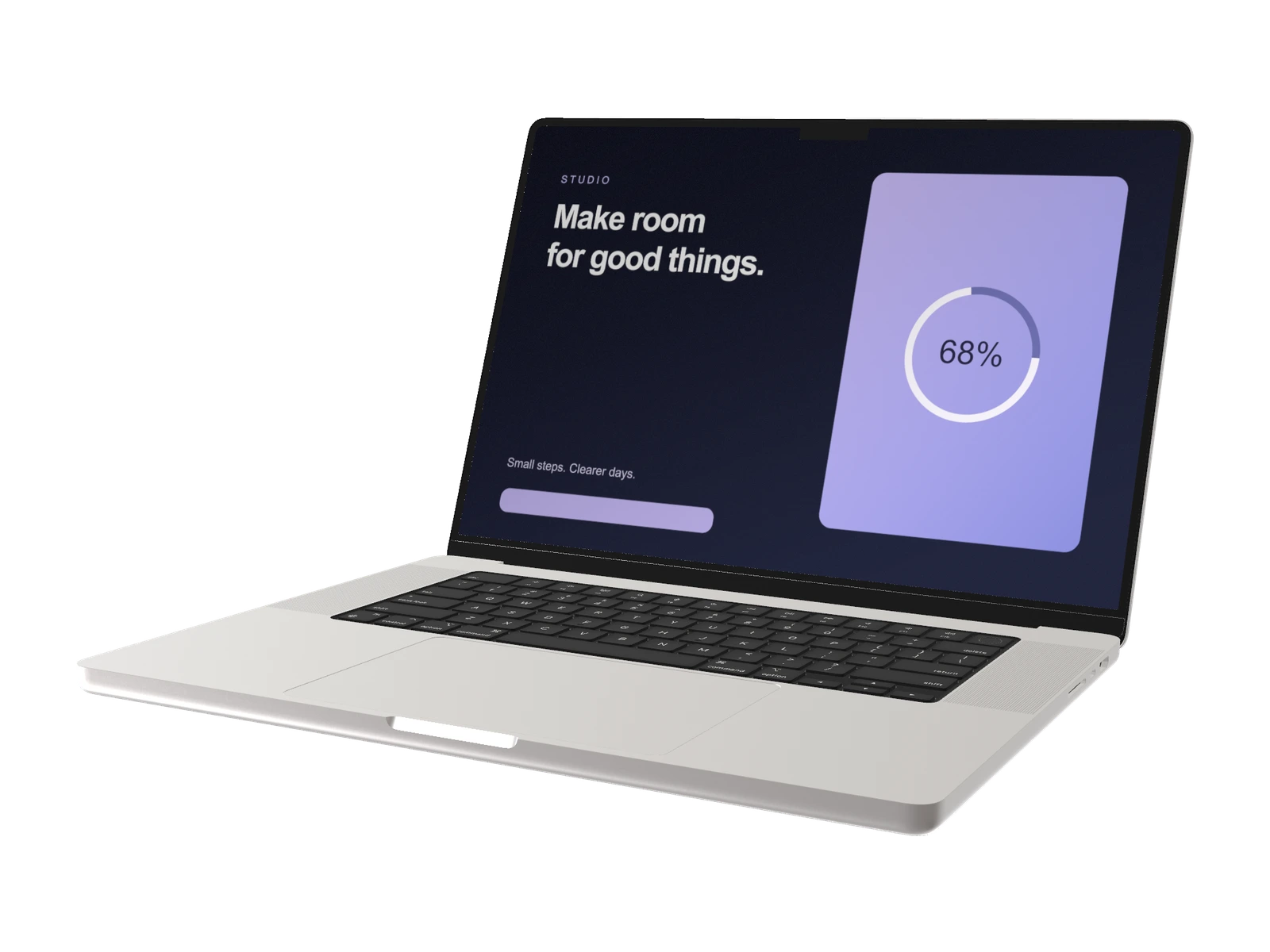
MacBook Pro M3 16-inch (2024)
3 finishes · 3456 × 2234 px
Start with your desktop layout: Neo uses a 2408 × 1506 px canvas, Air 13 uses 2560 × 1664 px, Pro 14 uses 3024 × 1964 px, and the two Pro 16 models use 3456 × 2234 px. Choose the finish and silhouette that complement the page.
iPad mockups
More space for your interface.
Tablet scenes for creative tools, editorial layouts and touch-first products.
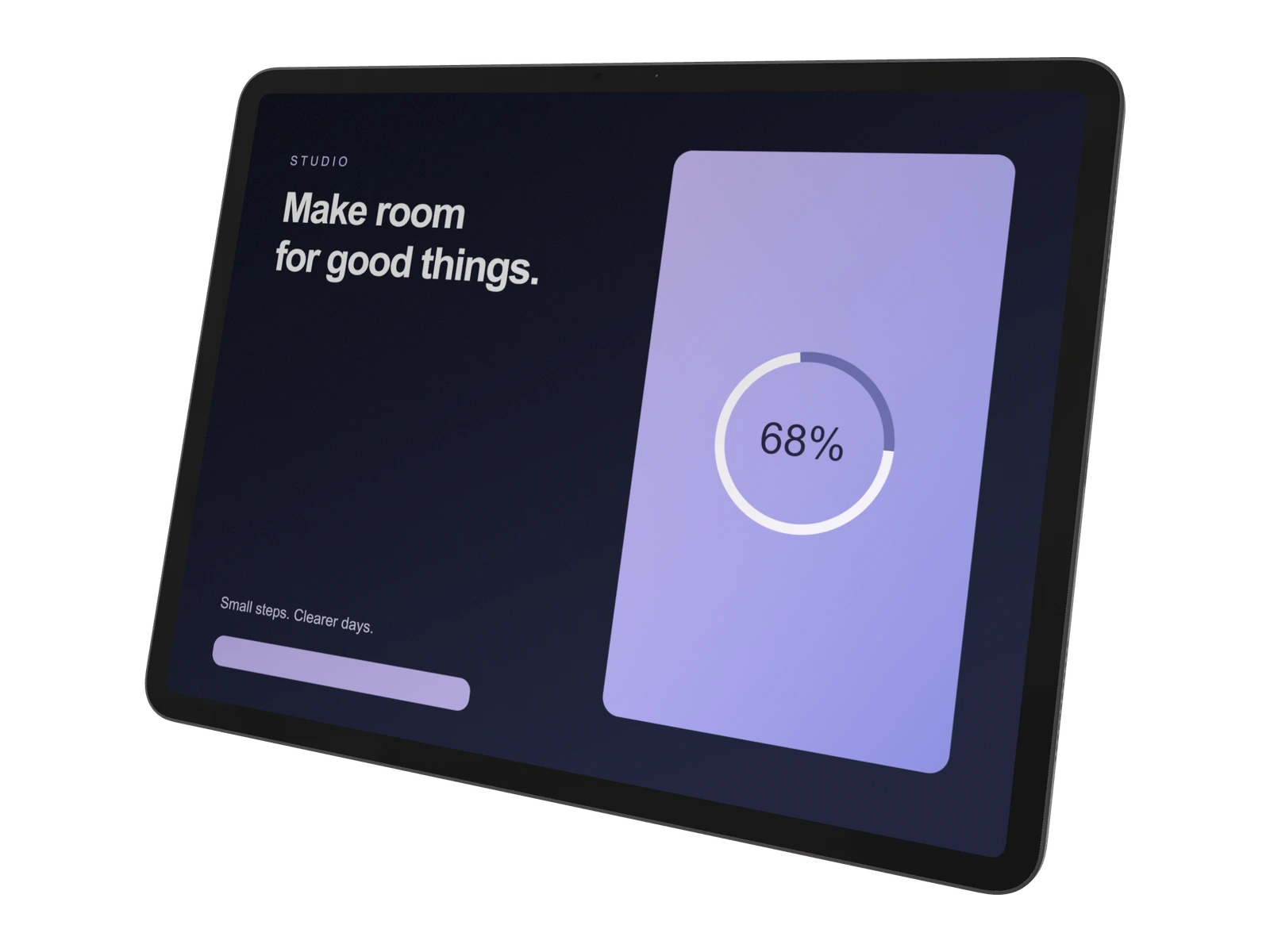
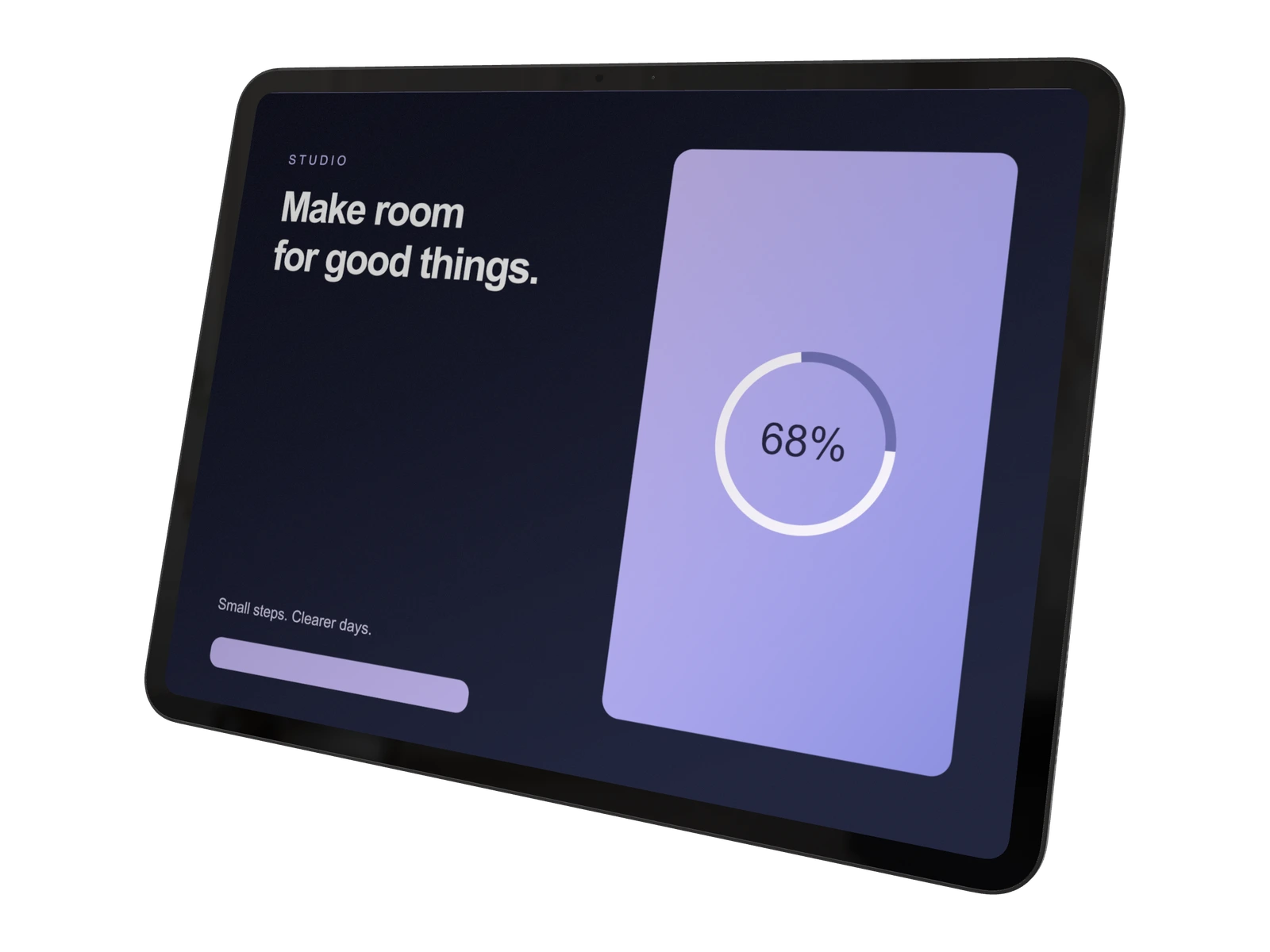
Air offers Space Gray, Blue, Purple and Starlight; Pro offers Space Black and Silver. Both include a case-and-keyboard option. Prepare landscape artwork for the default scene, then compose the tablet for your presentation.
Apple Watch mockups
Make the small moments stand out.
Put wearable interfaces and at-a-glance information in focus.
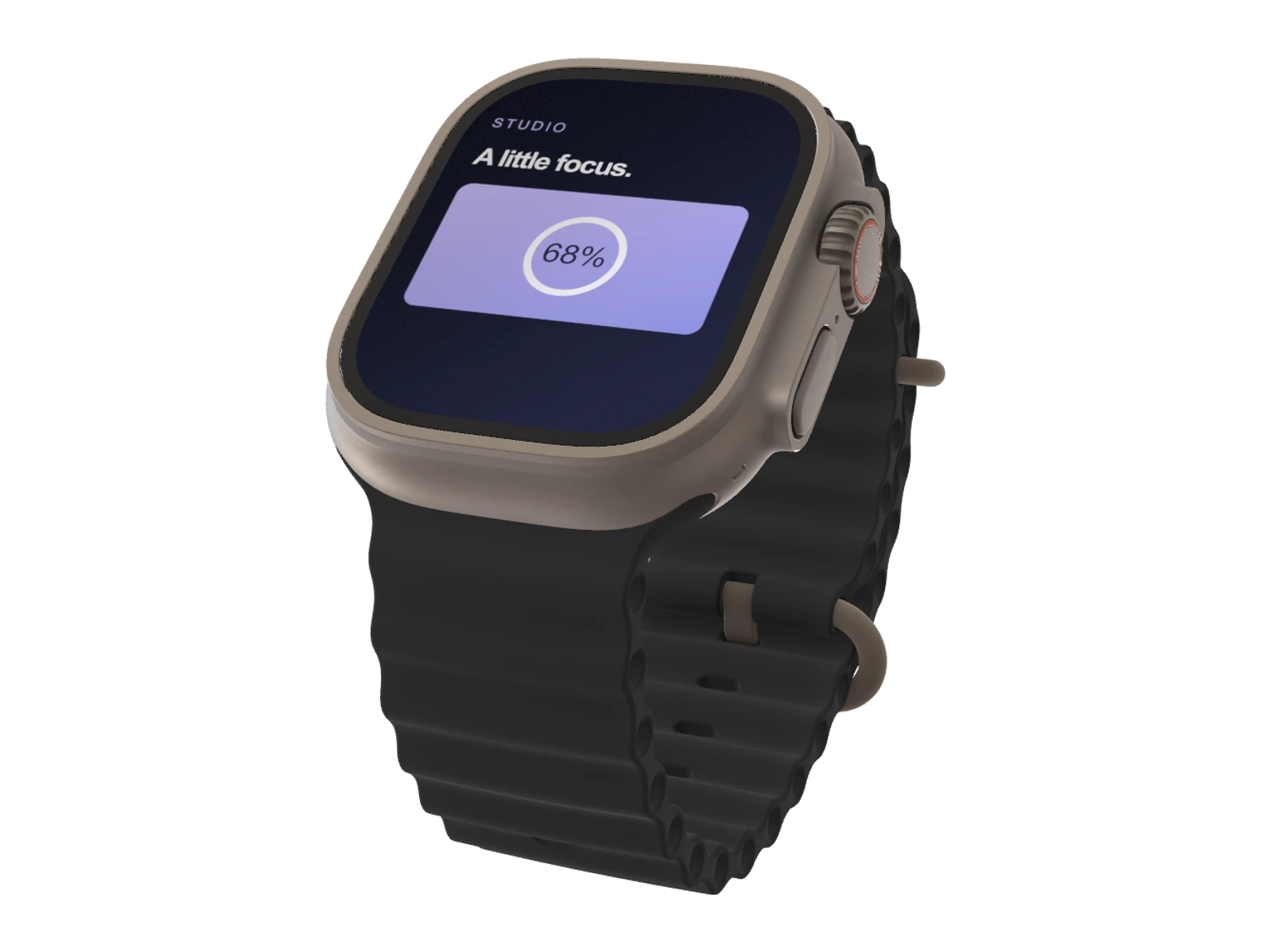
Use the Watch Ultra 3 to showcase a single metric, notification or short interaction. Keep the interface simple enough to read at the final image size and coordinate the band color with your campaign.
Desktop display mockups
Room for the whole picture.
A desktop display for expansive web layouts and detailed product stories.
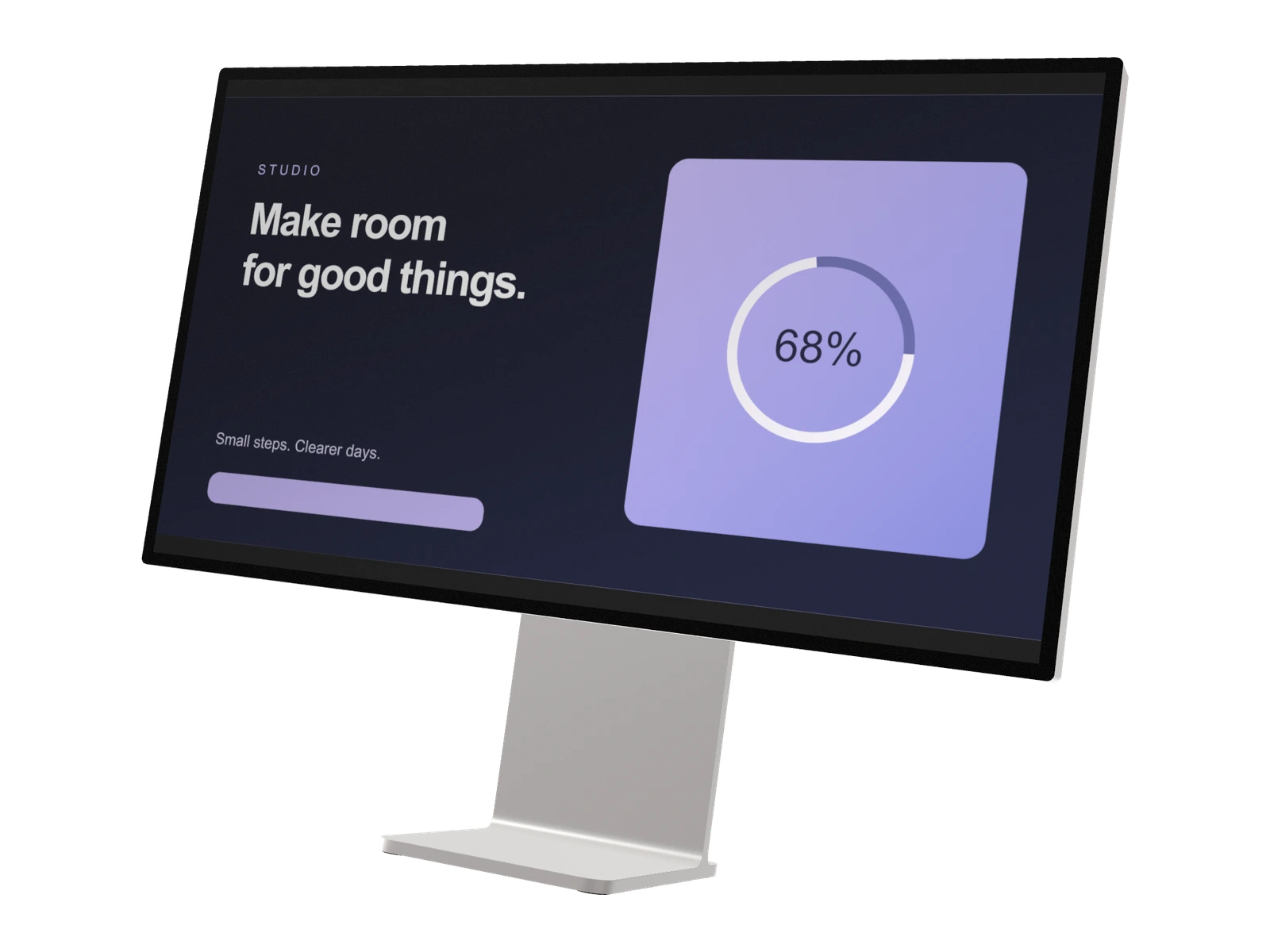
Pro Display XDR gives a wide 5515 × 2884 px artwork canvas. Use it for multi-column dashboards or a desktop workspace, then move the camera closer for a readable detail shot.
A head start on your next launch
Ready-made scenes.
Ready for your app.
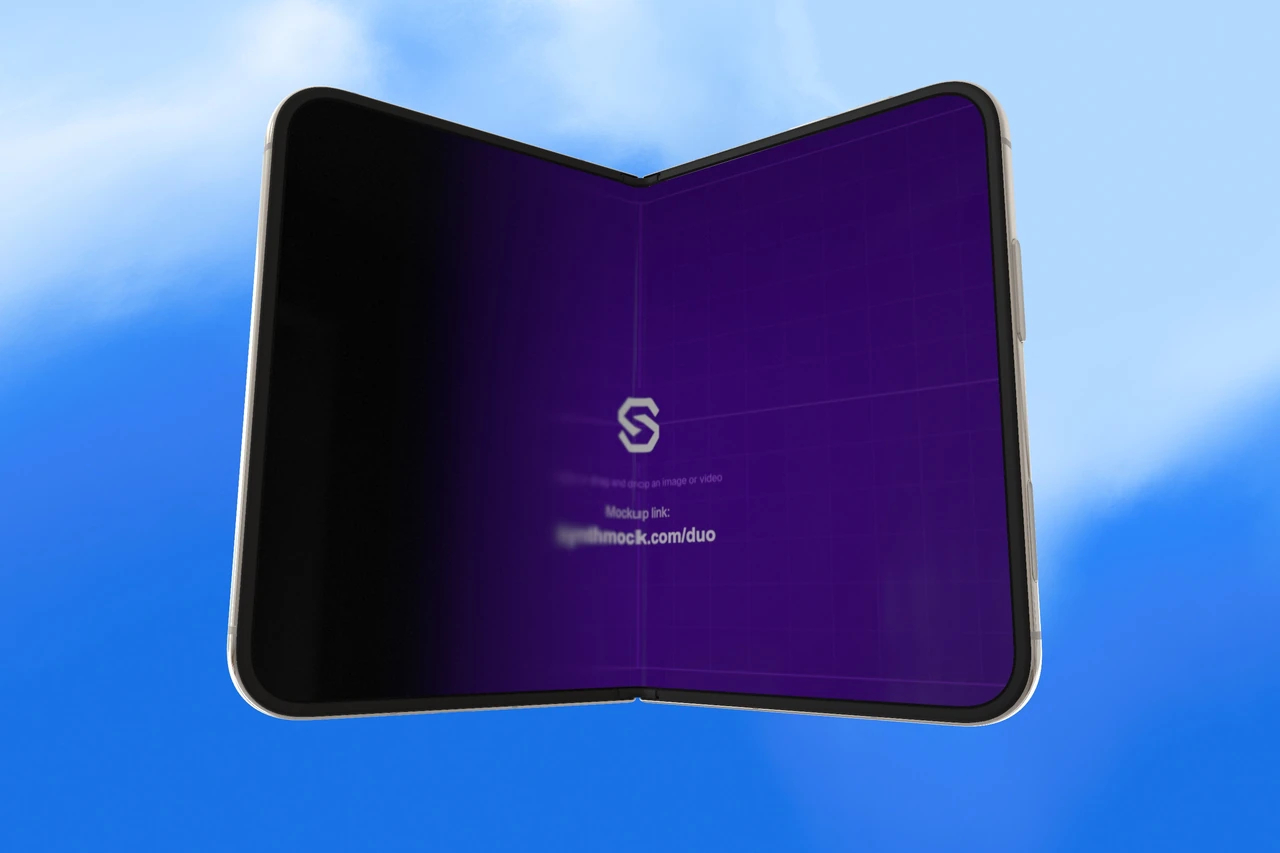
Explore the iPhone Duo collection for composed shots, fold reveals and motion you can build on. Preview the templates, then use a paid plan to add your artwork and make them yours.
Explore Duo templatesFrom interface to image
Your work, in its best light.
- 01
Find the right device
Choose the model that suits your interface. Each guide includes available finishes, useful controls and recommended artwork dimensions.
- 02
Make the scene yours
Upload your screen, frame the camera and refine the lighting. Match the background to your brand, then check the crop and readability.
- 03
Create something worth sharing
Export a still image with a paid plan, or add motion in the web editor for a product launch, social campaign or presentation.
Good to know
Before you create.
What is SynthMock?
SynthMock is a browser-based 3D device mockup generator for presenting apps, websites and UI designs. Choose a device, upload your screen artwork and adjust the camera, body finish, lighting and background. The web editor supports still images and animated video sequences.
Which device mockups can I use?
The directory covers iPhone 17, 17 Pro, 17 Pro Max, 18 Pro, 18 Pro Max and Duo; MacBook Neo, Air 13-inch, Pro 14-inch and two Pro 16-inch models; iPad Air and Pro; Apple Watch Ultra 3; and Pro Display XDR. Each guide links to its corresponding model in the editor.
Can I use these mockups for website and app presentations?
Yes. Upload your own interface artwork and compose it for a website hero, portfolio, pitch deck or social campaign. Start with a clearly readable screen, then use rotation, lighting and backgrounds to support the design.
Are mockup exports free?
Browsing these guides and previewing the Duo template collection is free. A paid plan is required to export images or videos and to use shared templates as your own projects. Pro models also require access through a paid plan in the editor.
Do I need Photoshop or a 3D application?
No. Build the scene in SynthMock's web editor. Upload your screen image, choose the device and make adjustments visually. You do not need to download a PSD or edit the underlying 3D model.
Which image and video formats can I export?
With a paid plan, export still images as PNG, JPEG or WebP. Use the web editor's video export for animated shots. Choose your output dimensions and check the final crop before export; video is created in SynthMock's web app.
Make your next impression count
One screen can tell a great story.
Choose a device and turn your interface into a scene that feels like your brand.