 SynthMock
Small screen. Clear impact.
Apple Watch Ultra 3
mockup generator.
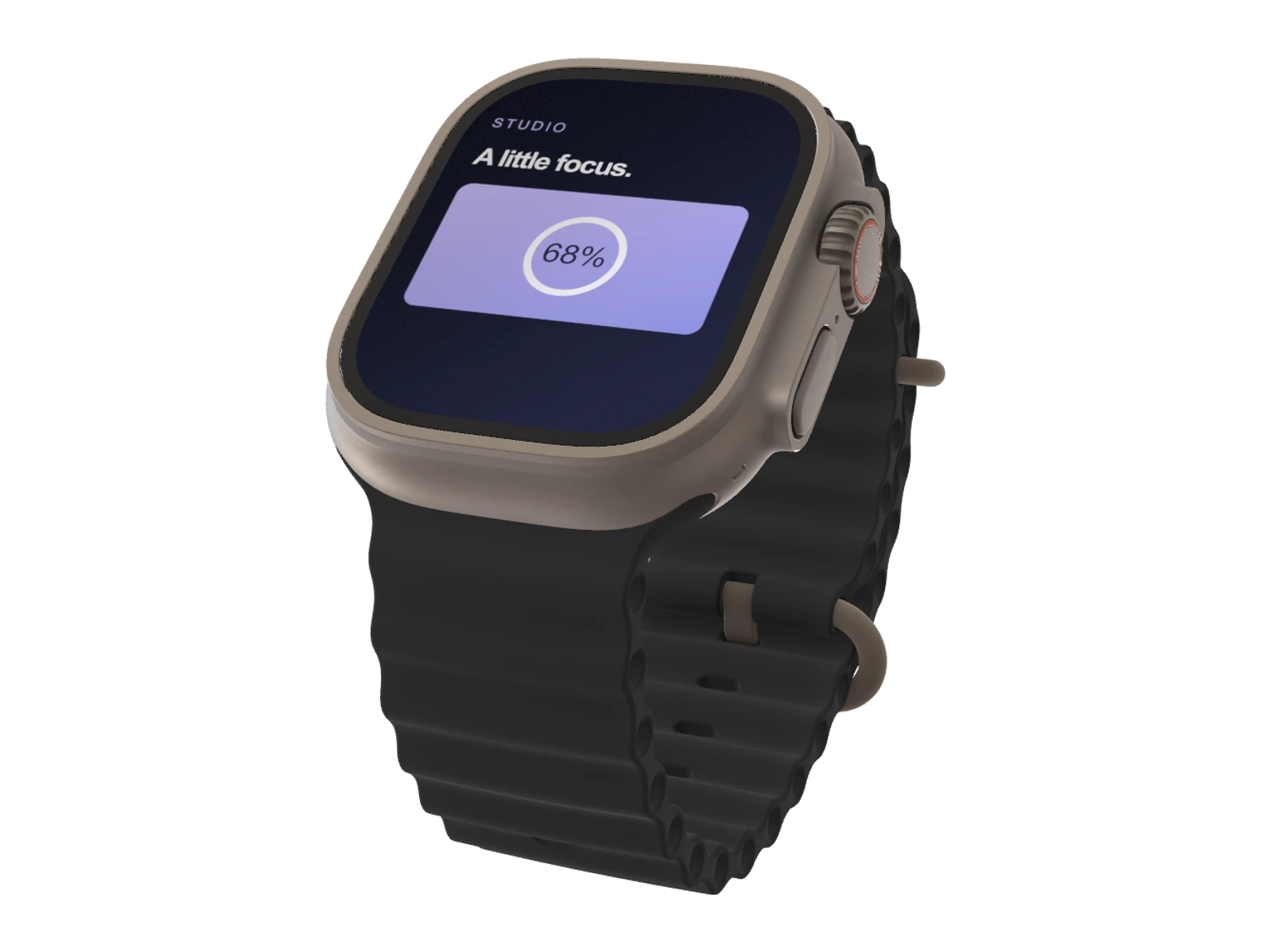
Create Apple Watch Ultra 3 mockups for wearable apps and glanceable interfaces. Choose Titanium or Black, customize the band color and bring your watch design into a 3D scene.
Pro model. A paid plan is required to use this model and export.
Made for this model
Start with the right canvas.
- Recommended artwork
- 1266 × 1542 px
- Available finishes
- Titanium, Black
Artwork dimensions are width × height for the default SynthMock screen layout. They describe the mockup canvas, not the device's physical display specifications.
Useful for
- Fitness and activity apps
- Wearable UI portfolios
- Notification and glance previews
Your scene, your decisions
Find a considered angle.
Show one idea at a time: a key metric, an activity ring or a short message. Keep the watch face large in the composition, and use the band color to connect the device to your visual identity.
- Camera rotation, position and framing
- Lighting, reflections and backgrounds
- Custom band color
Create in your browser
From your screen to the scene.
- 01
Open Apple Watch Ultra 3
The create button selects this model in the editor. Choose Titanium, Black to complement your artwork.
- 02
Add your interface
Upload a sharp screenshot at 1266 × 1542 px for the default canvas. Refine the crop, camera and lighting until the important details read clearly.
- 03
Finish your presentation
Choose a background and output dimensions. Use a paid plan to export a PNG, JPEG or WebP image, or build an animated sequence in the web editor.
Good to know
Before you create.
How do I create a Apple Watch Ultra 3 mockup?
Open the Apple Watch Ultra 3 model in SynthMock, add your screen artwork and adjust the camera, body finish, lighting and background. A paid plan is required to export the finished image or video and access this Pro model.
Can I customize the Watch Ultra 3 band color?
Yes. Alongside Titanium and Black body finishes, SynthMock provides a band-color control. Match it to your campaign or use a neutral color to keep attention on the watch face.
What image size works best for Apple Watch Ultra 3?
Prepare artwork at 1266 × 1542 px, width × height, for the default screen layout. These are recommended dimensions for the SynthMock mockup canvas, not hardware specifications. Check the crop after changing orientation and use a sharp source image so interface text remains readable.
Which Apple Watch Ultra 3 finishes are available?
This SynthMock model offers Titanium, Black. Choose your finish in the editor, then adjust the lighting to make the device edge distinct from the background.
Can I use this mockup in a product video?
Yes. The SynthMock web editor supports multiple shots and animated camera movement. Start with a clear still composition, then add motion to showcase your interface. A signed-in account with a paid plan is required for image and video exports.
Keep exploring
Another angle on your work.
Make it your own
Your next Apple Watch Ultra 3 mockup starts here.
Bring your artwork. Shape the scene. Create a visual that makes your product the focus.