 SynthMock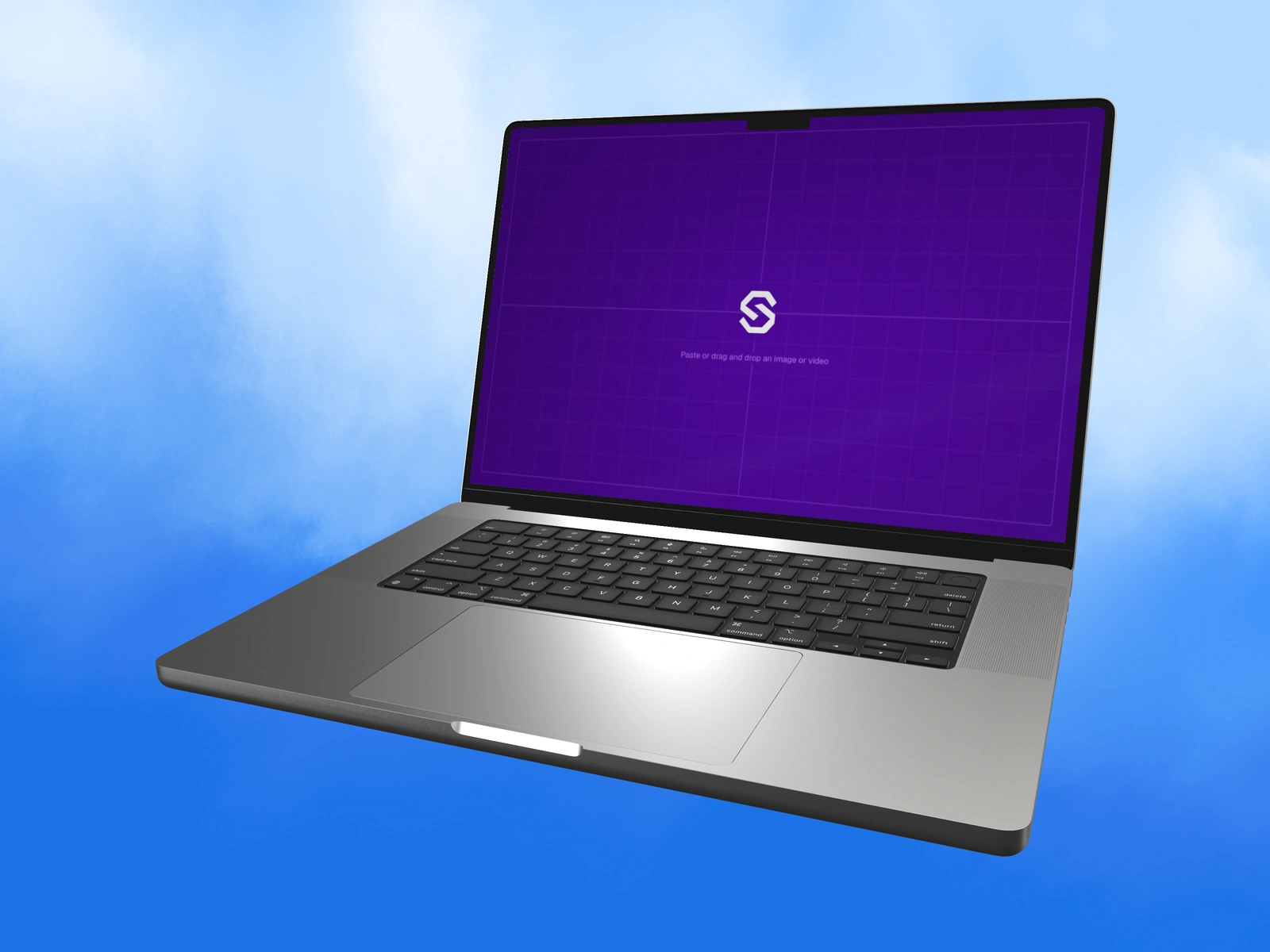
A cross-device family should feel related without pretending the interfaces are identical. Preserve the product identity and scene character while giving each device the artwork and framing its role requires.
Try it in SynthMock
Bring your own screen.
Open the device in the editor and use this article alongside your own artwork.
A paid account is required to export images or videos. View plans
Let each device make a different contribution
The family becomes more informative when each image has a job. These roles are suggestions for a brief, not restrictions on how a product may be used.
| Context | Possible role | Source requirement |
|---|---|---|
| Phone | A compact selected task | A credible mobile layout |
| Tablet | Focused review or a wider touch workspace | An appropriate orientation and supported interface |
| Laptop or display | Detailed creation or an overview | A readable desktop state |
| Wearable where relevant | A single timely cue | A genuine supported glanceable state |
Match the art direction, not every camera number
Different physical forms need different framing. An angle that flatters a laptop can obscure a tablet's interface, and a small watch may need a separate detail view. Keep the light's character and palette coherent while adjusting each camera to the device's purpose.
Review the assets together at their intended relative sizes. Avoid making one device appear to prove a physical size relationship when the images were framed independently. Provide a source and output list for each model, using SynthMock's actual artwork recommendations rather than nominal hardware dimensions. A useful family communicates one product across several contexts while preserving the differences that make those contexts meaningful.
Final pass
Before you call it finished
- Keep one product task and visual identity across the family.
- Prepare separate truthful sources for each device.
- Adapt framing to each form without implying measured scale.
Put the idea on a screen.
Explore device mockups ↗