 SynthMock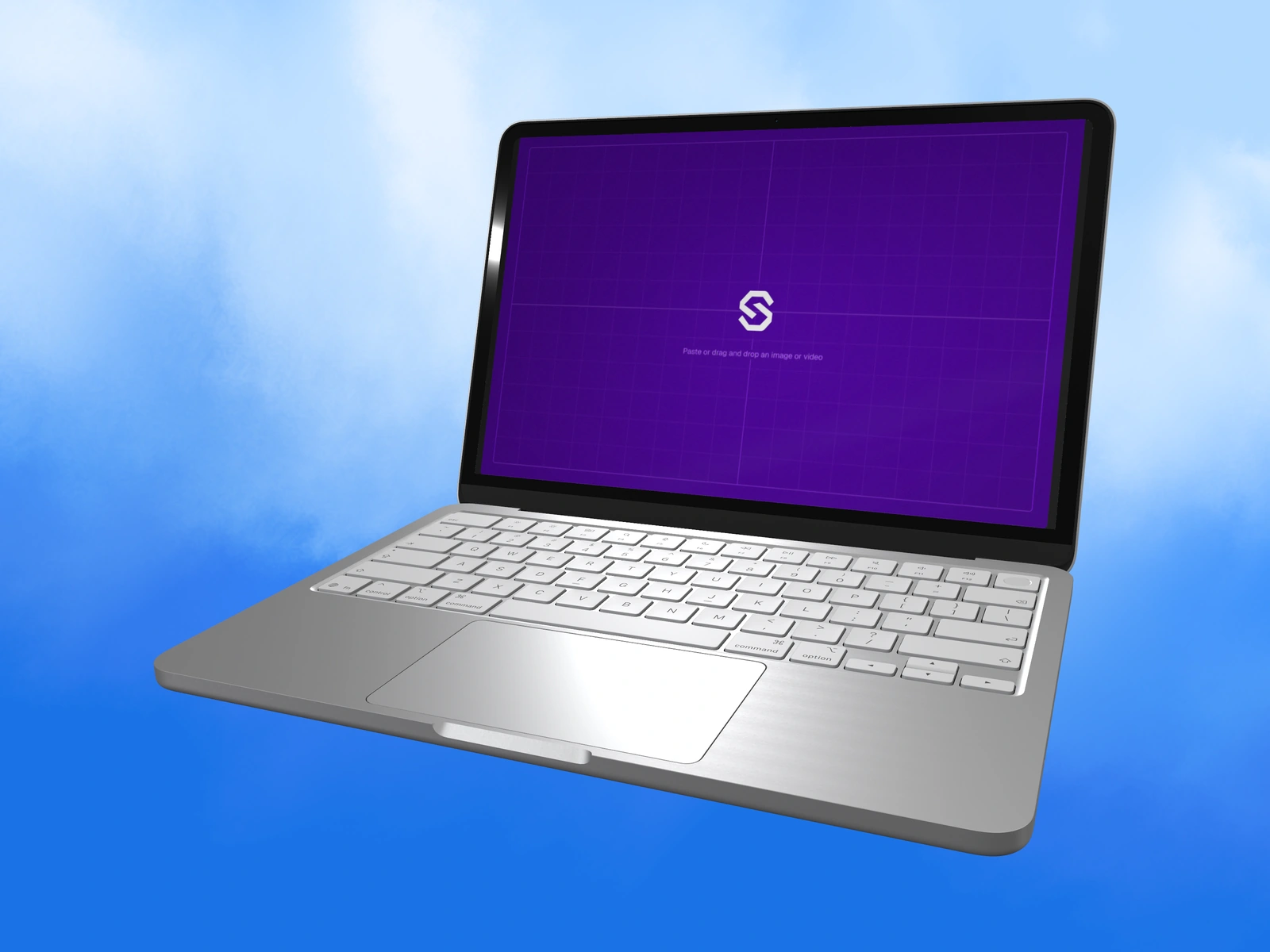
The lid and camera work together. Open the laptop enough to show the website, then choose a viewpoint that makes the keyboard and screen support the same composition.
Try it in SynthMock
Bring your own screen.
Open the device in the editor and use this article alongside your own artwork.
A paid account is required to export images or videos. View plans
Choose a model with the control you need
Start with MacBook Neo, the model opened by this guide. Its Lid Angle spans 0° to 135°, with a 110° default. MacBook Air 13-inch and MacBook Pro 14-inch also expose that control. The two 16-inch options can have similar names, so confirm that Lid Angle is visible before planning a hinge animation; it is not available on every 16-inch variant.
Prepare artwork for the selected model’s canvas. Neo uses 2408 × 1506 px, Air 13 uses 2560 × 1664 px, Pro 14 uses 3024 × 1964 px, and the 16-inch canvases use 3456 × 2234 px. These are mockup artwork dimensions.
Set the lid before polishing the camera
A nearly closed lid can work as a reveal, but it cannot show a detailed website. For a screen-led still, start around the default open position and refine the camera from there.
- Select the intended MacBook model and upload its desktop artwork.
- Adjust Lid Angle while keeping the camera stable.
- Use Tilt X and Tilt Y to show the screen and enough keyboard to establish the laptop’s depth.
- Use Zoom and Pan to keep the corners and base inside the final canvas.
- Refine the light so the metal retains gradients and the display remains readable.
Check the smallest website details
Review the mockup at its delivery size. Dense dashboards may need a more frontal screen or a closer crop than a large visual landing page. The keyboard is context; it should not dominate a composition intended to explain the interface.
If the screen seems too narrow, first compare the lid angle and camera. If artwork is clipped inside the screen, inspect its proportions. When animating the lid, check both endpoints and the path between them before paid video export. Avoid promising a hinge control on a different model simply because its product name is similar.
Final pass
Before you call it finished
- The chosen model supports the required lid control.
- Artwork proportions match that model’s canvas.
- The website stays readable while the laptop form remains clear.
Put the idea on a screen.
Explore device mockups ↗