 SynthMock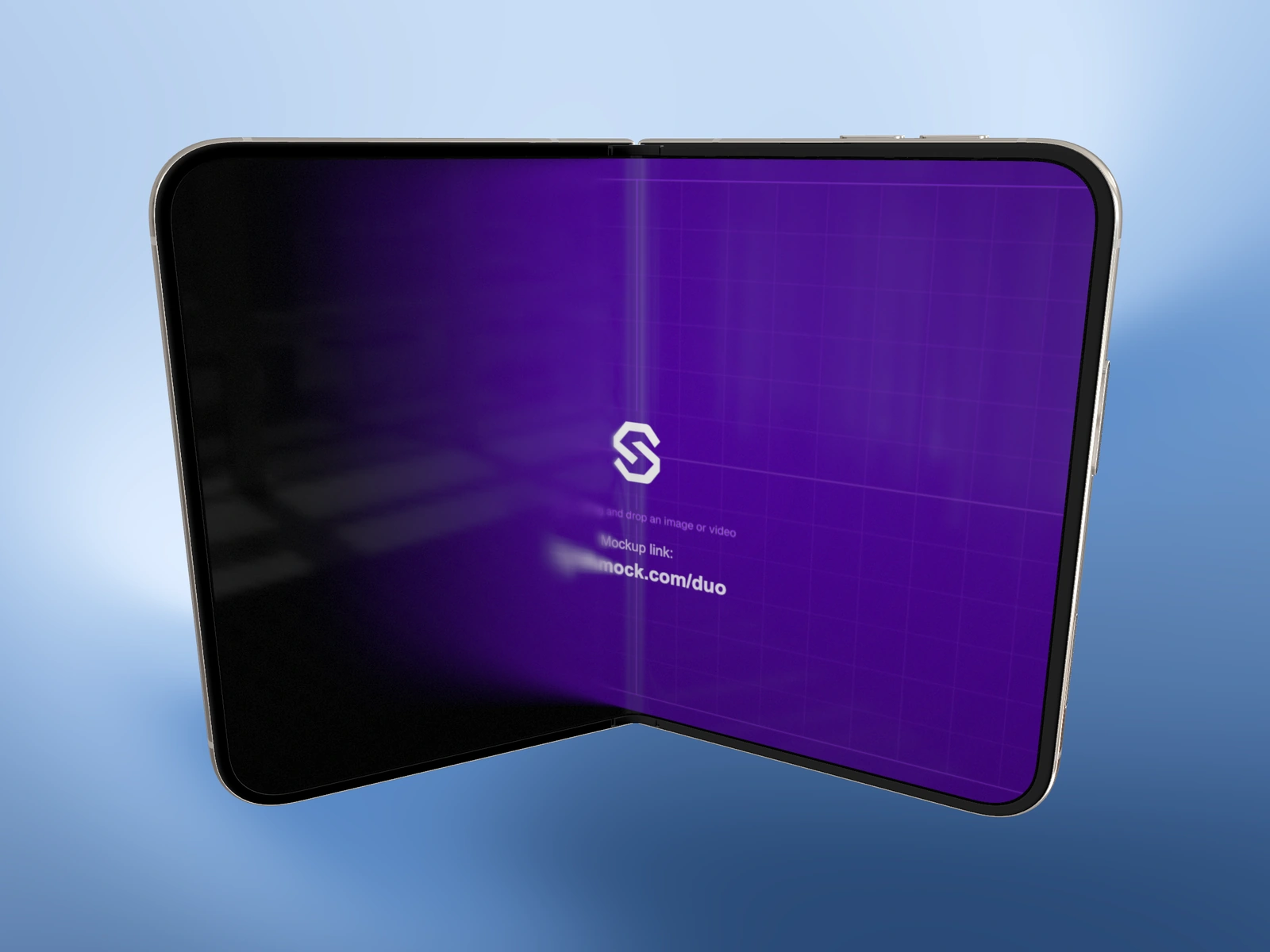
Camera perspective can make a device feel large, thin or imposing. Use that expressively when appropriate, but avoid treating a stylized view as evidence of physical dimensions or interface readability.
Try it in SynthMock
Start with a Duo scene.
Use a reusable template as your starting point, then apply the choices in this article.
A paid plan is required to use templates and export.
Know what the image is comparing
A device closer to the camera occupies more of the canvas. A more oblique screen has less apparent area available for its interface. If two layouts are shown under different conditions, viewers may respond to framing rather than the design difference under discussion.
For a proposed comparison of compact and expanded workflows, keep a stable reference: the same canvas, consistent overall device scale and clearly labeled source states. The two physical poses will not look identical, but the framing should not exaggerate one simply to make it seem more capable.
Match the visual to the claim
Choose the appropriate kind of evidence before rendering. A promotional perspective and a dimensional diagram serve different purposes.
| Claim or purpose | Suitable artifact | Avoid implying |
|---|---|---|
| Material and form | A clearly presented native 3D render | A precise physical measurement |
| Interface comparison | Matched scene conditions and source context | A larger camera crop proves more usable space |
| Physical dimensions | A sourced, labeled specification reference | Perspective alone establishes true scale |
| Working behavior | A real product or interactive prototype | A screenshot sequence proves functionality |
Keep expressive images, add honest context
There is no need to make every campaign image a technical drawing. A close, angled view can convey a deliberate visual mood. The caption simply should not turn that mood into a factual claim the image cannot support.
Before publishing a side-by-side comparison, check Zoom, FOV, tilt and the apparent source size in both scenes. When the subject is the software, favor consistent screen treatment. When the subject is physical hardware, cite the relevant official specifications instead of estimating from the render. A useful handoff note identifies whether the image is an illustrative presentation, a concept or a measured reference. That small distinction prevents an attractive asset from being reused later as misleading evidence.
Final pass
Before you call it finished
- Keep framing comparable when comparing interfaces.
- Do not infer physical measurements from perspective.
- Label the purpose of an expressive render in the handoff.
Make the next version yours.
Explore Duo templates ↗