 SynthMock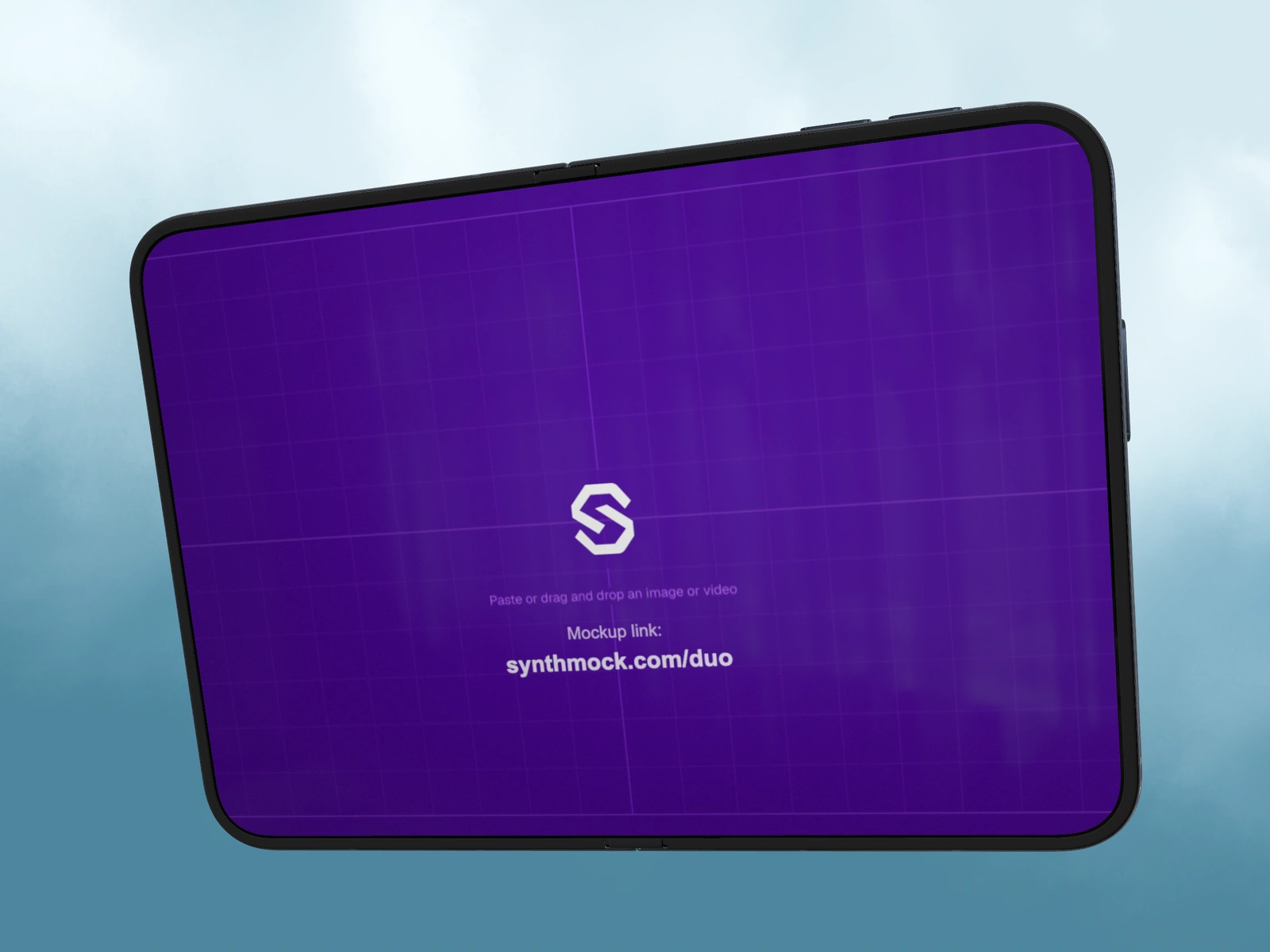
The source image and the exported mockup are two different canvases. Prepare the app artwork for each display first; choose the final campaign dimensions afterward.
Try it in SynthMock
Start with a Duo scene.
Use a reusable template as your starting point, then apply the choices in this article.
Open and edit templates for free. A paid plan is required to export photos or videos.
Use two source frames
For SynthMock, prepare a small cover image at 1291 × 1878 px and a large inner image at 2670 × 1878 px. Read these as width × height. These recommendations describe the artwork used by the mockup compositor. They are not a claim about the physical phone’s screen resolution.
The cover is a tall composition, while the inner source is wider than it is high. A single portrait screenshot can technically appear on both, but an expanded layout usually uses the inner canvas more effectively.
| Artwork | Width | Height |
|---|---|---|
| Small outer screen | 1291 px | 1878 px |
| Large inner screen | 2670 px | 1878 px |
Export clean artwork from your design file
Create two frames in your design tool using those dimensions, or scale both dimensions by the same amount. More pixels can help when you already have detailed original artwork; enlarging a compressed screenshot does not recreate missing detail.
- Build each layout at its intended proportions, rather than stretching the same interface sideways.
- Exclude desktop chrome, accidental canvas margins and baked-in device borders from the source.
- Use PNG, JPG or WebP for still artwork. Keep text and icons crisp in the source file before uploading.
- Assign each image to its corresponding screen card and inspect Fold at 0° and 180°.
Choose the delivery size separately
A 1080 × 1920 vertical campaign can still contain a 2670 × 1878 inner-screen source. The campaign canvas describes the whole scene, including the phone and background; it does not describe the pixels mapped onto the display.
If you see black margins, first inspect the image file itself. If the interface is clipped, compare its proportions with the target screen. Changing the final export size cannot repair incorrect source proportions. After the mockup looks right, select the image or video dimensions needed for delivery.
Final pass
Before you call it finished
- Each source uses the correct width-to-height proportions.
- The artwork contains no accidental outer frame or margin.
- Final export dimensions are chosen for the campaign, not copied from the display.
Make the next version yours.
Explore Duo templates ↗