 SynthMock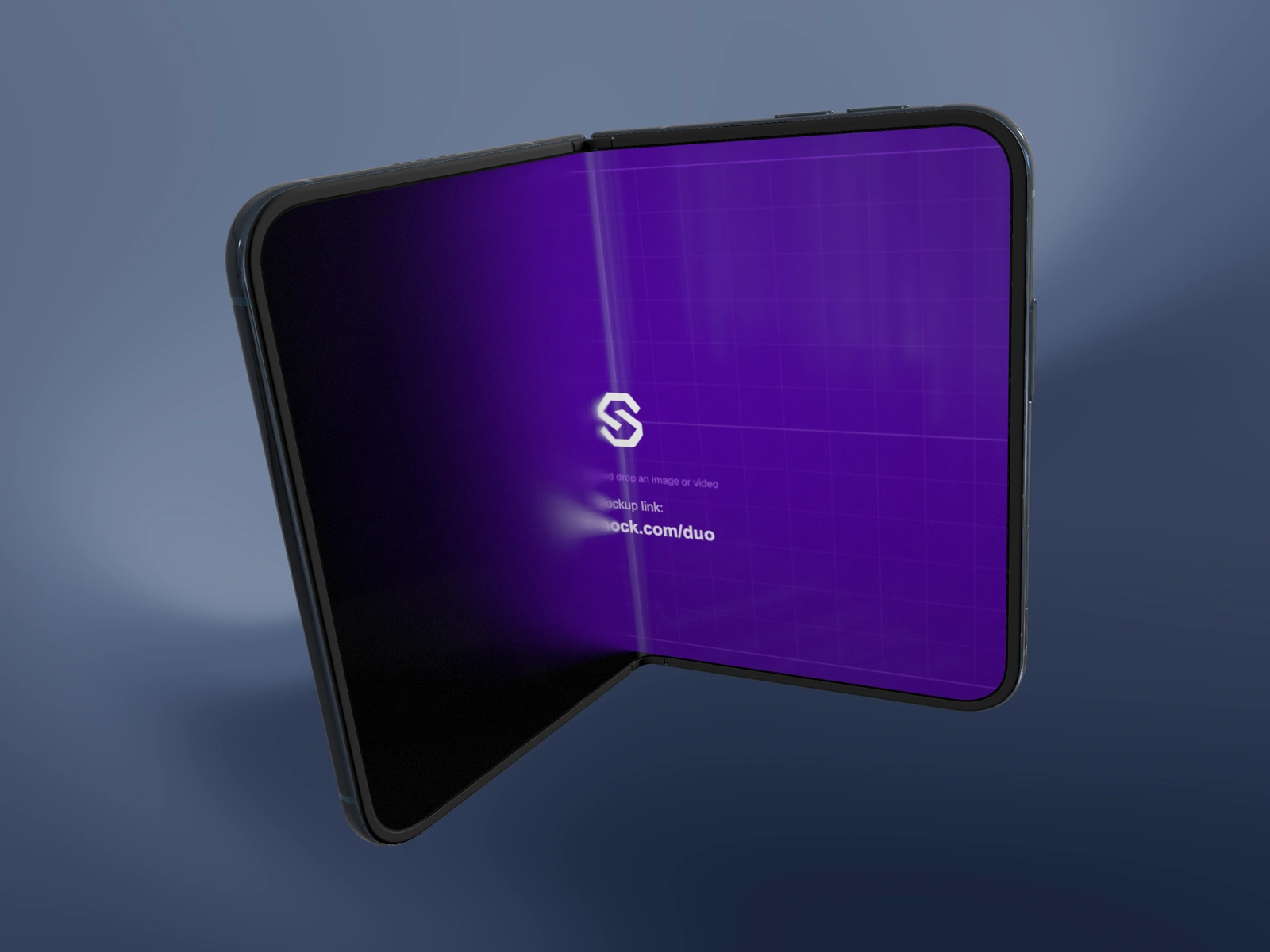
A dark phone needs visible boundaries, not uniformly brighter surfaces. Position the light so the frame catches a highlight while the display remains the main subject.
Try it in SynthMock
Start with a Duo scene.
Use a reusable template as your starting point, then apply the choices in this article.
A paid plan is required to use templates and export.
Start with the silhouette
Choose Night Sky in Finish and pause at the camera angle you intend to publish. Look at the phone as a silhouette against the background. Identify the edges that disappear: the outside rail, hinge, camera ring or lower corner.
A completely black background can leave little room for a dark frame. A restrained dark gradient gives you another way to separate the object. Keep the screen artwork unchanged while judging the body so a bright replacement image does not distract from the problem.
Move the highlight before increasing intensity
Shape the metal highlights with the lighting environment and key light. The Reflection slider adjusts reflected detail on the screen glass; it does not control the metal body’s reflectivity. In a non-preset scene, choose Lightbox or Ring Glow under Lighting and then inspect the device’s lighting controls.
- Keep the screen’s Reflection value fixed while comparing the body lighting.
- Use Light Rotation to place an environment highlight along a visible edge.
- Raise Key Light from zero if needed, then adjust Key Light Rotation and Key Light Height to reveal the frame.
- Stop increasing intensity once the material reads clearly; preserve darker areas that describe its shape.
- Recheck the screen and reduce or redirect a reflection that crosses essential interface text.
Check the darkest frame of the move
A single attractive angle does not guarantee an entire orbit will stay readable. Scrub to the points where the rail faces away from the light and inspect those edges. A modest camera adjustment may work better than making every frame brighter.
If the body still disappears, lighten the background immediately behind it or move the light until a reflective surface catches it. If the whole phone looks pale, reduce intensity rather than switching finishes. Export a representative still at the intended delivery size; a subtle edge that exists at full resolution may disappear in a small preview.
Final pass
Before you call it finished
- The phone’s outer silhouette remains visible.
- Highlights describe the frame without bleaching Night Sky.
- The display stays readable at the darkest motion angle.
Make the next version yours.
Explore Duo templates ↗