 SynthMock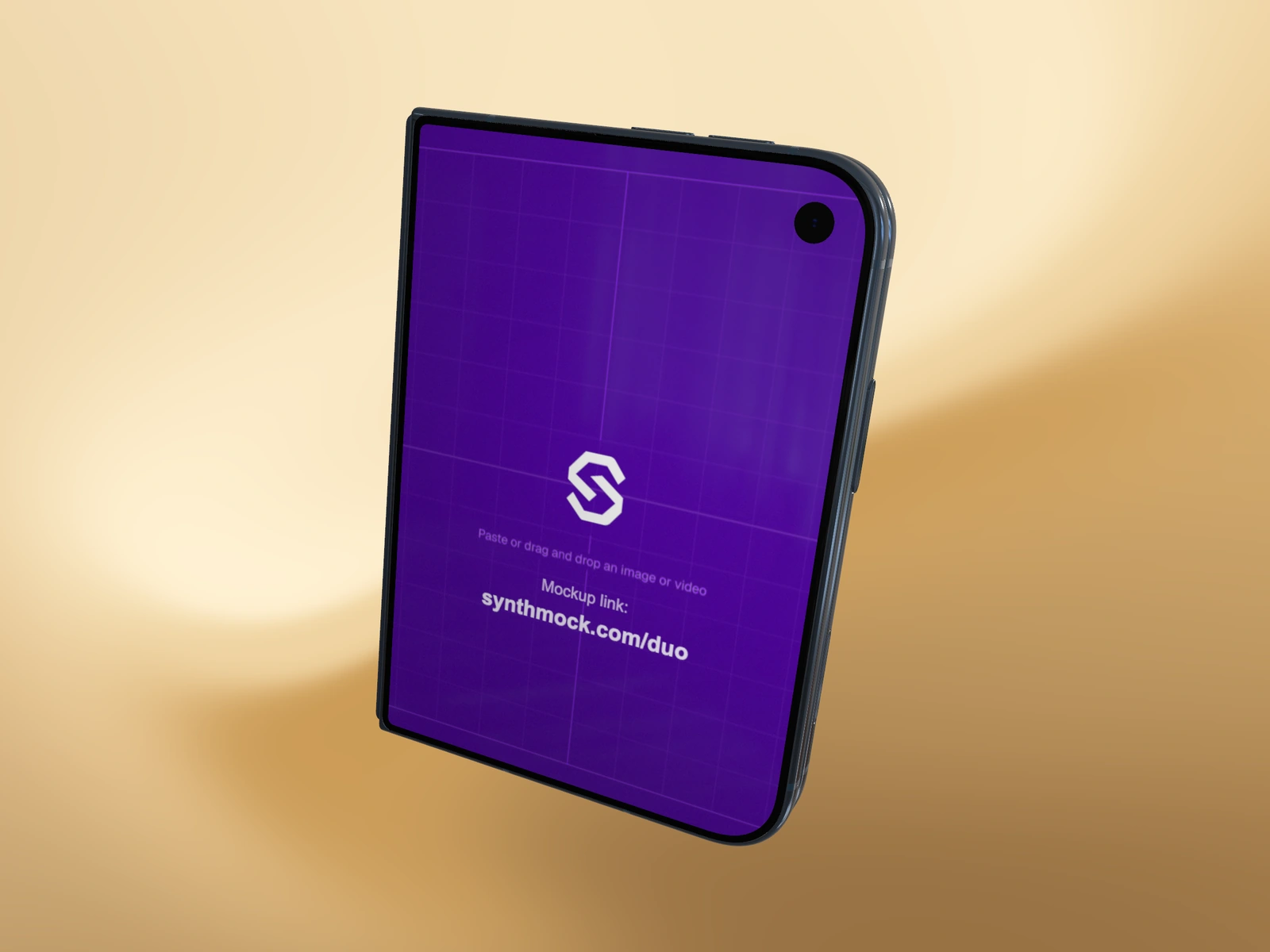
Use a separate cover when the closed device needs a focused message. You can change that small-screen artwork without rebuilding the wide layout inside.
Try it in SynthMock
Start with a Duo scene.
Use a reusable template as your starting point, then apply the choices in this article.
A paid plan is required to use templates and export.
Prepare a cover-specific design
The cover’s recommended artwork size is 1291 × 1878 px. Use it for one clear product state: a title, a task summary, a selected item or an app’s compact home view. Keep any essential copy away from the source edges so a small change in framing does not hide it.
The web editor accepts PNG, JPG and WebP still images for Small outer screen. An independent video upload belongs on the large source instead; do not try to solve a rejected cover upload by renaming a video file to an image extension.
Target the small source card
Pause the scene and choose the intended shot. In Look, locate Screen images and use the Small outer screen card. Dropping a file onto the general canvas can target a different source than the card you meant to edit.
- Set Fold to 0° so the cover is easy to inspect.
- Choose Upload image or Replace image on Small outer screen, or drop your still directly onto that card.
- Wait for the upload to finish and check the visible cover.
- Set Fold to 180° and confirm Large inner screen still contains its original design.
- Return to your intended fold pose and inspect the cover in the actual camera composition.
Distinguish replacement from restoring the link
If you later want the cover to follow the large source again, clear the independent small image. The card returns to Same as large. That is different from uploading an empty or black image, which remains an independent cover and will not follow future large-source changes.
If the new cover appears in the wrong shot, inspect the active shot label before repeating the upload. If it is cropped, compare the source proportions before rotating or scaling the whole device. The inner layout should not need to change to fix a cover-only problem.
Final pass
Before you call it finished
- Only Small outer screen received a new still.
- The inner display retains its original artwork.
- The closed pose shows a legible, correctly framed cover.
Make the next version yours.
Explore Duo templates ↗