 SynthMock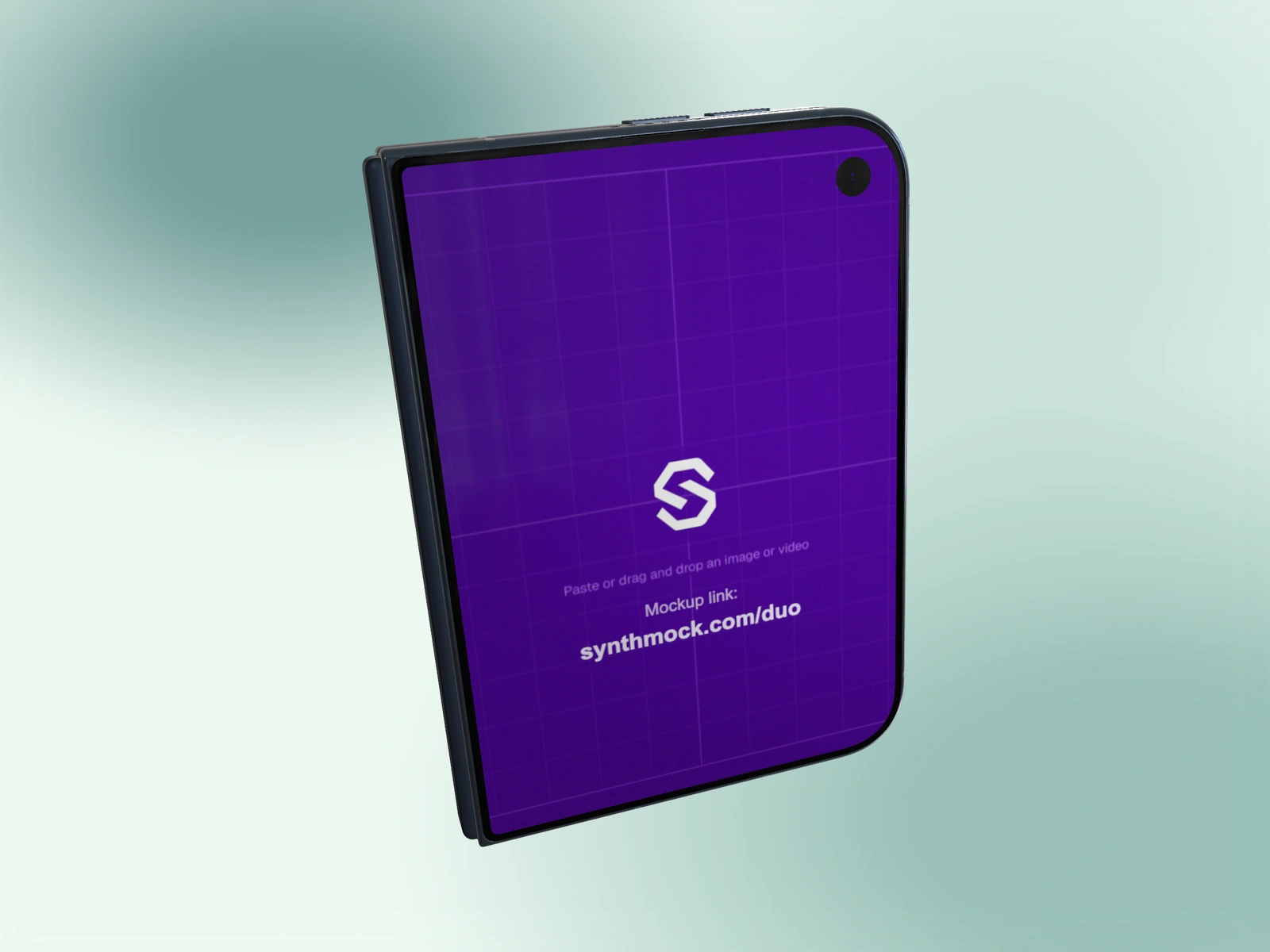
A linked source is useful for an early composition or a simple branded screen. In the web editor, the small outer screen inherits the large inner source until you give it its own image.
Try it in SynthMock
Start with a Duo scene.
Use a reusable template as your starting point, then apply the choices in this article.
A paid plan is required to use templates and export.
Understand the direction of the link
Upload the master artwork to Large inner screen. If no independent cover image is assigned, Small outer screen displays Same as large. Replacing the large source then updates what the linked cover shows.
This is source reuse, not automatic responsive layout. SynthMock does not turn a wide interface into a newly designed portrait interface. A centered logo or simple visual can work on both displays; dense navigation or a wide dashboard may be cropped in the cover view.
Restore the shared source
An existing template may contain a separate cover image. To return to one source, remove that override using the small card’s clear control. Its accessible label is Use large screen image on small screen.
- Select the intended shot and upload the master artwork to Large inner screen.
- Inspect the small card. If it already says Same as large, it is linked.
- If an independent cover is present, use its clear control to return to the large source.
- Set Fold to 0° and inspect the cover crop, then set Fold to 180° and inspect the inner display.
- Replace the large source once more only if needed; confirm the linked cover follows it.
Know when to split the sources again
If important text falls outside the cover crop, prepare a separate portrait composition rather than squeezing the wide design until it is unreadable. Uploading a new image to Small outer screen breaks the link for that source and gives you two independent designs.
Do not clear Large inner screen when your goal is only to remove the cover override. The small card previews inherited media, so seeing an image there does not prove it has an independent file. Use the Same as large label and a closed-pose preview as your checks.
Final pass
Before you call it finished
- The small card visibly reports Same as large.
- The shared content remains recognizable in both crops.
- A separate cover is used whenever the shared crop hides essential UI.
Make the next version yours.
Explore Duo templates ↗