 SynthMock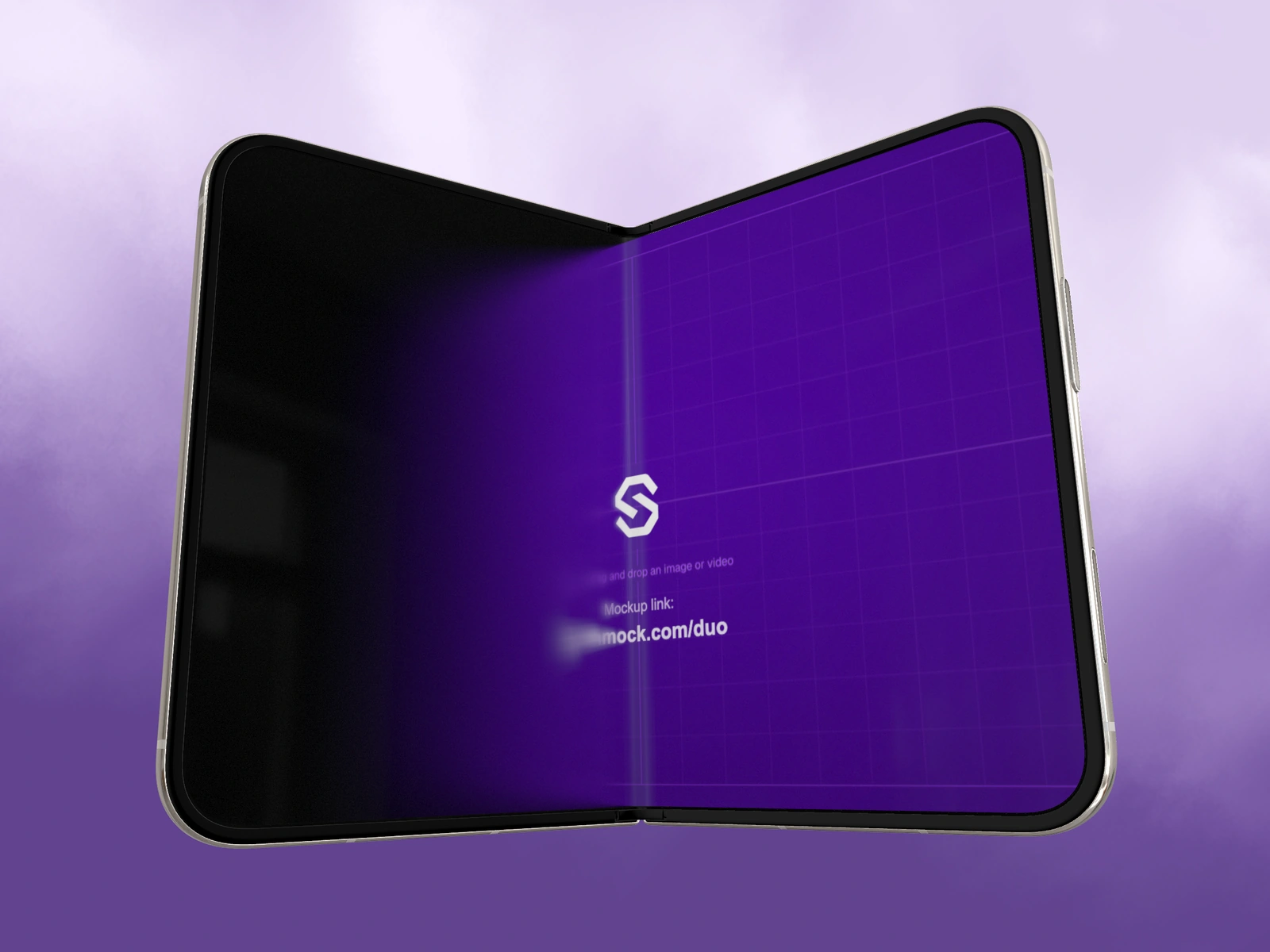
The center of a folding display can change its apparent angle during a reveal. Place the information that explains your product where it remains readable through the particular camera move you have chosen.
Try it in SynthMock
Start with a Duo scene.
Use a reusable template as your starting point, then apply the choices in this article.
A paid plan is required to use templates and export.
An optical check, not a device specification
This is a composition concern for a rendered presentation, not a claim that an app must avoid a permanent strip down the display. When the two halves turn relative to the camera, a short word or icon crossing the center may become difficult to read at an intermediate pose. The final open image can look perfectly clear while the reveal briefly hides its main message.
The remedy is not to redesign a real application solely for a mockup. Choose a truthful source state, a less oblique camera move, or a different moment to carry the headline. If the presentation is a concept, you can explore the hierarchy more freely, but say that it is a concept.
Mark three frames on the storyboard
Use the following review sheet before refining the lighting. These checks are tied to your authored motion rather than a guessed safe-area measurement.
| Frame | Inspect | Possible adjustment |
|---|---|---|
| Closed | The cover's identifying title | Use a simpler outer source |
| Partially open | Any small label near the turning center | Let a larger visual carry this beat |
| Fully open | The complete interface relationship | Reserve the readable explanation for this view |
Let different elements carry different moments
A fictional design-tool presentation might use a large illustration during the fold and show the fine toolbar labels after opening. The illustration stays recognizable through perspective changes; the toolbar earns attention once the view settles. That is a proposed editorial sequence, not a demonstrated readability result.
Keep the physical Fold value separate from the Fold animation setting. In SynthMock the latter controls screen optics, including the transition treatment; switching it off does not remove physical folding or its perspective. Evaluate the exported sequence with the settings you will actually deliver. If understanding the product depends on deciphering a fleeting center label, move that explanation to a stable shot or a caption outside the device.
See a Duo sequence in motion
Final pass
Before you call it finished
- Check the middle of the fold, not just its endpoints.
- Avoid presenting a composition preference as an official safe zone.
- Let a stable view explain information hidden during the transition.
Make the next version yours.
Explore Duo templates ↗