 SynthMock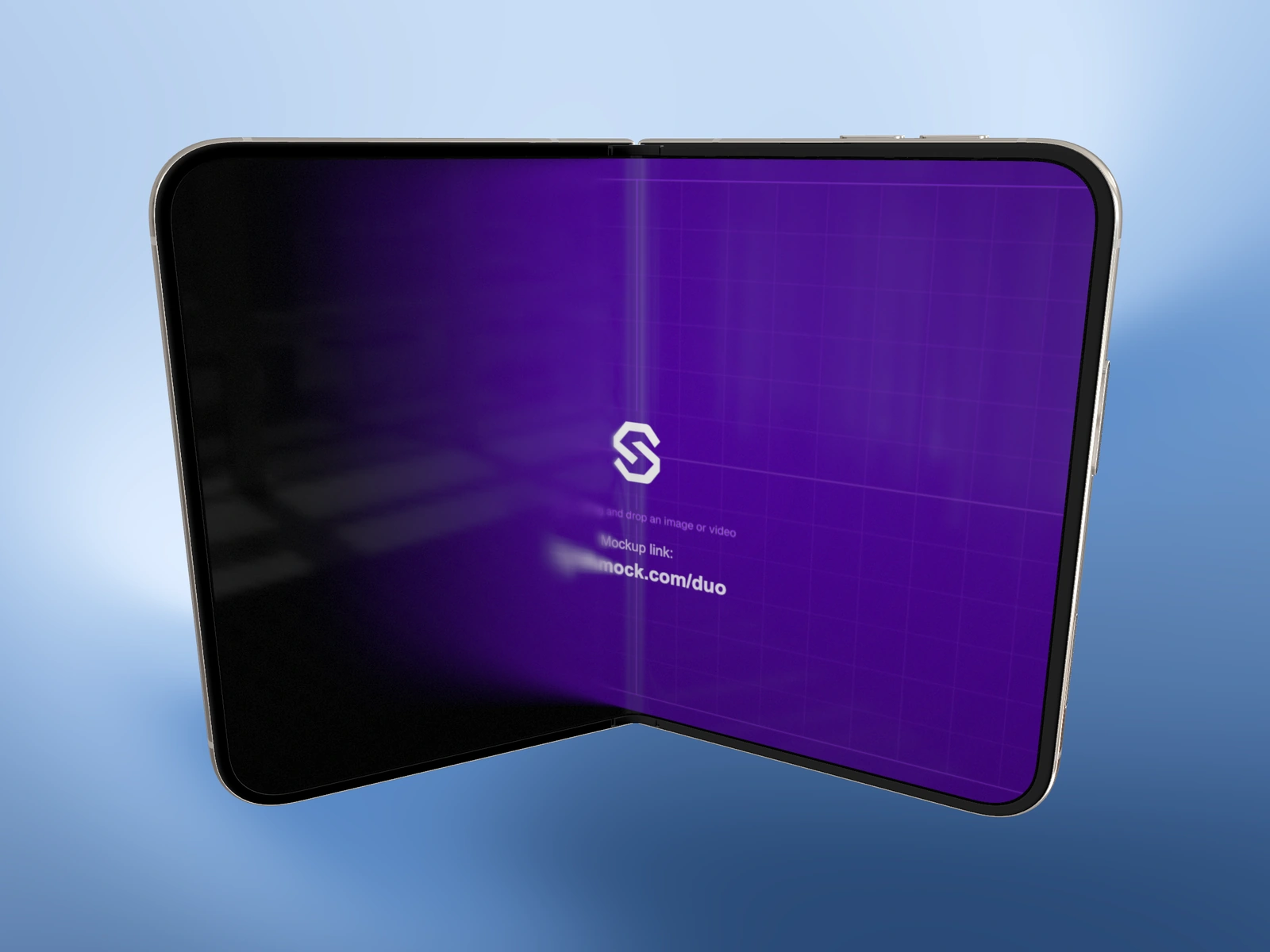
A frame that works during motion may be confusing on its own. Choose a pose that explains the device and the app without depending on the frames before it.
Try it in SynthMock
Start with a Duo scene.
Use a reusable template as your starting point, then apply the choices in this article.
A paid plan is required to use templates and export.
Decide what the still needs to show
Use a closed pose when the cover is the subject, a fully open pose for the inner layout, or a partial fold when the hinge and depth matter. A partial pose can reveal more hardware but may hide half of the useful interface.
If you are taking the still from an existing sequence, scrub to a moment after the camera has reached a readable composition. Do not assume the most dramatic middle frame is also the best website hero or thumbnail.
Inspect the selected frame before exporting
Pause playback and wait for the viewport to settle. If you change a control while a timeline effect endpoint is selected, you may be editing that endpoint. Keep the selection context clear when you only intend to inspect a frame.
- For a static scene, set Fold to the desired angle. For a sequence, select the intended moment on the timeline.
- Check that the visible screen contains the correct source and readable text.
- Use the final output aspect ratio to judge the outer device edges.
- Inspect Reflection and the folding screen treatment at this exact pose.
- Choose Image in Export, select the dimensions and format, then export using your paid account.
Judge the downloaded image independently
Open the exported image outside the editor. Check the crop, the corners of the phone, the hinge and the main interface label. Review it at the intended display size, not only zoomed in.
If the source looks soft only at a partial fold, compare Fold animation on and off at the same pose. If the entire image is too small, increase the output dimensions or reframe the device. If the source itself lacks detail, return to the original artwork; a larger export cannot recreate it.
Final pass
Before you call it finished
- The still communicates without requiring motion.
- The chosen fold and camera keep the key screen content visible.
- The downloaded file has been inspected at its intended display size.
Make the next version yours.
Explore Duo templates ↗