 SynthMock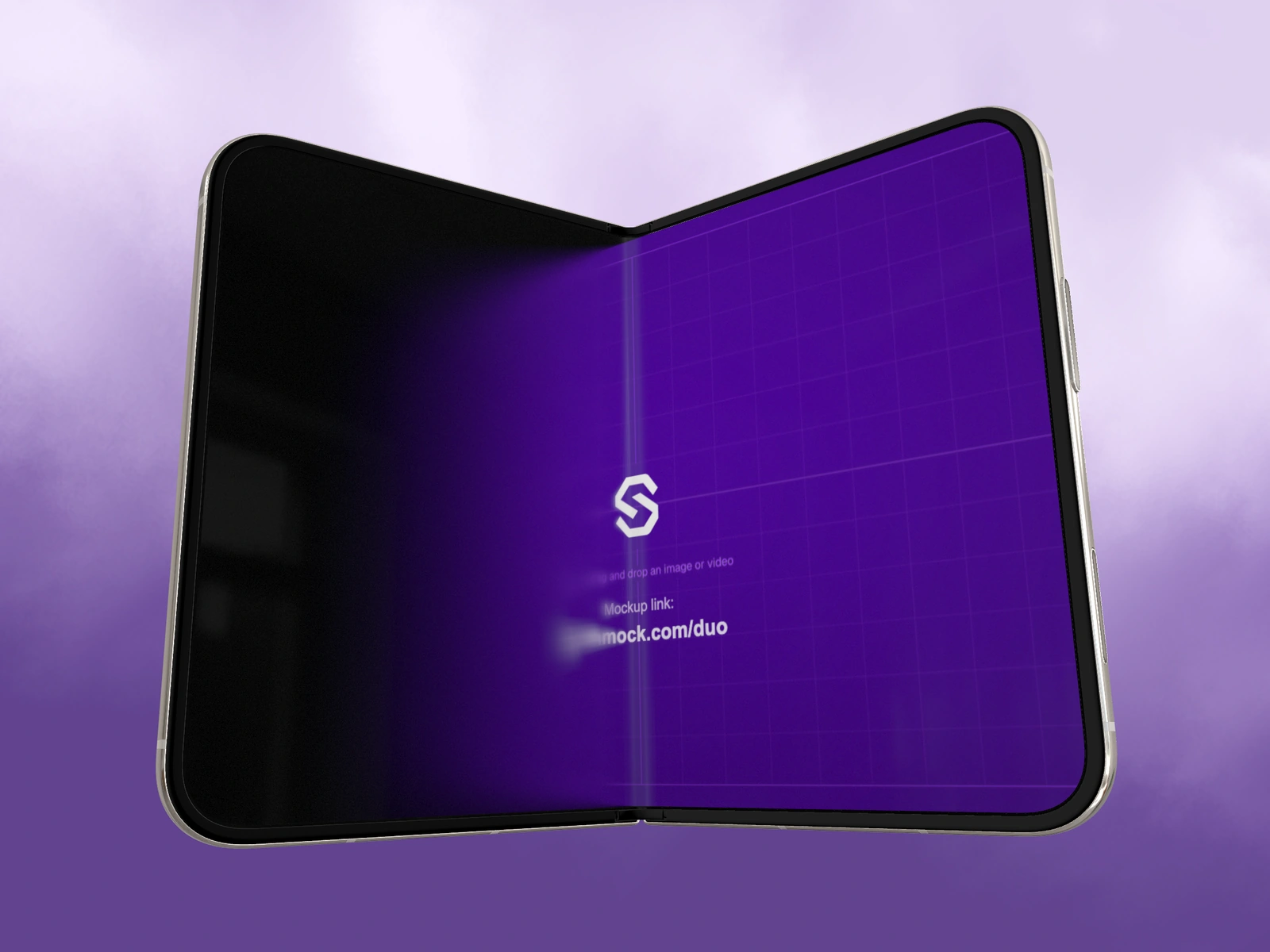
The Fold animation switch controls the screen’s folding treatment: projected softness, shading and fade. It is separate from the Fold angle that moves the phone’s two halves.
Try it in SynthMock
Start with a Duo scene.
Use a reusable template as your starting point, then apply the choices in this article.
A paid plan is required to use templates and export.
What the toggle changes
A folding screen can appear to soften and darken as its angle changes. SynthMock’s Duo model includes this visual treatment. With Fold animation enabled, the screen appearance responds to the folding pose and view. With it disabled, the original screen pixels remain visible without that treatment.
The switch does not stop physical folding. It also does not delete timeline keyframes, change your Fold value or replace the uploaded artwork. That distinction matters when you are comparing an optical effect with a camera or animation issue.
Make a controlled comparison
Choose a partial fold where the difference is visible. Comparing two unrelated camera angles can make you attribute a reflection or source crop to the toggle.
- Pause on a partially open Duo pose and note the Fold value.
- Keep the camera, source images and lighting unchanged.
- Switch Fold animation off in the device controls and inspect the display.
- Switch it on again and compare the same pose.
- Scrub toward fully closed and fully open, checking both screens throughout the transition.
Choose realism or uninterrupted artwork deliberately
Keep the treatment when the physical reveal is part of the story and the interface has enough time to become clear afterward. Consider disabling it for an explanatory frame where every label must remain immediately legible during a partial fold.
If the whole image is blurred at every pose, inspect other effects and the source resolution too. Fold optics are not a universal sharpness control. If the phone continues to fold after the switch is disabled, that is expected: edit the Fold endpoints to change physical motion. Review an exported frame or clip after choosing the treatment; native export requires paid access.
See a Duo sequence in motion
Final pass
Before you call it finished
- The comparison used the same pose, source and camera.
- The chosen screen treatment supports the intended message.
- Physical Fold motion remains independently controlled.
Make the next version yours.
Explore Duo templates ↗