 SynthMock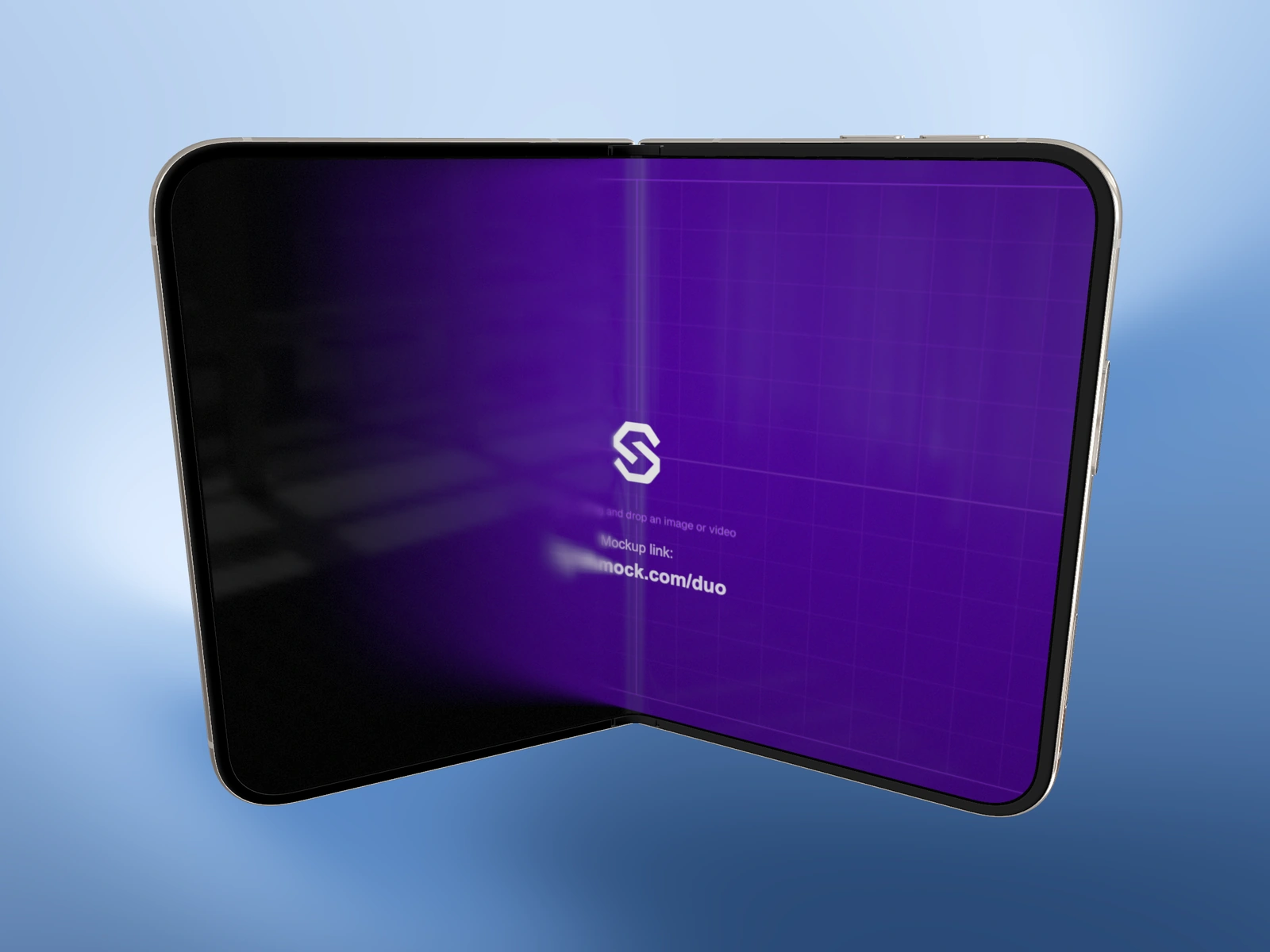
Fold sets the physical opening of the Duo model. Use the closed and open endpoints to establish your screens, then choose a partial angle for the presentation.
Try it in SynthMock
Start with a Duo scene.
Use a reusable template as your starting point, then apply the choices in this article.
A paid plan is required to use templates and export.
Know the two endpoints
In the device controls, Fold ranges from 0° to 180°. At 0° the phone is closed; at 180° the inner display is fully open. Values between them create a partially folded pose. The default open position is useful for checking the wider source before choosing a more expressive angle.
Fold and camera rotation do different jobs. Fold changes the relationship between the two halves. Tilt X, Tilt Y and Roll change how the viewer sees the model. Rotating a closed phone does not open it.
| Fold | Useful inspection |
|---|---|
| 0° | Cover source and closed silhouette |
| A partial angle | Hinge, depth and a staged reveal |
| 180° | Full inner artwork and wide layout |
Choose a pose that serves the screen
For a still, begin with a quiet camera and alter one control at a time. A partial fold can add depth, but it may also hide the interface you wanted to demonstrate.
- Select the intended shot and pause playback.
- Move Fold to 0° and confirm the cover image.
- Move Fold to 180° and confirm the inner image.
- Choose a partial angle if it makes the device’s form clearer without blocking the key interface.
- Reframe with Camera controls, keeping the hinge and outer edges inside the canvas.
- Inspect the result at the actual image delivery size.
If the angle belongs to an effect
When you have selected a timeline effect endpoint, a Fold edit can belong to that endpoint instead of a static shot state. Read whether Start or End is active before entering a value. Scrub through the full effect to check the path between the poses.
The separate Fold animation toggle changes the display’s fold-related optics. Switching it off does not freeze the hinge or remove motion keys. If your goal is a fixed pose, make the relevant start and end Fold values identical.
Final pass
Before you call it finished
- The Fold value matches the intended physical pose.
- The important screen remains visible.
- Any selected Start or End endpoint was edited deliberately.
Make the next version yours.
Explore Duo templates ↗