 SynthMock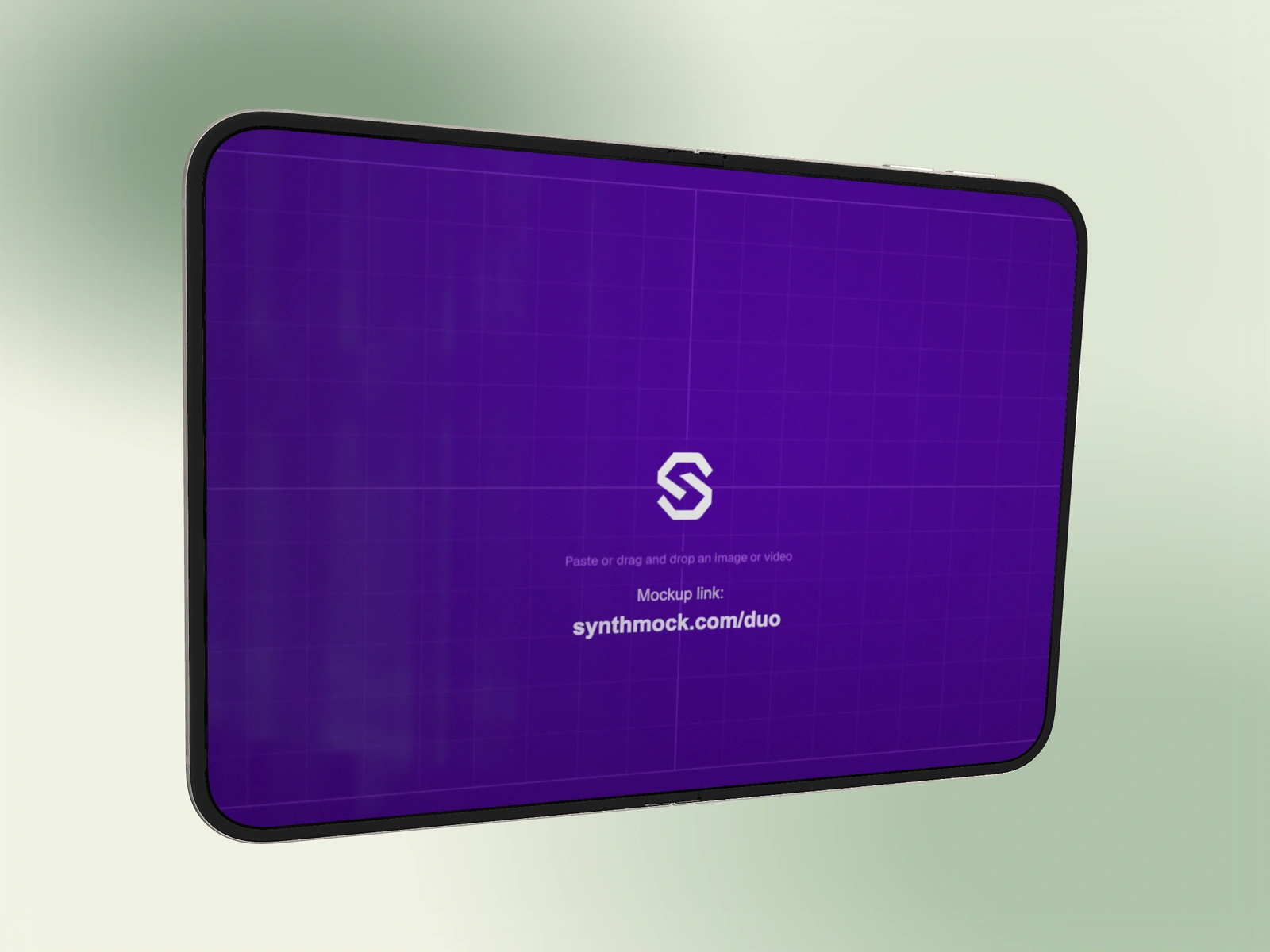
A gradient can provide depth and copy space without adding another subject. Choose its palette around the app and keep the device’s silhouette visible throughout the scene.
Try it in SynthMock
Start with a Duo scene.
Use a reusable template as your starting point, then apply the choices in this article.
A paid plan is required to use templates and export.
Choose the background for the interface
Start with the uploaded app artwork and the chosen Duo finish. A colorful interface often benefits from a quieter background; a restrained interface can tolerate a stronger accent. Judge the colors together instead of picking the background in isolation.
Background color and reflected light are separate parts of the scene. Changing a gradient does not automatically place a flattering highlight on the phone’s metal. Keep the useful light setup, then review its relationship with the new background.
Compose with one palette
In the scene controls, choose the gradient background option to access Gradient Flow controls. Preview the whole canvas so the phone and any planned copy space can be judged together.
- Choose a gradient-flow preset or palette that supports the app’s dominant colors.
- Place the device over an area where its outside edges remain distinguishable.
- If the background moves, preview it across the complete shot rather than judging one paused frame.
- Keep the palette consistent in adjacent shots unless a background change has a clear narrative purpose.
- Recheck the key light and reflections after the background is settled.
Check contrast at both ends
A gradient that starts behind a light section of the phone may drift toward a darker area during motion. Review the lowest-contrast moment, especially for Night Sky on a dark scene or Star White on a pale one.
For a clean, sharp product presentation, keep any optional blur or grain at a deliberate level rather than adding texture by default. If the background competes with the screen, simplify the palette or reduce its motion before shrinking the device. Export a still or clip in the final aspect ratio and confirm the scene still reads at a small size.
Final pass
Before you call it finished
- The palette supports the app and finish.
- The phone remains separated from the background throughout motion.
- The background does not compete with the screen’s main message.
Make the next version yours.
Explore Duo templates ↗