 SynthMock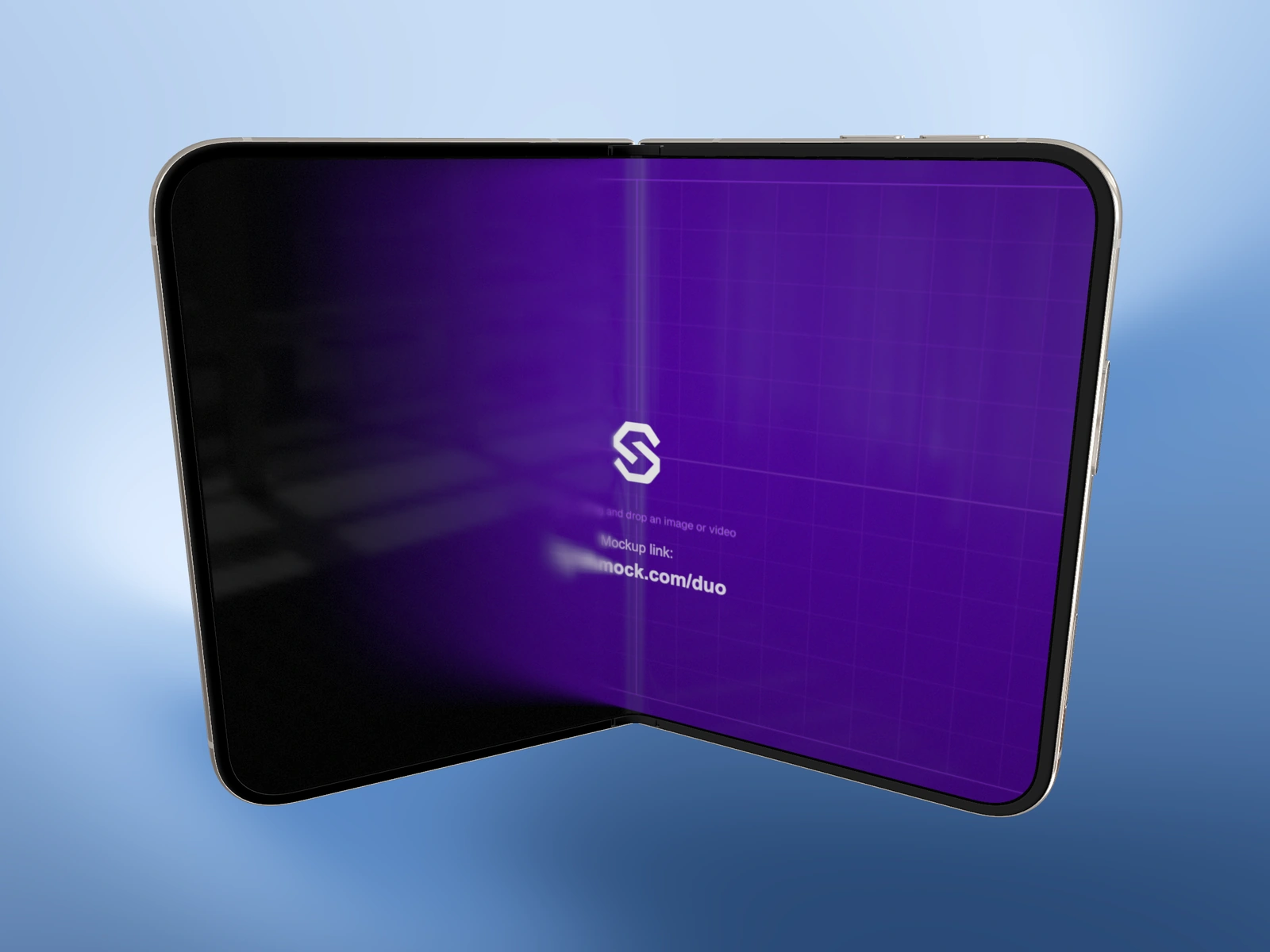
A controlled camera angle is easier to build one axis at a time. Choose what the viewer needs to see, then use rotation to reveal that information.
Try it in SynthMock
Start with a Duo scene.
Use a reusable template as your starting point, then apply the choices in this article.
A paid plan is required to use templates and export.
Give each axis a job
Tilt X and Tilt Y change the view around the model’s horizontal and vertical directions. Roll turns the composition within the canvas. A small Roll can add energy, but it does not replace a useful view of the display.
Start with a recognizable open or closed pose. Keep the source upright and the Fold value fixed while building the camera angle. Otherwise a source rotation, physical fold and camera rotation can become mixed together.
Build the view incrementally
The 3D camera controls allow a broad rotation range. That freedom is useful for rear and hinge views, but it also makes it easy to turn the important screen away from the audience.
- Pause the scene and decide whether the cover, inner display, hinge or rear should be dominant.
- Adjust Tilt Y until the relevant surface faces the viewer.
- Use Tilt X to refine the view of the top, bottom and depth.
- Add Roll only after the other axes are useful.
- Reframe with Pan and Zoom, then check a recognizable label in the screen artwork for the correct orientation.
Check the path as well as the endpoints
In a timeline effect, an attractive start and end can still produce an awkward spin between them. Scrub the entire range after changing a rotation value, especially near the ends of the control range. Make the intended direction of travel visible rather than relying only on two still previews.
If the phone looks upside down, isolate the issue: return Roll to neutral, inspect device orientation, and then rebuild the angle. If the screen is narrow or hidden, change the view rather than increasing export resolution. The strongest pose is the one that shows the feature clearly.
Final pass
Before you call it finished
- Each rotation axis serves a clear composition choice.
- The screen source is upright and recognizable.
- The full motion path avoids an unintended long spin.
Make the next version yours.
Explore Duo templates ↗