 SynthMock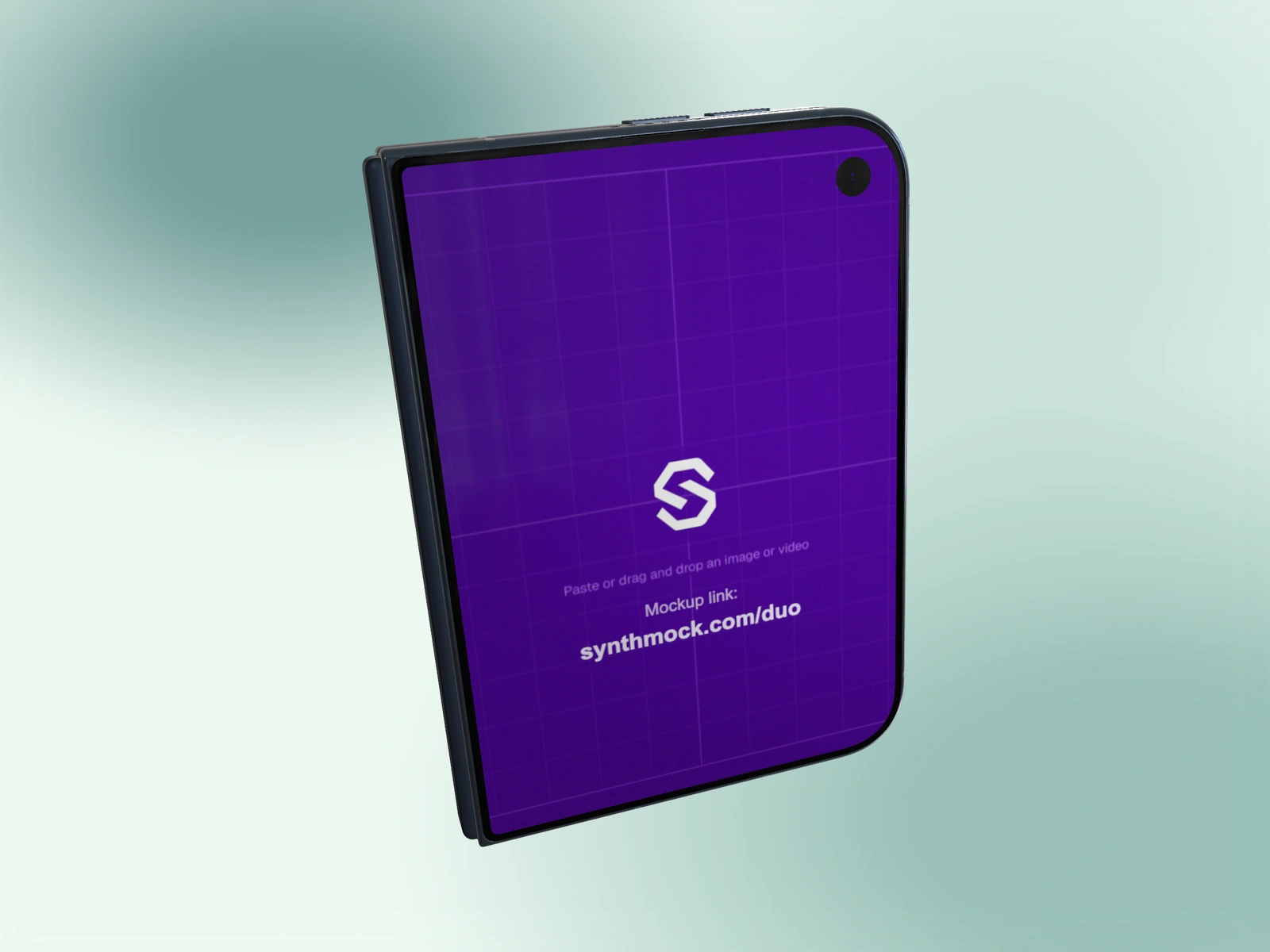
A square frame rewards a clear subject. Choose one screen state, keep its important details visible, and resist filling every corner with the phone.
Try it in SynthMock
Start with a Duo scene.
Use a reusable template as your starting point, then apply the choices in this article.
A paid plan is required to use templates and export.
Choose the screen state that carries the message
Start with one purpose: introduce the app on the cover or show a wider feature on the inner display. A square still has limited room to explain both at once. A partial fold is useful only when it preserves enough of the chosen interface.
Choose the 1:1 canvas before refining camera angles. That lets you assess the phone’s diagonal, background and breathing room together. A composition that looked generous in landscape can become cramped when cropped to a square.
Balance the subject and the empty space
The exact center is a starting point, not a rule. A slightly offset phone can create room for a headline placed later in a design layout. Keep that space intentional rather than leaving an accidental gap.
- Set a 1:1 viewport and choose the intended Fold pose.
- Use Zoom to make the relevant screen large enough to read.
- Use Pan X and Pan Y to balance the device within the square.
- Add only enough Tilt or Roll to explain depth without hiding important UI.
- Inspect the frame at thumbnail size, then export with a square image preset.
Check the image in its destination
Open the downloaded image and view it at the size of a card or social post. If the interface looks like texture, make the device larger or simplify the source content. More output pixels improve available detail, but they do not make tiny text readable at a small display size.
If you plan to place the render on several background colors, consider a transparent PNG or WebP and test its edges on each one. Otherwise use the finished scene background as part of the composition. Native image export requires paid access.
Final pass
Before you call it finished
- The square has one clear visual subject.
- The important screen remains readable at card size.
- The exported aspect ratio matches the composition.
Make the next version yours.
Explore Duo templates ↗