 SynthMock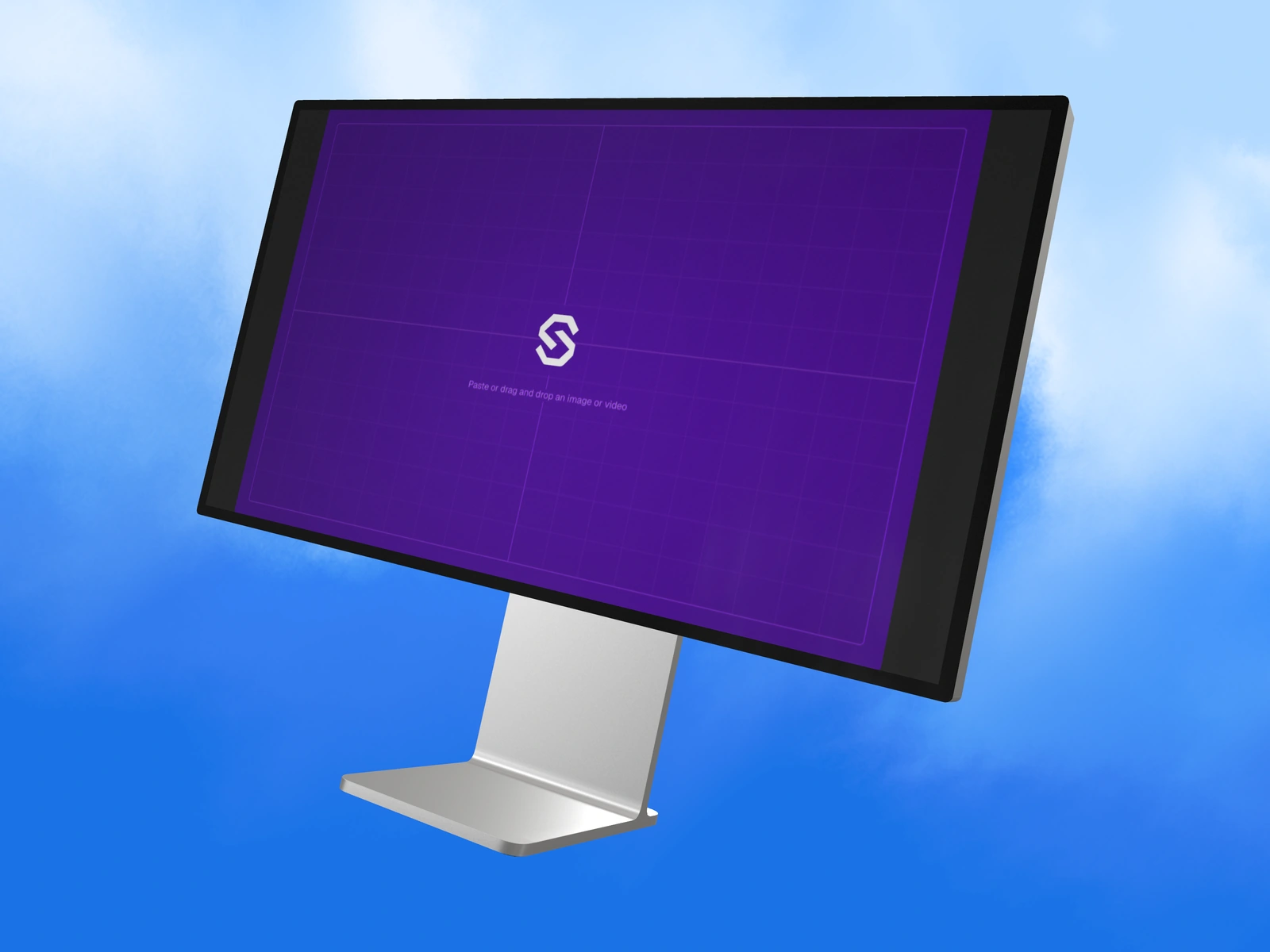
A large display can show more interface, but the final image still needs a clear hierarchy. Decide which part of the dashboard should be understood first.
Try it in SynthMock
Bring your own screen.
Open the device in the editor and use this article alongside your own artwork.
A paid account is required to export images or videos. View plans
Match the mockup canvas
SynthMock’s Pro Display XDR model uses a 5515 × 2884 px artwork canvas. These are source-image dimensions for the model, not a statement of the physical display’s resolution. Use proportional artwork and remove browser chrome unless it is part of the story.
This source size is separate from the custom still-export limit. A source wider than 5120 pixels can be mapped onto a display inside a smaller final scene; the final output does not need to equal the source dimensions.
Build the image around the main task
For an analytics dashboard, make the important chart or workflow visually clear before adding the mockup. Rendering more panels does not make every panel equally understandable.
- Prepare the wide desktop source with a clear heading, main workspace and supporting panels.
- Select the display model and upload the artwork.
- Begin with a near-frontal camera to preserve interface width.
- Frame enough of the stand and outer edge to establish the display without shrinking the screen excessively.
- Use light direction to reveal the stand’s metal while keeping reflected highlights away from critical UI.
Choose a full view and a detail view when needed
A full-display hero explains the product’s overall workspace. A closer crop can show a specific chart or control. Use both when one composition cannot communicate the whole layout and its small details at the final page size.
If the interface seems stretched, check the source proportions before changing the camera. If small text is unreadable, review the actual displayed size and simplify or crop the source deliberately. Export the final still through the paid workflow and inspect it in the intended page or presentation layout.
Final pass
Before you call it finished
- The source matches the model’s wide artwork proportions.
- The main dashboard task is recognizable at delivery size.
- The frame and stand retain material detail without stealing attention.
Put the idea on a screen.
Explore device mockups ↗