 SynthMock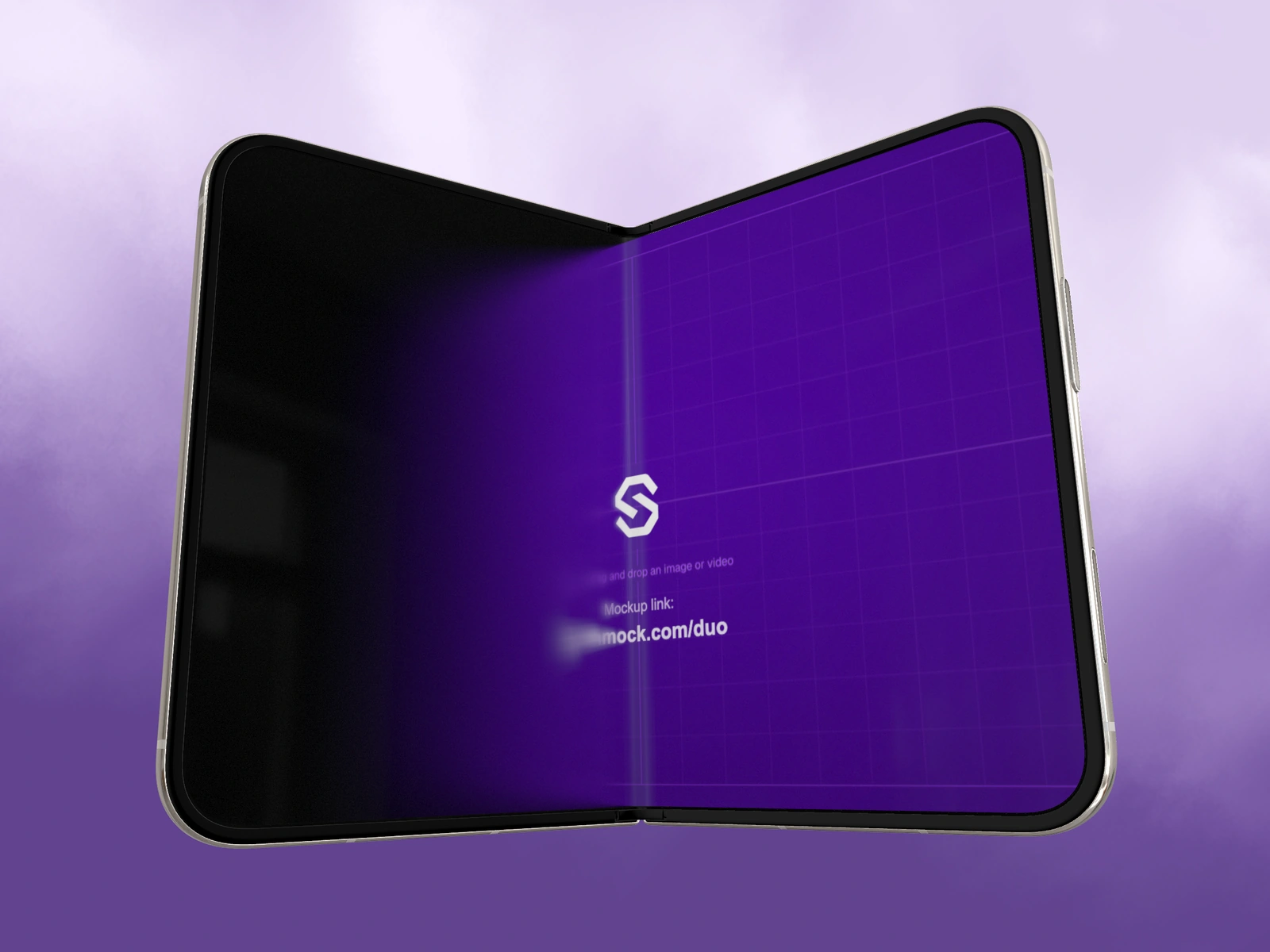
Speed can make a transition feel decisive. It cannot explain the interface by itself. Plan where the camera arrives and what the viewer should recognize there before making the journey faster.
Try it in SynthMock
Start with a Duo scene.
Use a reusable template as your starting point, then apply the choices in this article.
A paid plan is required to use templates and export.
Design the destination first
A useful fast move ends on a meaningful product state: an open workspace, a selected image, or a clear cover summary. If the final pose hides that information, a sharper curve only gets the viewer to a weak composition sooner.
For a proposed Duo reveal, choose the final open view and inspect the screen at normal display size. Then choose a starting pose that creates a coherent path toward it. The motion should help the viewer understand the change in space rather than requiring them to track a constantly changing silhouette and read small labels at the same time.
Sketch movement and reading separately
Expo is available in SynthMock, but the easing family is only one part of the pacing. Its direction and the surrounding shot arrangement influence when movement feels concentrated. Verify the actual curve and playback rather than assuming the name guarantees the intended result.
| Beat | Proposed role | Review focus |
|---|---|---|
| Approach | Decisive movement toward the chosen view | No unmotivated change in direction |
| Arrival | Ease into a clear screen composition | No overshoot or clipped device edge |
| Reading moment | Give the selected product state attention | Enough time to recognize the intended detail |
Separate energy from discontinuity
Fast motion can remain continuous. Match the next effect's starting pose to the preceding effect's end, and make the effect cover the intended shot span. A missing portion of the effect or a mismatched endpoint can create a pause or jump that feels accidental rather than crisp.
Evaluate pacing with the actual source recording when one is used on the inner screen. A fast camera move over a fast interface transition may conceal the product action. One possible brief lets the camera settle before the important UI change. Another uses a still source during the move and reserves the recording for the open view. Try both with the actual source and choose the clearer sequence.
See a Duo sequence in motion
Final pass
Before you call it finished
- Approve the readable end pose before the movement.
- Inspect the Expo curve's actual direction and playback.
- Avoid making the camera and a critical interface action compete.
Make the next version yours.
Explore Duo templates ↗