 SynthMock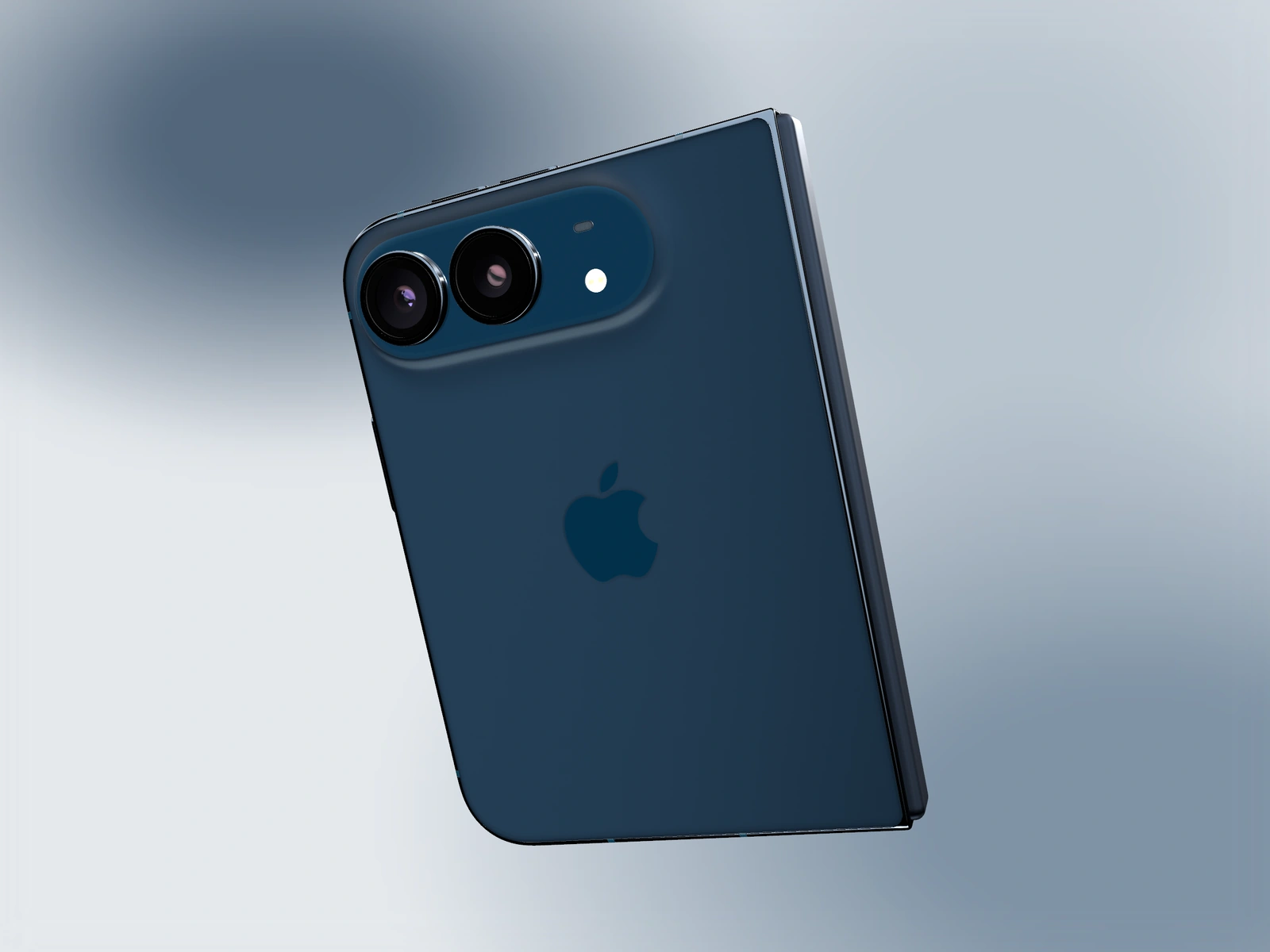
An orbit should reveal something useful about the device or app. Choose its start, destination and direction, then inspect the space between them rather than relying on two good stills.
Try it in SynthMock
Start with a Duo scene.
Use a reusable template as your starting point, then apply the choices in this article.
A paid plan is required to use templates and export.
Choose what the arc reveals
A short arc can show the frame and hinge while keeping the app readable. A larger arc can introduce the rear logo and cameras before returning to a screen. Neither requires a full rotation by default.
Hold Fold steady for an initial orbit test. Combining a large hinge change with several camera axes makes it harder to identify what causes an awkward path. Add a fold reveal later only if it supports the storyboard.
Build the camera path one axis at a time
Use a custom effect’s Start and End camera states. Keep Finish, source artwork and lighting consistent so the movement itself is what you are evaluating.
- Set a clear Start pose with the relevant screen or rear surface visible.
- Choose an End rotation that reveals a new useful angle.
- Begin with Tilt Y, then add Tilt X or Roll only when the arc benefits from them.
- Adjust Pan and Zoom at the endpoints to keep the device inside the canvas.
- Scrub the middle of the effect and inspect any long or unexpected rotation.
- Apply the desired easing and play the complete arc at normal speed.
Return to the product message
A rear-facing interval can establish the phone, but it temporarily removes the app from view. Give the orbit a screen-led arrival or follow it with a clear interface shot. Keep the source large enough for the main feature to survive a small playback size.
If the arc feels wild, reduce the number of changing axes before reducing all motion to a tiny angle. A confident single-axis change can be more striking than several competing rotations. Check reflections along the entire path and inspect the downloaded video for clipped corners or unwanted pauses.
See a Duo sequence in motion
Final pass
Before you call it finished
- The orbit reveals a specific useful angle.
- Intermediate poses follow the intended direction and remain framed.
- The app receives a clear screen-led moment.
Make the next version yours.
Explore Duo templates ↗