 SynthMock
The SynthMock field guide
From a screen
to something worth showing.
Practical lessons for two screens, precise movement and light that makes the material feel real. Start with Duo, then make it your own.
Find your next step
The guide library
49–50 of 50
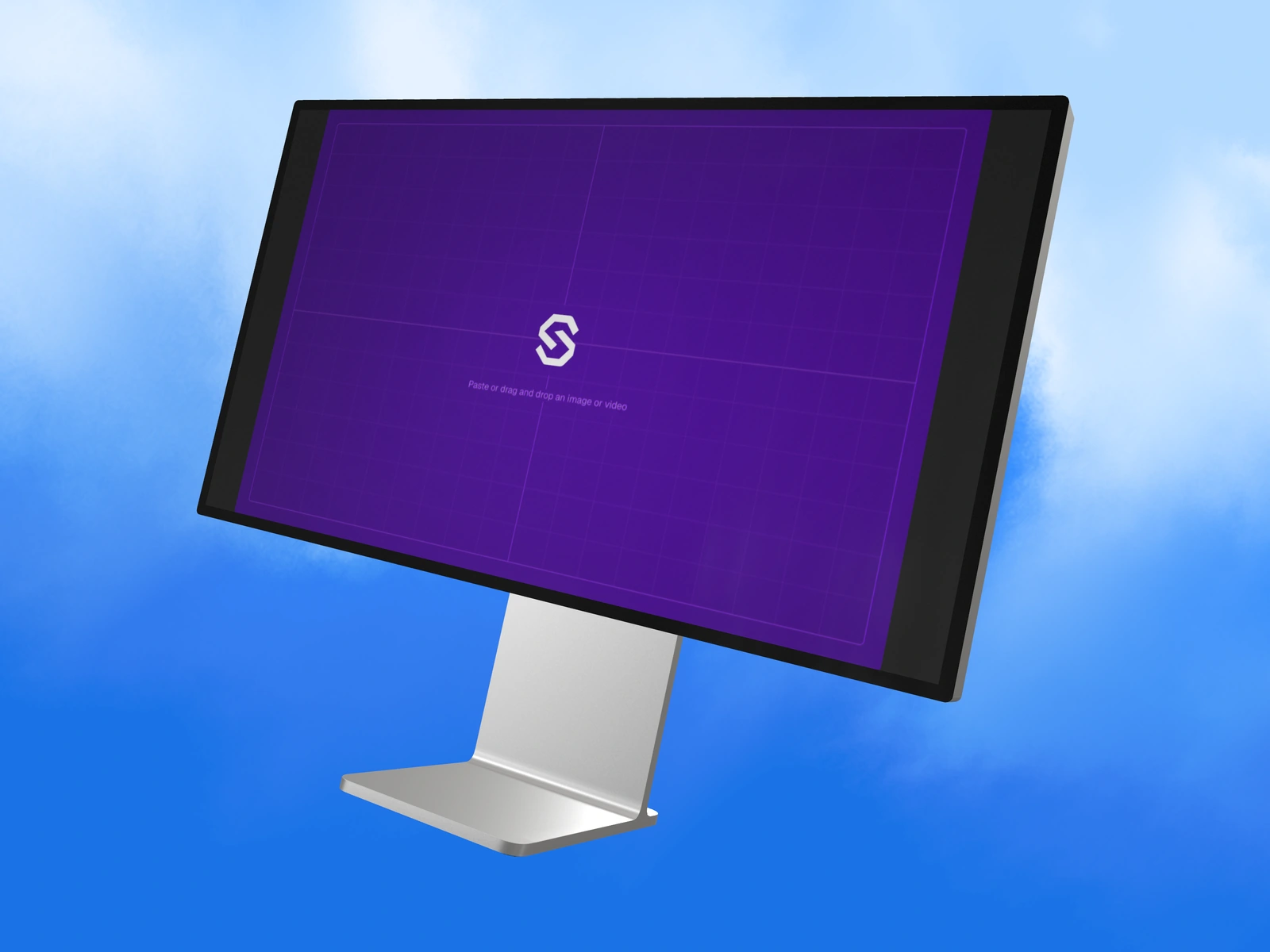 Other devices2 min read
Prepare a dashboard for a Pro Display XDR mockup
Use the model’s wide artwork canvas, organize dense desktop content, and keep the display and stand readable in a native 3D scene.
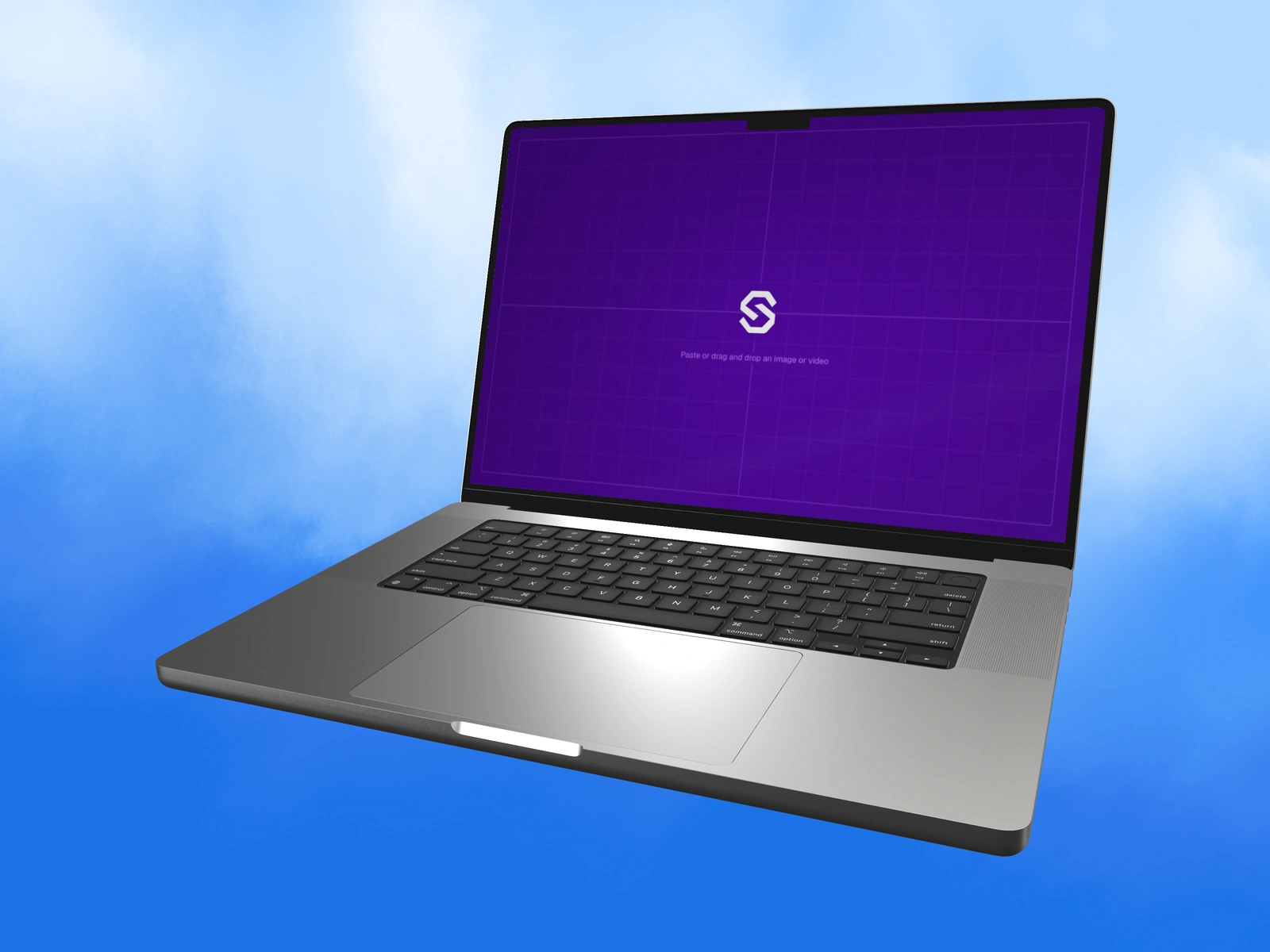 Other devices2 min read
Choose screen artwork sizes across SynthMock devices
A reference for SynthMock’s recommended model artwork canvases, including phones, laptops, tablets, watch and display, with source-versus-export guidance.
Put the idea into motion
A good starting point
makes room for your work.
Explore the Duo collection, choose a scene and bring your own screens.