 SynthMock
The SynthMock field guide
From a screen
to something worth showing.
Practical lessons for two screens, precise movement and light that makes the material feel real. Start with Duo, then make it your own.
Find your next step
The guide library
37–48 of 50
 Export & delivery2 min read
Export matching Duo stills from one timeline
Choose several useful frames from a Duo sequence, keep their finish and lighting coherent, and build a consistent still-image set.
 Motion2 min read
Build a six-shot Duo launch sequence
Plan six connected Duo shots with screen-led storytelling, full-shot effects, coherent lighting and fast but readable motion.
 Motion2 min read
Add a Duo shot with its automatic effect
Inspect the full-width effect created with a new Duo shot, preserve the inherited start pose, and author the shot’s new destination.
 Motion2 min read
Keep Duo motion continuous between shots
Match the previous effect’s End to the next Start across camera, fold and scene state, then review the boundary at normal speed.
- Motion2 min read
Use Expo easing for a fast Duo move
Choose Expo with In, Out or In Out, build a noticeable camera or fold change, and preserve a readable endpoint in a short Duo shot.
- Motion2 min read
Make a Duo effect span the full shot
Align a Duo effect’s start and end with its shot boundaries, inspect timing after trims, and remove unintended inactive gaps.
- Motion2 min read
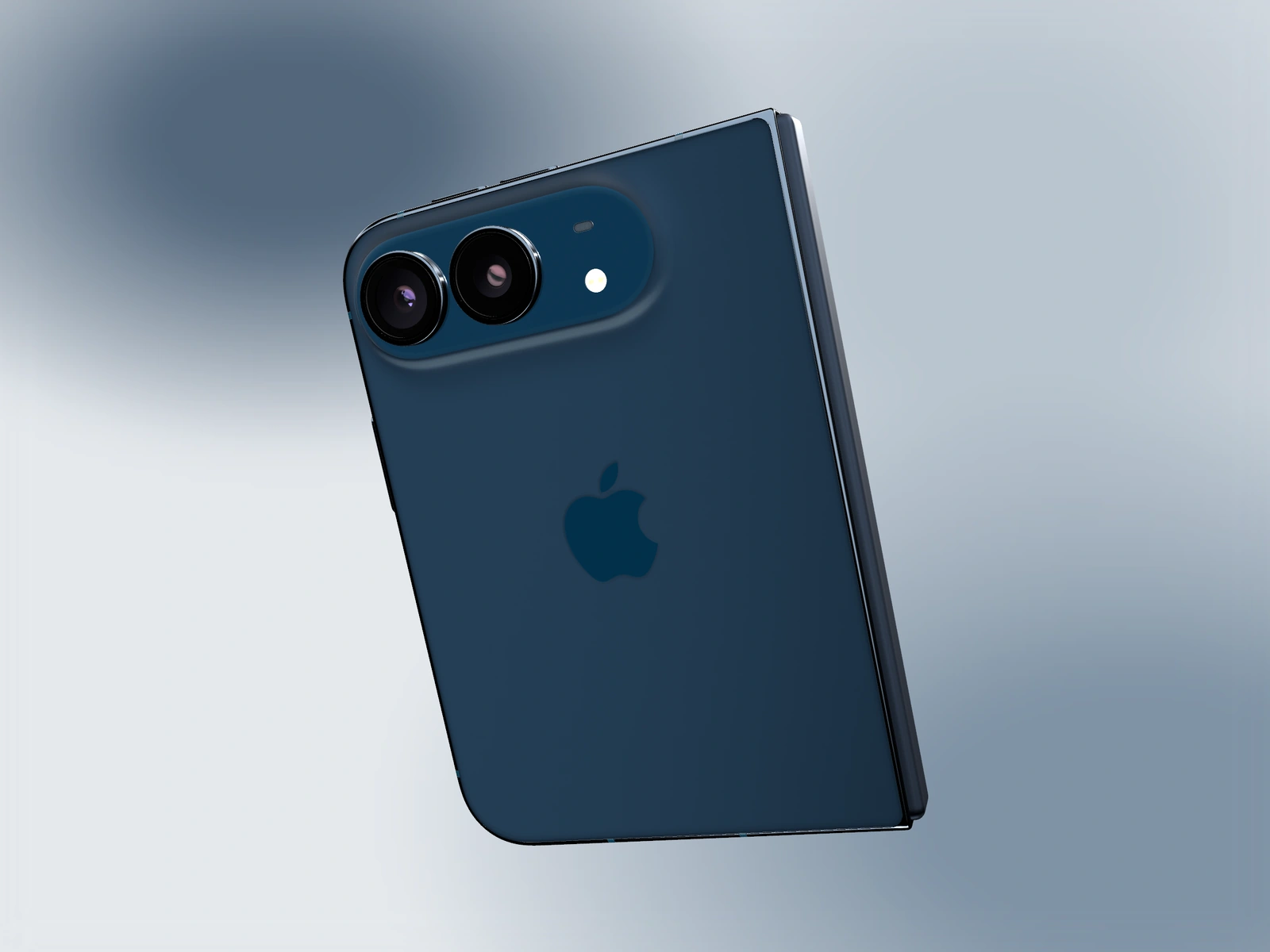
Animate a closed-to-open Duo reveal
Set physical Fold endpoints, pair the cover and inner designs, use a readable easing curve, and inspect the complete two-screen transition.
 Motion2 min read
Create a controlled orbit around Duo
Build a deliberate camera arc around the Duo model, inspect the intermediate path, and return attention to the screen before export.
- Motion2 min read
Build a Duo motion loop without a visible jump
Match the last and first Duo states, inspect easing and source playback, and verify repeated playback of the exported clip.
 Other devices2 min read
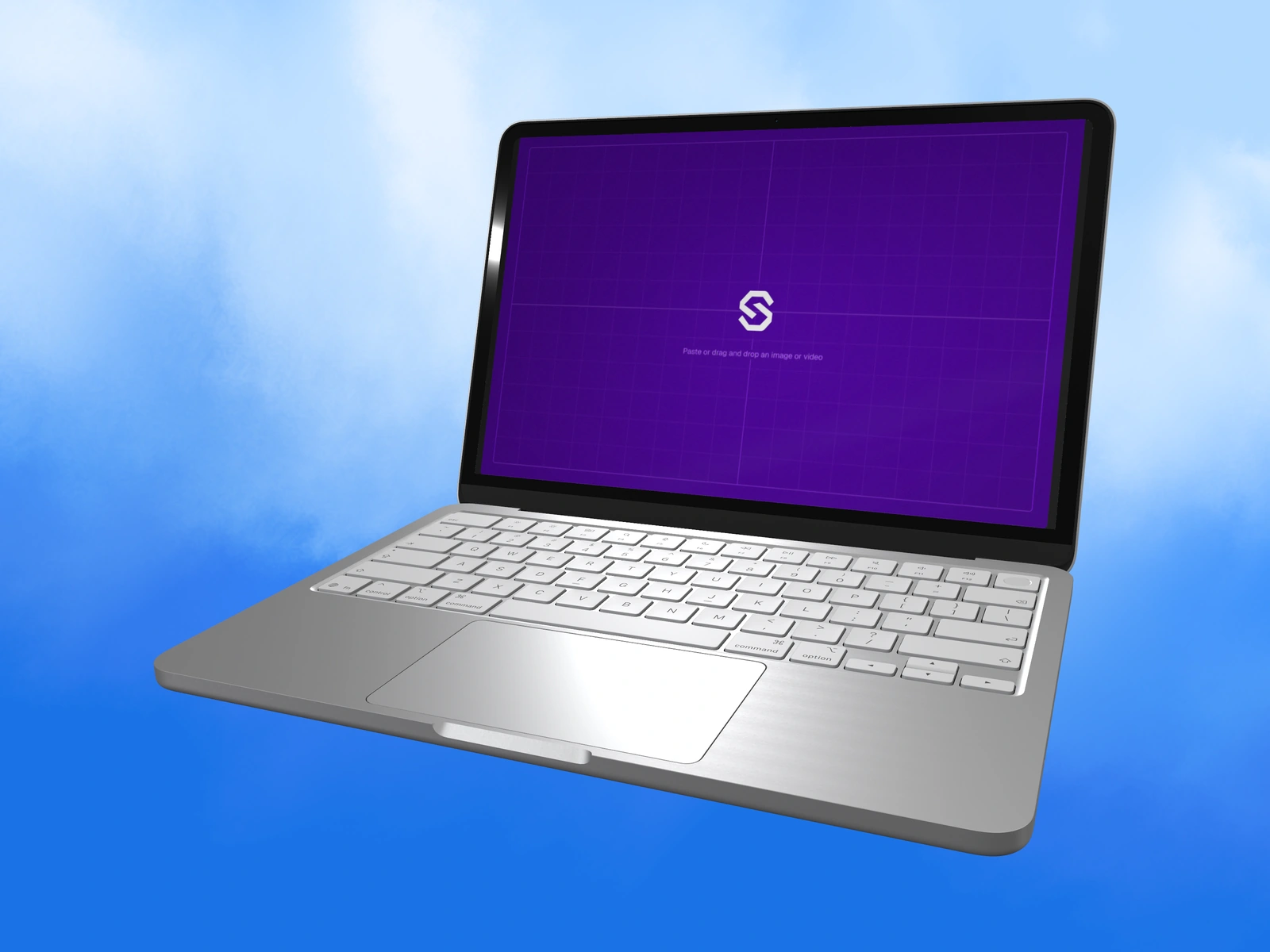
Set a MacBook lid angle for a readable website mockup
Use the lid control on supported MacBook models, balance the screen and keyboard, and prepare desktop artwork for the selected model.
 Other devices2 min read
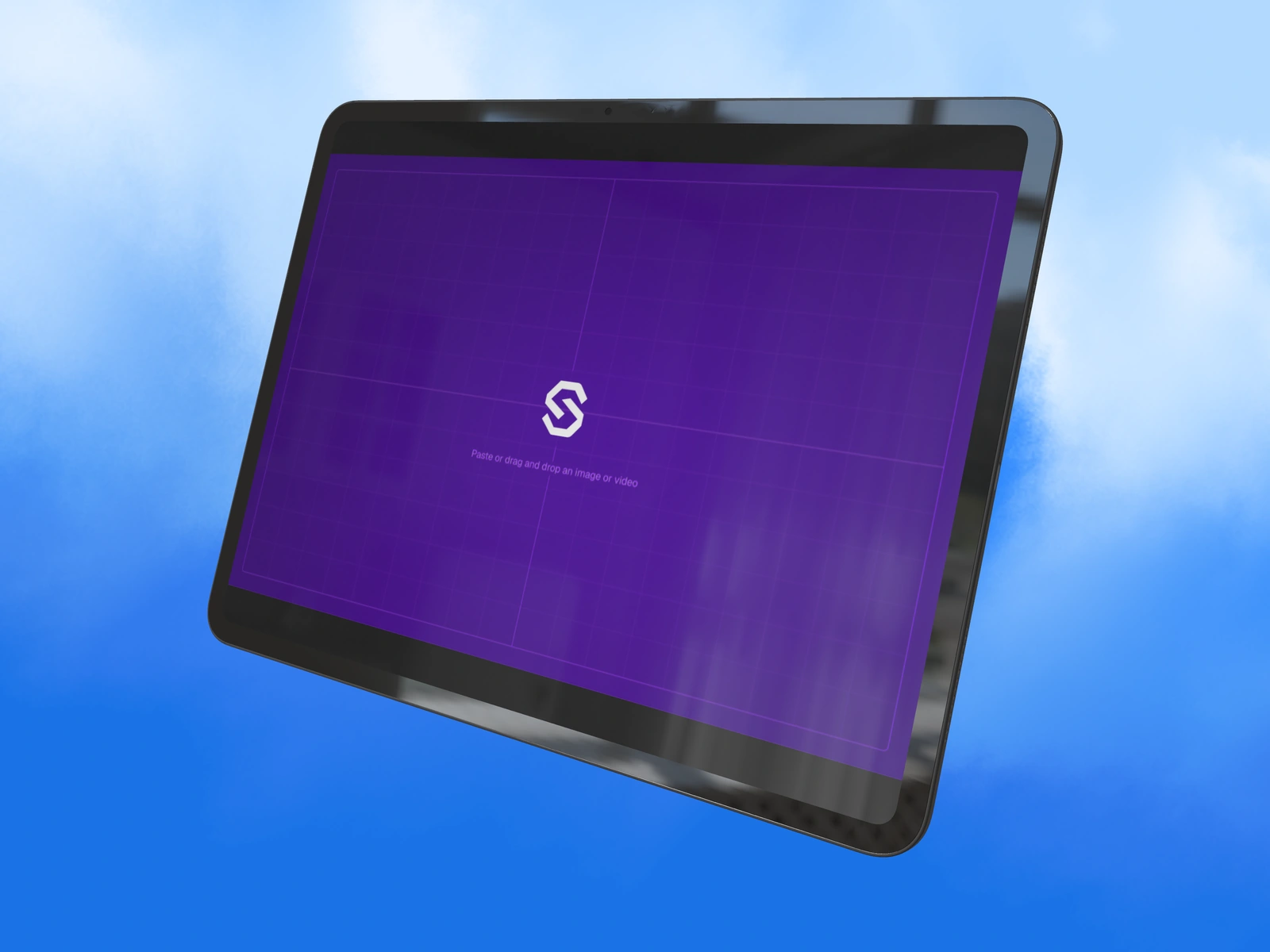
Show an iPad app with or without its keyboard
Use Case + Keyboard on the iPad Air or iPad Pro model, understand its landscape requirement, and frame a tablet-focused or workspace-focused mockup.
 Other devices2 min read
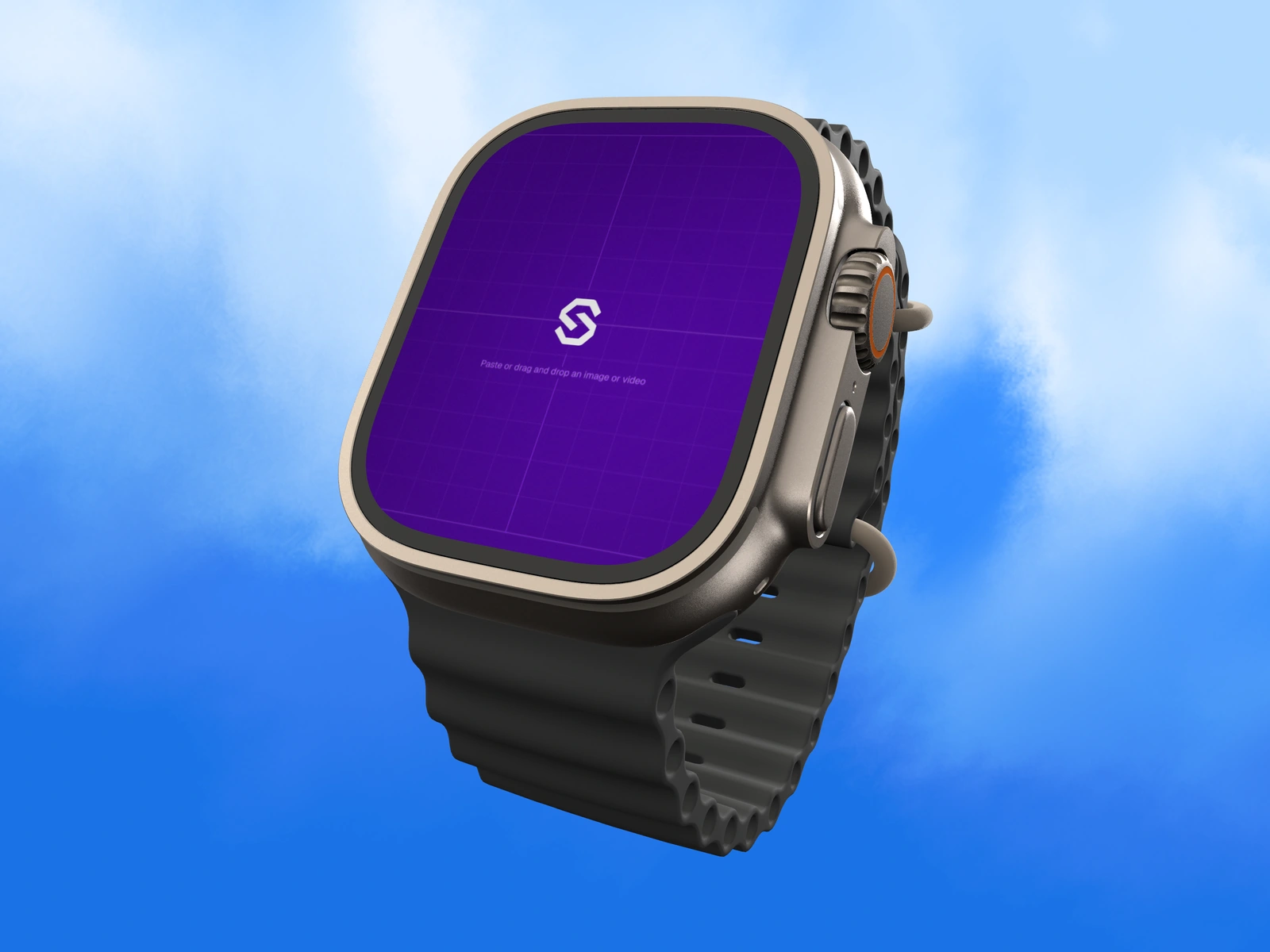
Match a Watch Ultra 3 band to your app palette
Choose the watch case and separate band color, keep the wearable screen glanceable, and inspect material highlights before exporting.
Put the idea into motion
A good starting point
makes room for your work.
Explore the Duo collection, choose a scene and bring your own screens.