 SynthMock
The SynthMock field guide
From a screen
to something worth showing.
Practical lessons for two screens, precise movement and light that makes the material feel real. Start with Duo, then make it your own.
Find your next step
The guide library
25–36 of 50
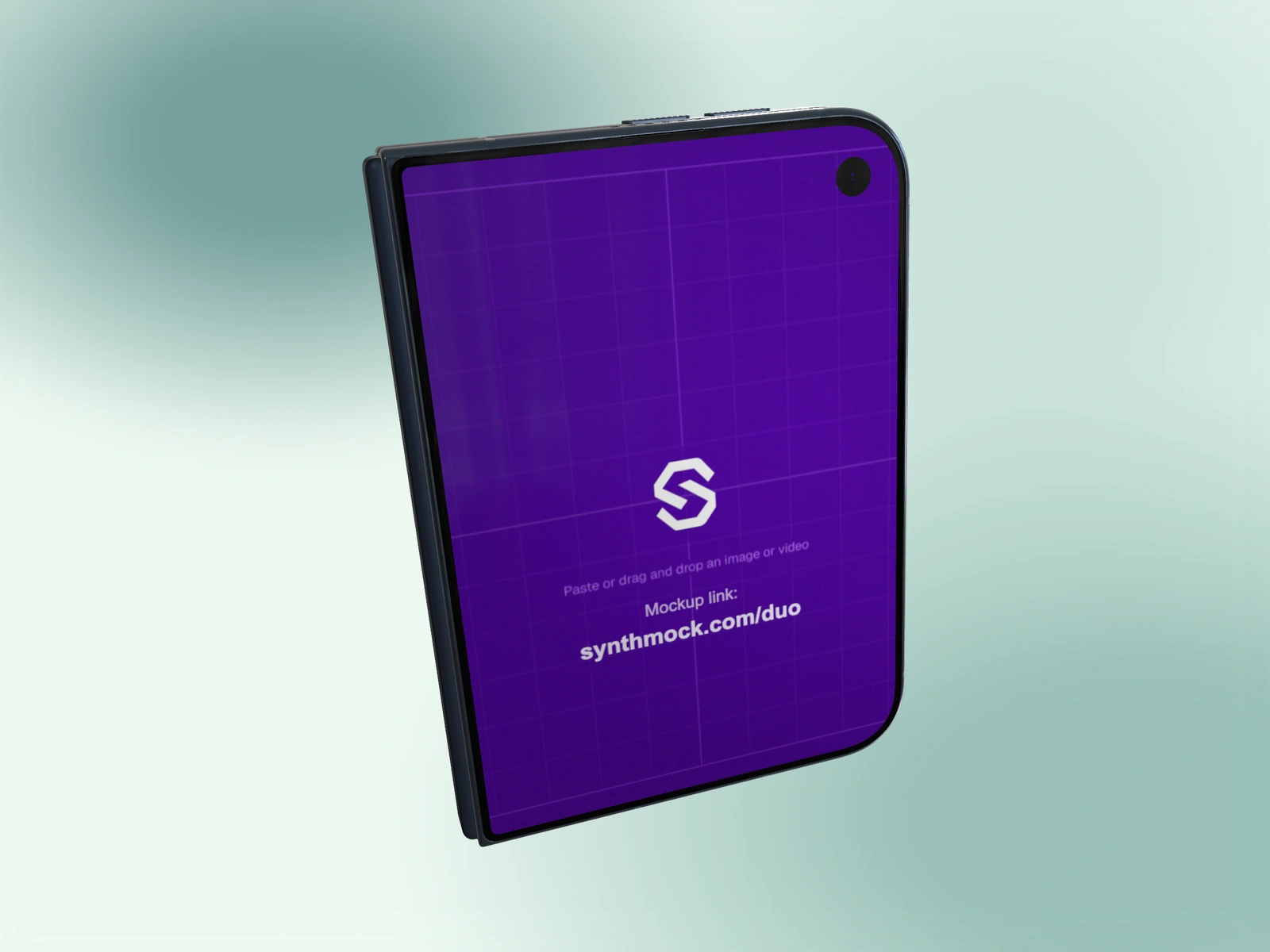 Camera & framing2 min read
Make a square Duo campaign image
Build a balanced 1:1 Duo still with clear screen content, intentional negative space and a correctly matched square export.
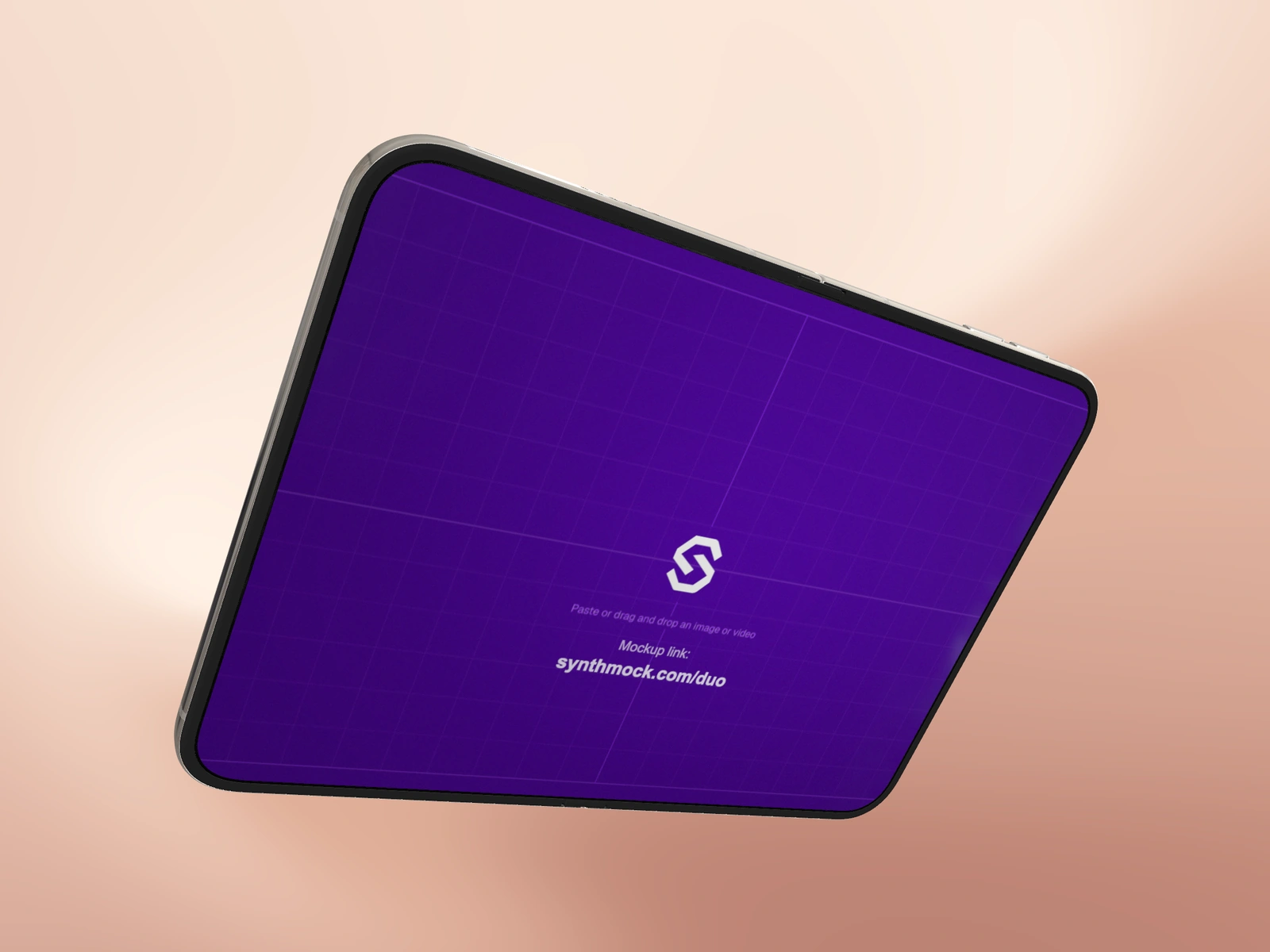 Art direction2 min read
Compose a Duo mockup for a wide website hero
Leave useful headline space around a Duo scene, preserve app readability, and check desktop and narrow-page crops before delivery.
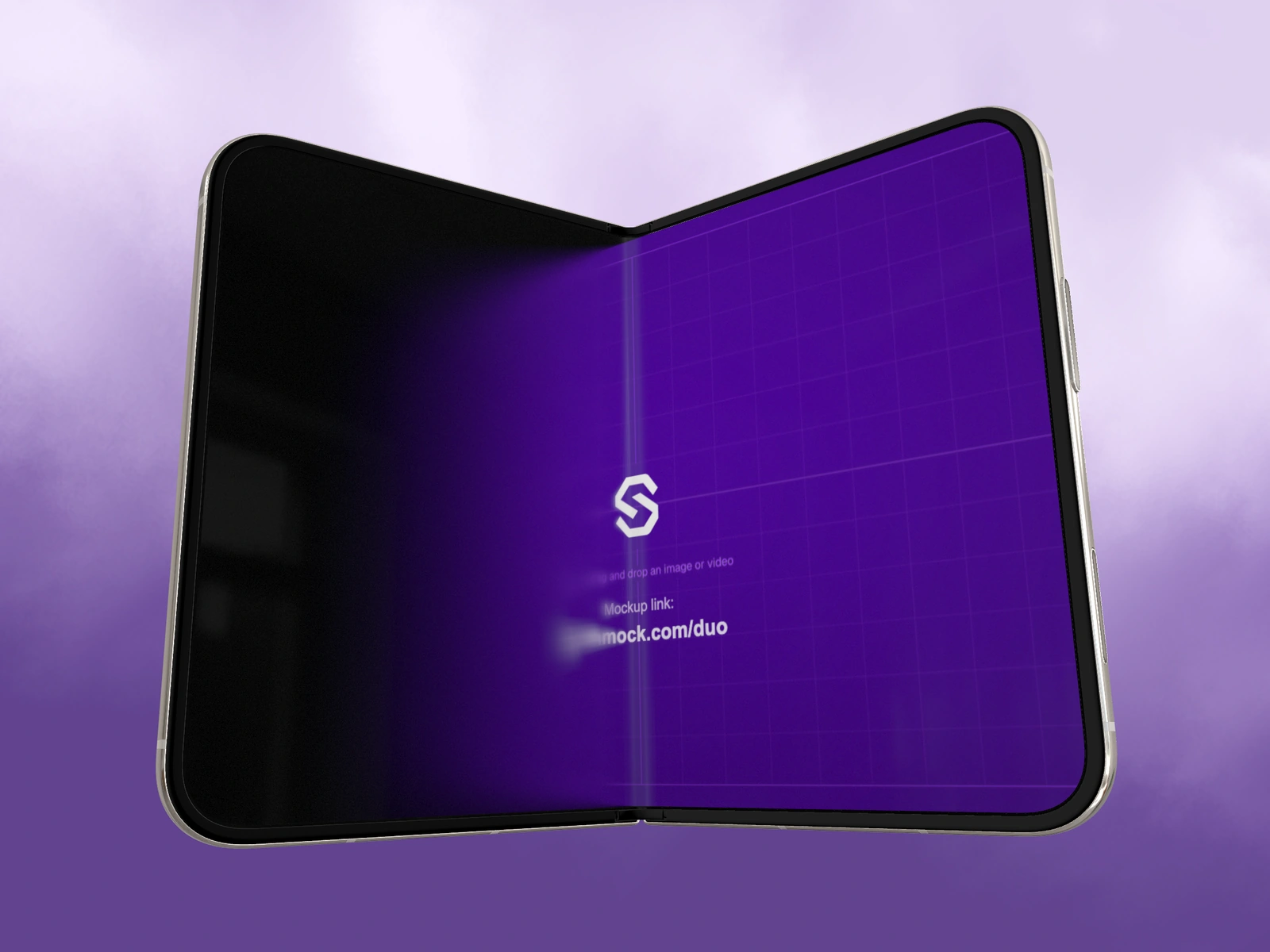 Camera & framing2 min read
Control Duo perspective with FOV
Use Camera FOV and Zoom for different purposes, compare perspective at similar framing, and avoid exaggerating the Duo shape unintentionally.
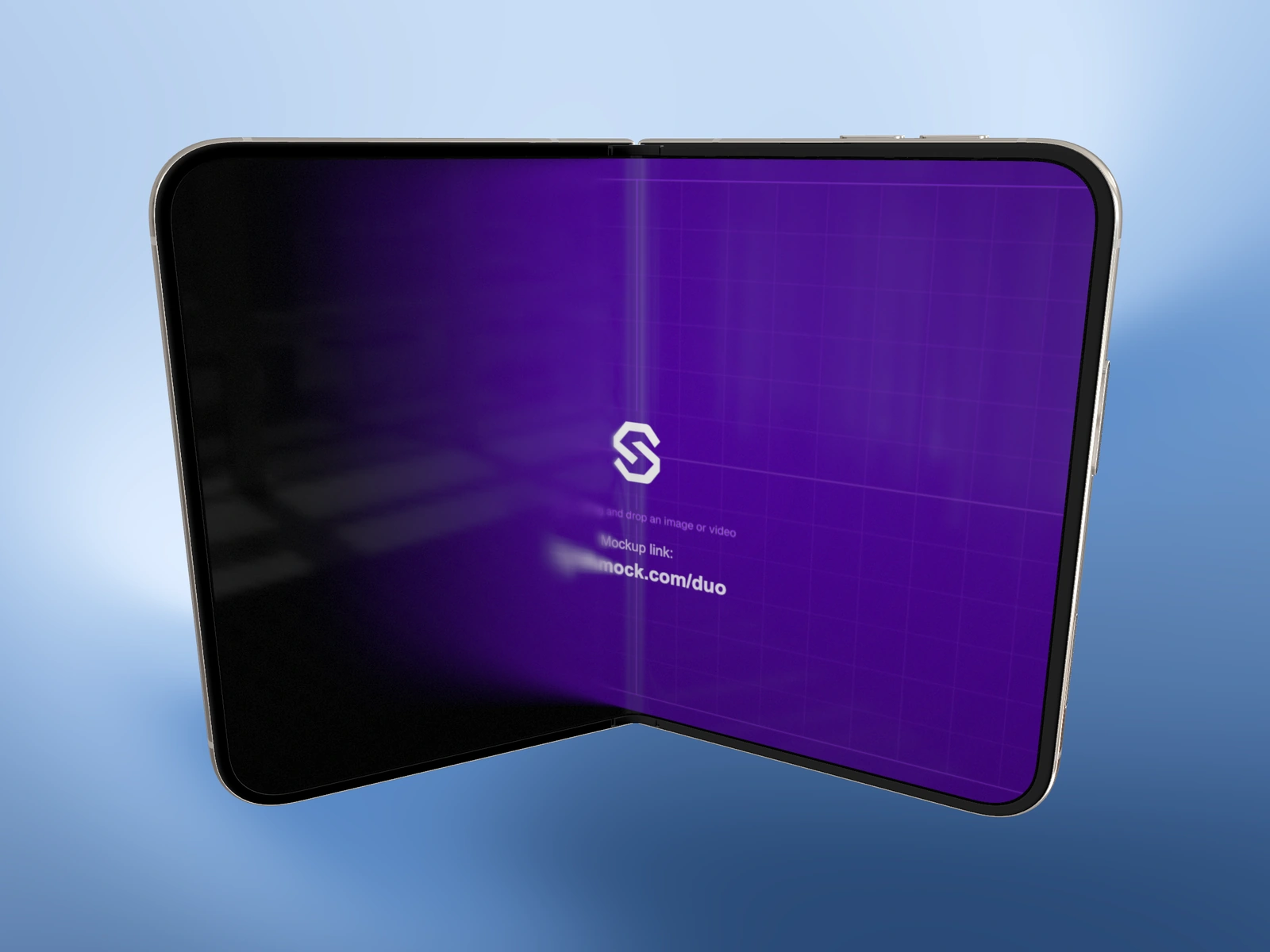 Camera & framing2 min read
Rotate a Duo mockup precisely
Use Tilt X, Tilt Y and Roll to build a deliberate Duo camera angle, verify source orientation, and avoid accidental long rotations in motion.
 Camera & framing2 min read
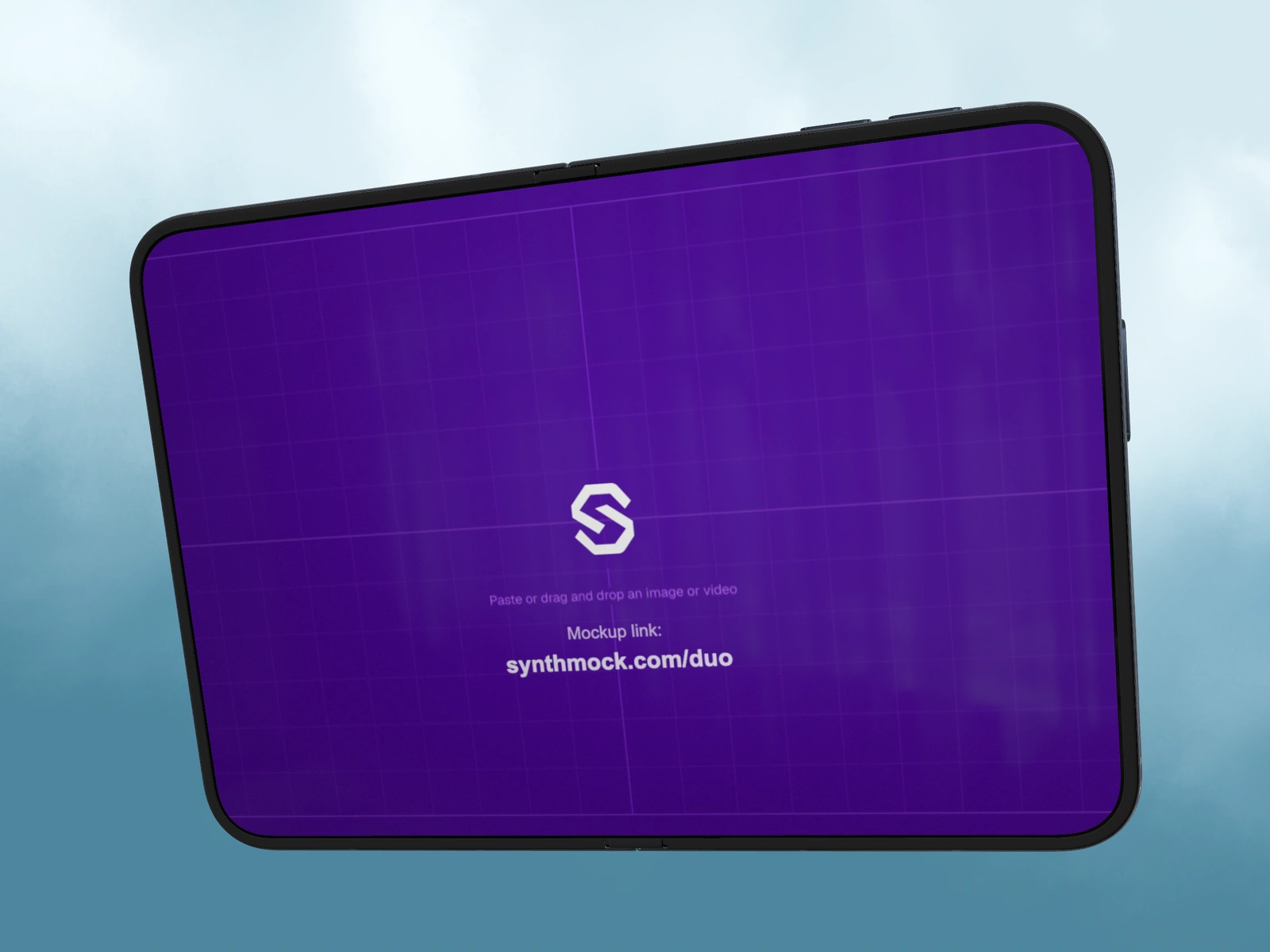
Center and scale Duo with Pan and Zoom
Use Pan X, Pan Y and Zoom to frame a Duo scene without changing source crops, and inspect the widest fold pose before exporting.
 Light & materials2 min read
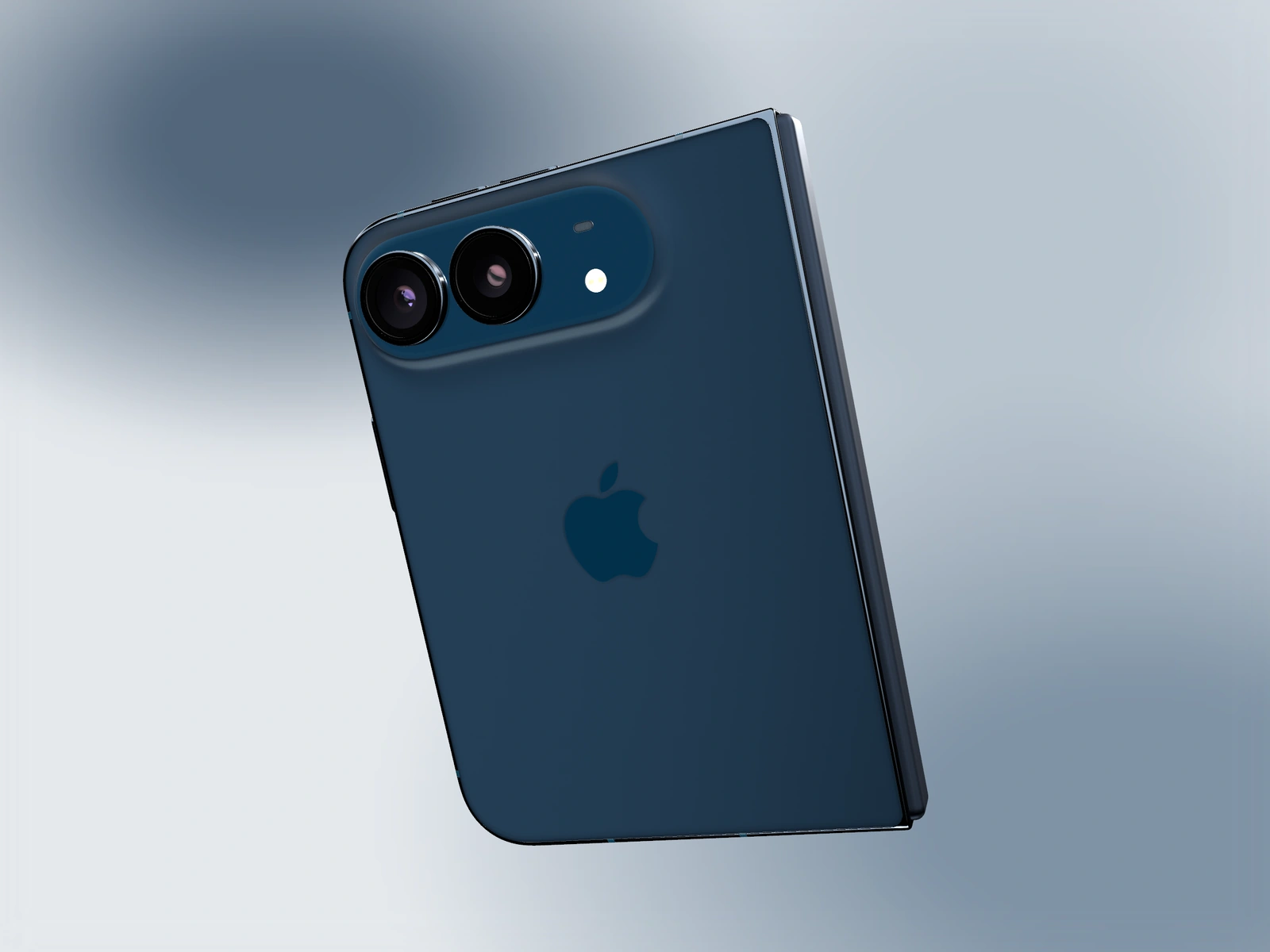
Show the Duo rear logo clearly
Choose a rear-facing Duo angle and light direction that reveals the logo and camera materials, then return the story to the app screen.
 Export & delivery2 min read
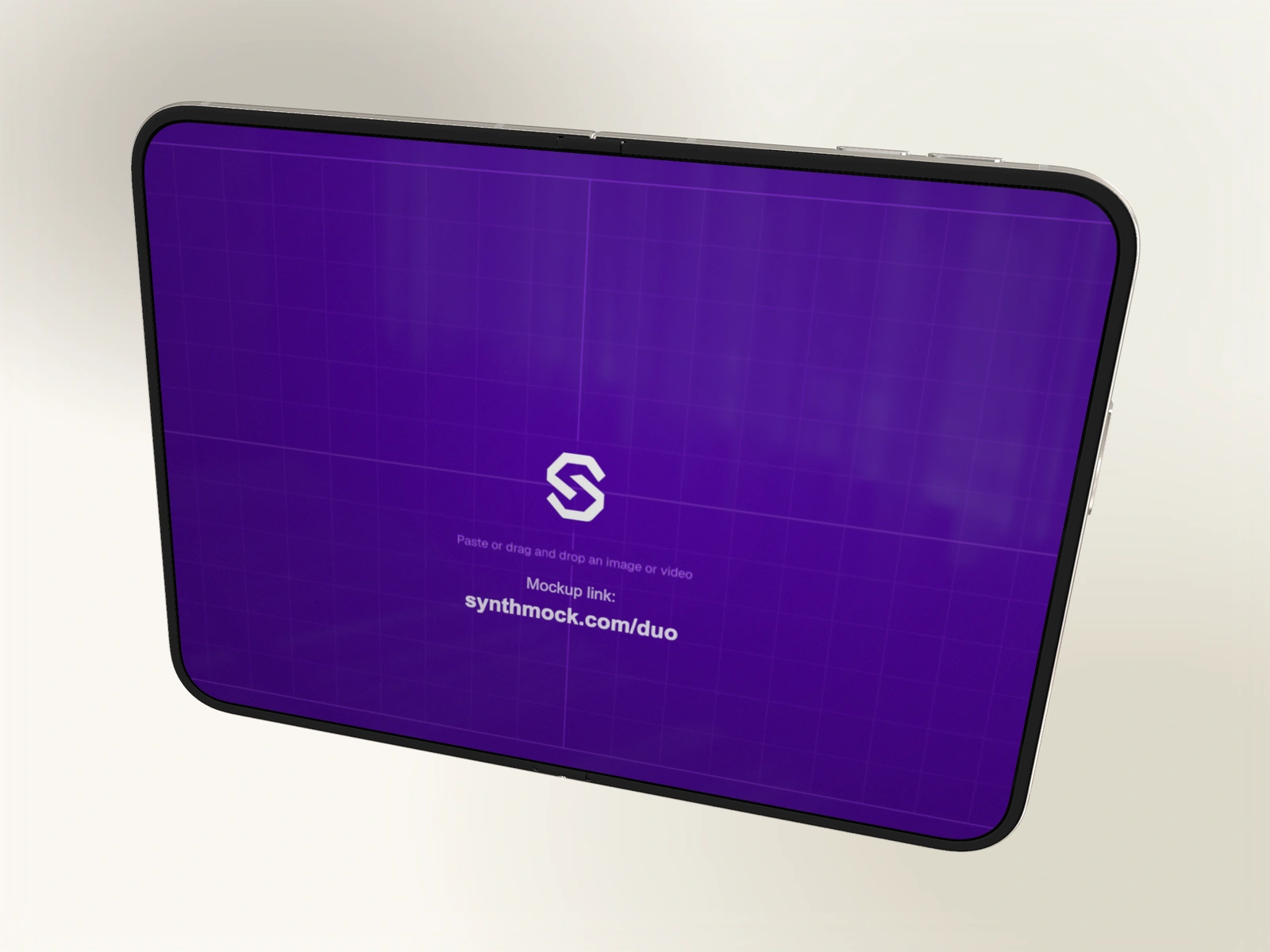
Export a Duo mockup with a transparent background
Use Transparent Bg with PNG or WebP, keep the native device lighting, and test the exported alpha edges on the destination background.
 Export & delivery2 min read
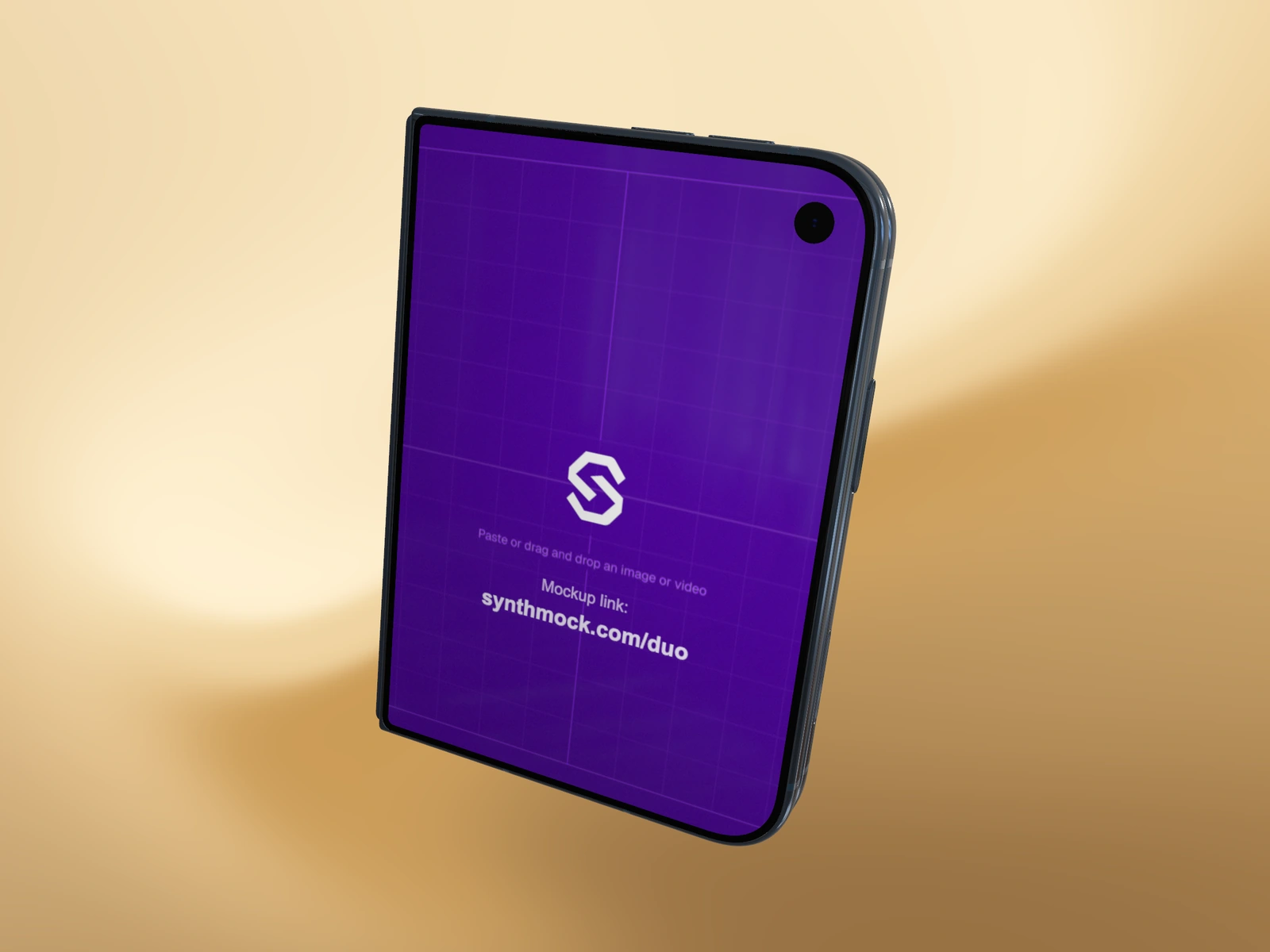
Choose PNG, JPEG or WebP for a Duo mockup
Match the Duo image format to transparency, screen detail and delivery needs, then compare the actual exported file rather than its extension alone.
- Export & delivery2 min read
Export a Duo image at custom dimensions
Set custom still-image width and height up to 5120 pixels per side, preserve the intended aspect ratio, and distinguish output size from artwork size.
- Export & delivery2 min read
Export a Duo video at 30 or 60 fps
Choose a Duo MP4’s dimensions, quality and frame rate, keep the browser open during export, and review the finished motion and screen playback.
 Export & delivery2 min read
Resolve an unsupported-browser Duo video export
Move a saved Duo project to a supported Chromium browser, verify source playback and account access, and retry without losing the scene.
 Export & delivery2 min read
Avoid an unintended black background in Duo video
Prepare an opaque background for native Duo MP4 export and distinguish video alpha limitations from dark screen artwork or folding optics.
Put the idea into motion
A good starting point
makes room for your work.
Explore the Duo collection, choose a scene and bring your own screens.